
Move entries to the right account in one go
With bulk reclassification, pick the account the lines were booked to, select them and choose where they belong. Wafeq corrects every document behind them and keeps a record of the change.
Features
Fix them all at once, not one document at a time
Find the lines that went to the wrong account and move them together.
Find the lines
Choose the source account, then narrow the list by period, contact or source: invoices, cash invoices, bills, credit and debit notes or manual journals.
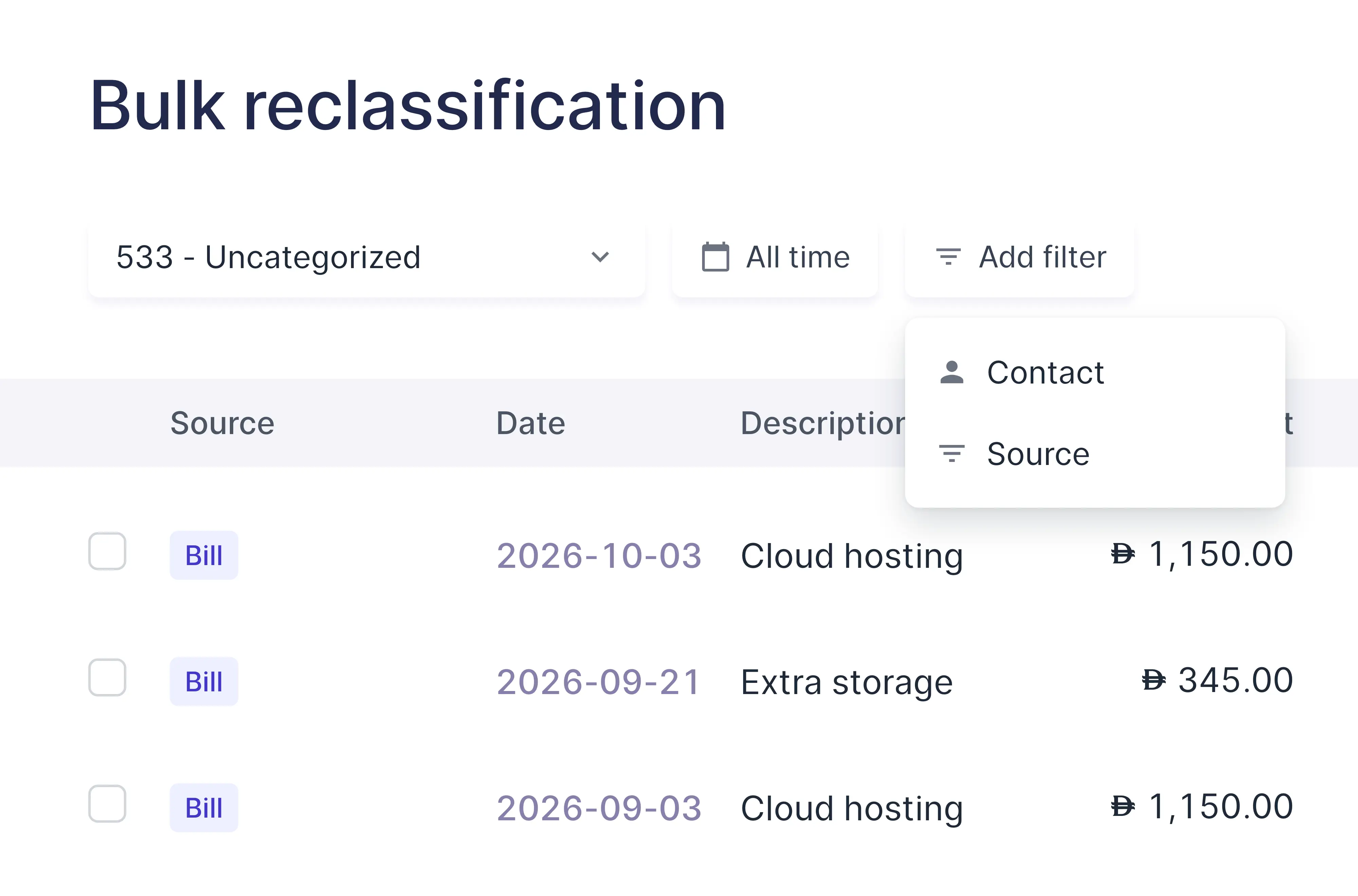
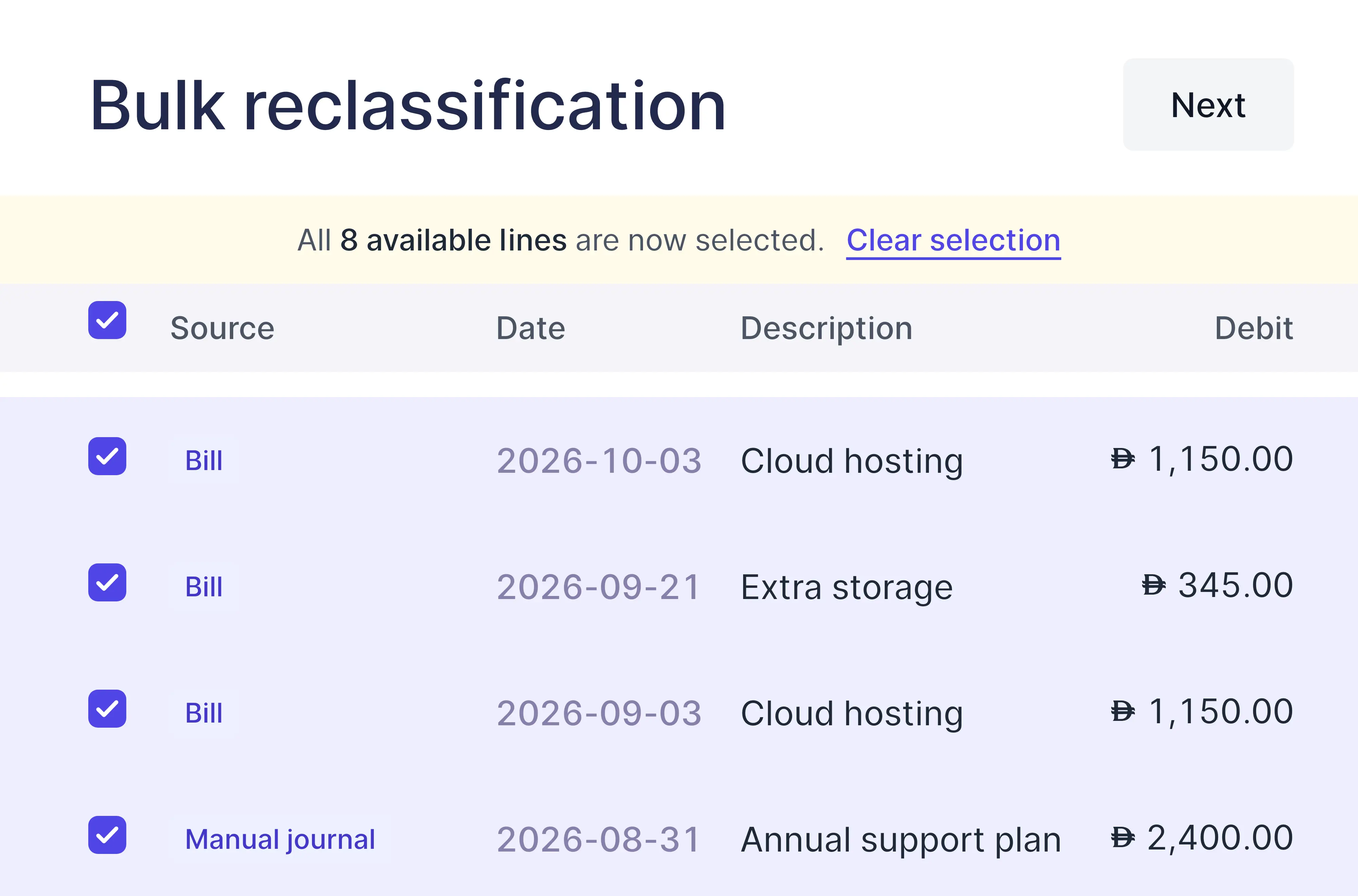
Select some or all
Tick the lines you want, or select every line that matches your search. Open a source document whenever you want to check it first.
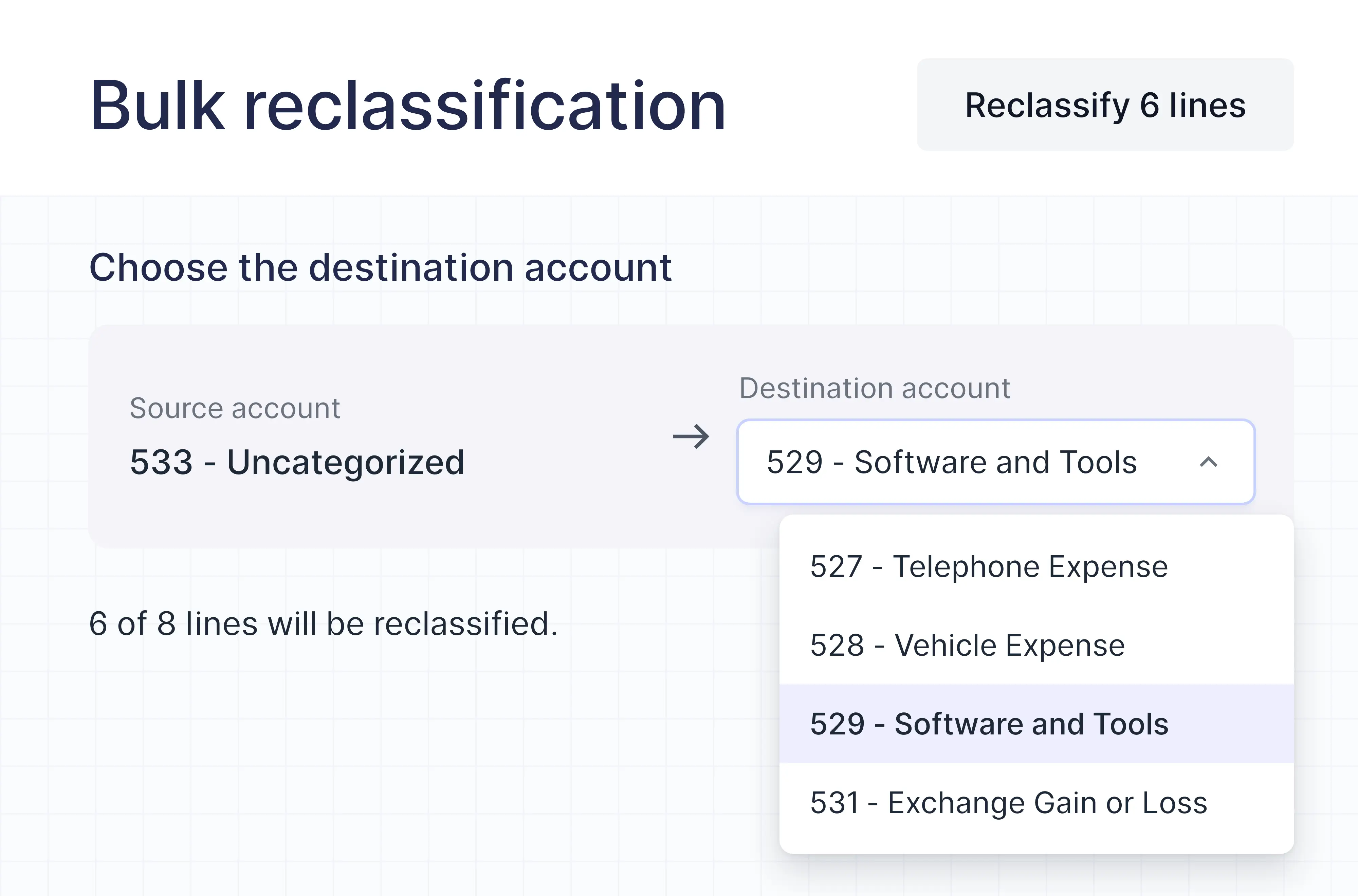
Choose where they go
Pick the destination account and see how many lines will be reclassified before you confirm.
How it works
Four steps to clean accounts
From Accounting, open Bulk reclassification and choose New reclassification.
Choose the source account
The account the lines were booked to by mistake.
Filter and select
Narrow by period, contact or source, then pick the lines to move.
Choose the destination
Pick the right account and add a note for the record.
Confirm and review
The batch runs in the background. Open it to see the result for every line.
Built-in safeguards
Changes only what's safe to change
Wafeq checks every line before it moves it and tells you what it left out.
- System-generated lines stay put: VAT, AR/AP, COGS, inventory and FX gains or losses
- Lines in locked periods or reconciled with the bank are skipped, with the reason
- Only the account changes; tax, project and branch stay as they are
Audit trail
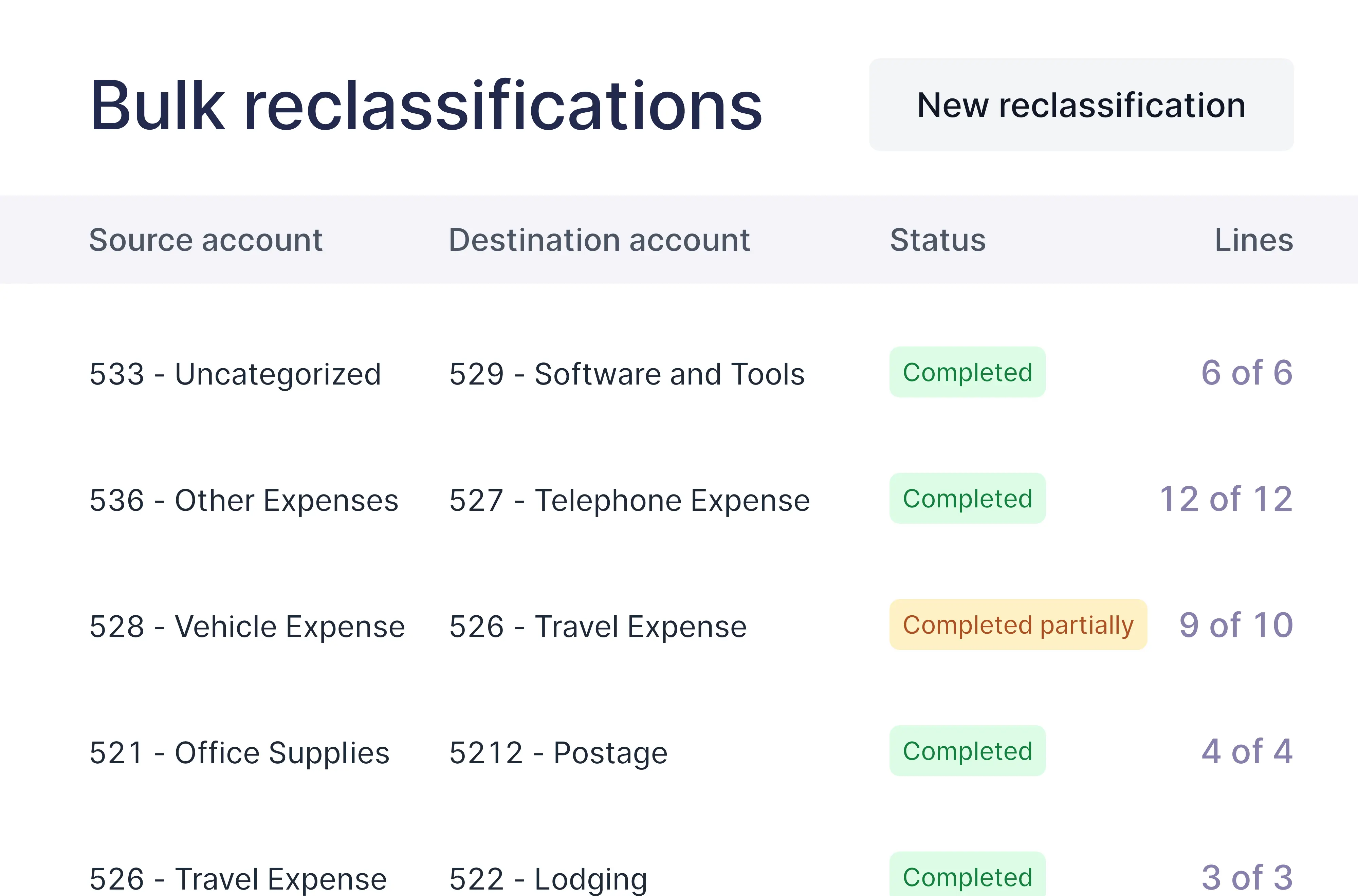
A record of every batch
Each batch moves one source account to one destination account, so it's easy to audit at a glance.
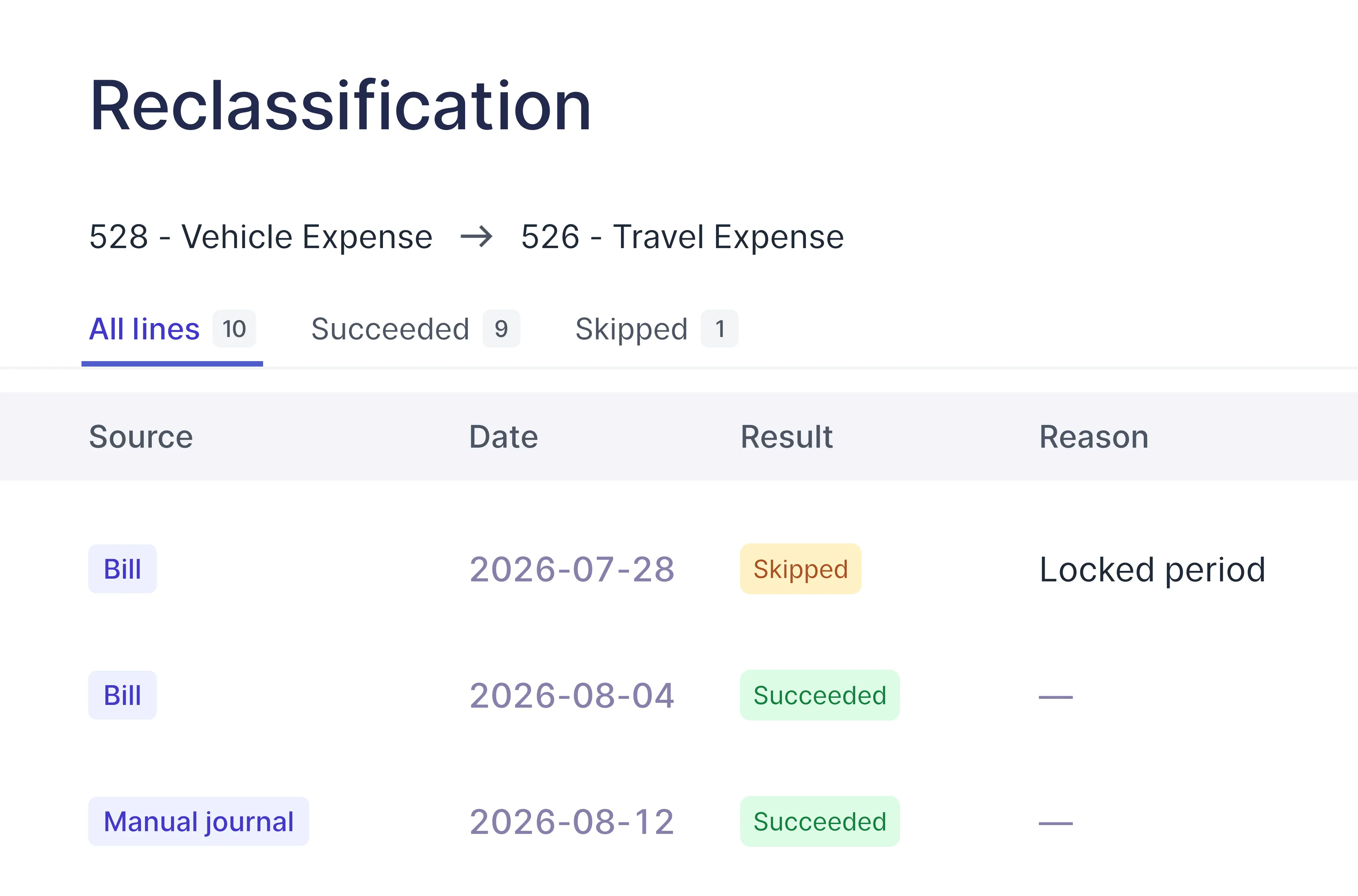
Every batch in one list
See the date, source and destination accounts, status, lines reclassified, who ran it and the note.
A result for every line
Each line is marked Succeeded, Skipped or Failed, and skipped lines say why, such as a locked period.
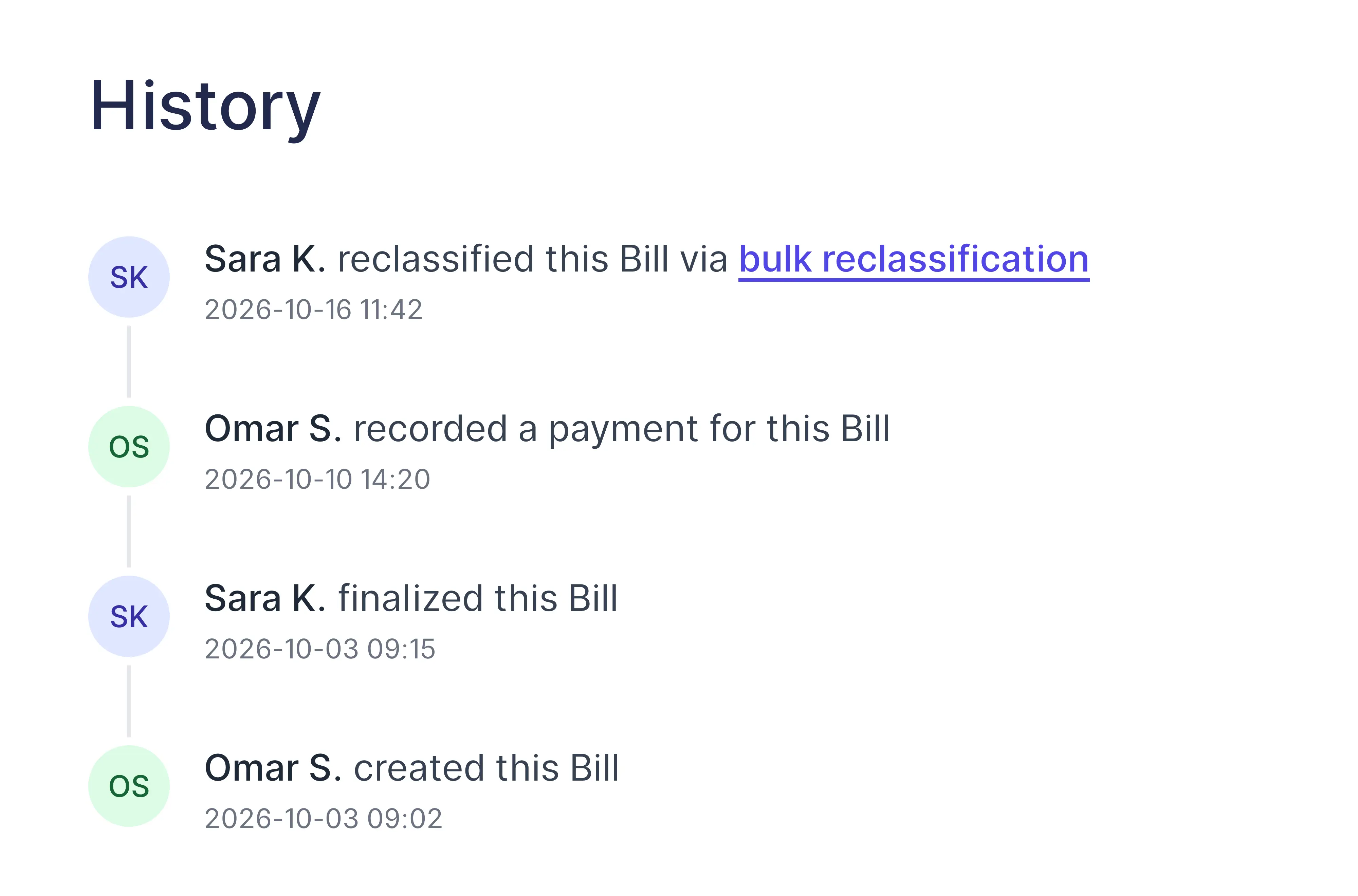
On the document itself
Each invoice, bill or journal that changed shows it in its history, linked back to the batch.
Also included
Made for clean-ups
The small things that make a big clean-up easy.
Source documents one click away
Open any invoice, bill or journal from the list before you move it.
A note on every batch
Say why the lines moved, and the note stays with the record.
Runs in the background
Keep working while a large batch runs, and follow its progress.
Ask Wafeq AI
Describe the change, and Wafeq AI prepares the batch for you to review and start.
Additional features
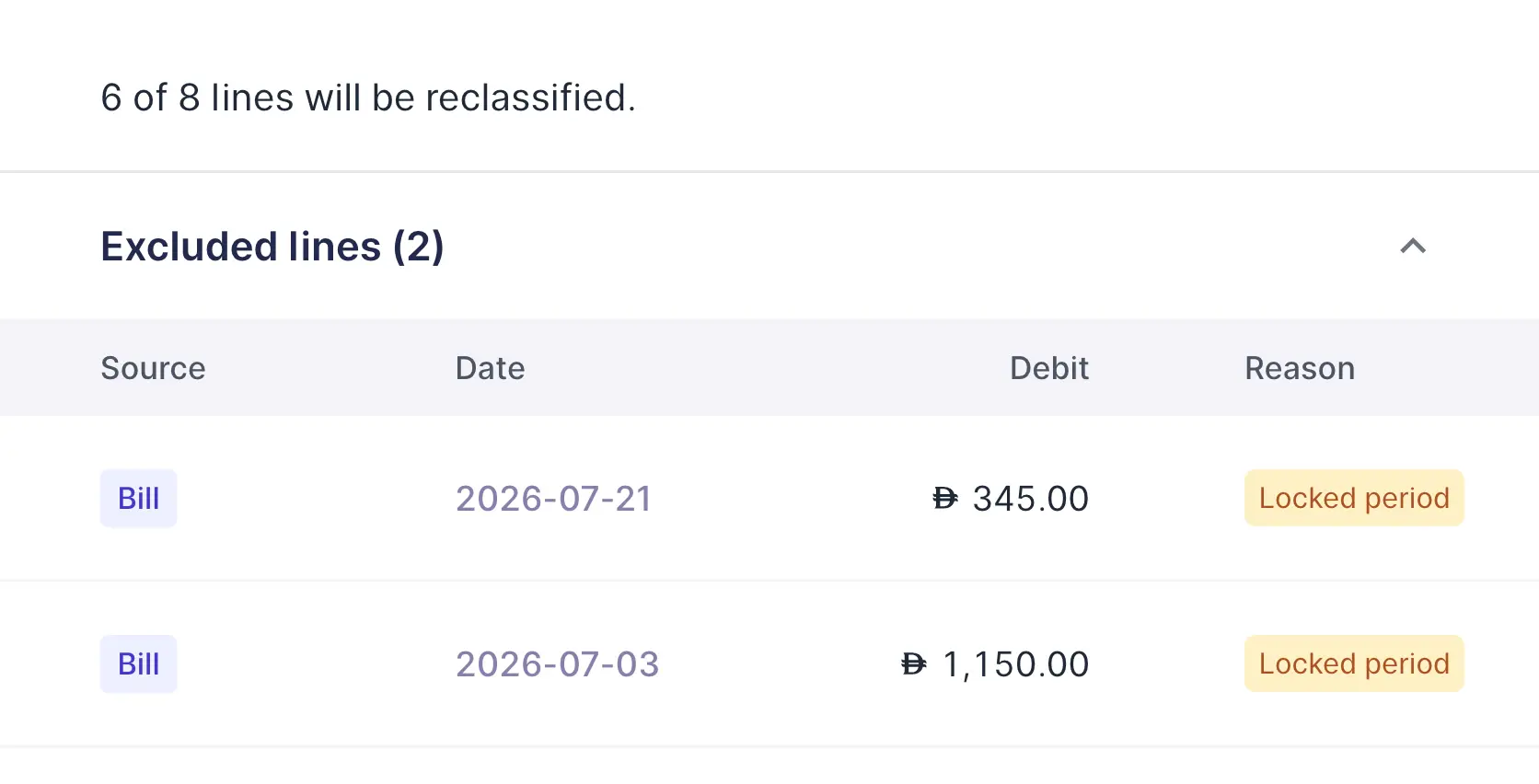
See what's left out before you confirm
Before anything changes, Wafeq lists the lines it can't reclassify and why, so the result holds no surprises.
FAQs
Frequently asked questions

Lines on invoices, cash invoices, credit notes, debit notes, bills and manual journals. Expenses, payments, payslips and bank transactions can't be reclassified this way. See the step-by-step guide in the Help Center.
Yes. Wafeq updates the account on each document line and its journal entry, so the document and your reports agree. Tax, project and branch stay as they were.
System-generated lines, such as VAT, AR/AP, COGS, inventory and FX gains or losses, follow their documents and can't be moved on their own. Lines in a locked period or reconciled with a bank transaction are skipped, and each one shows the reason.
Run a new one in the opposite direction: choose the destination account as the source and move the lines back. A batch that's still running can be stopped.
A batch can move up to 10,000 lines, and one batch runs at a time in each organization. Above 100 lines, you're asked to type "reclassify" to confirm. A bank account can't be the destination.
Users with admin access, on every Wafeq plan. It arrived in the August 2026 product update.
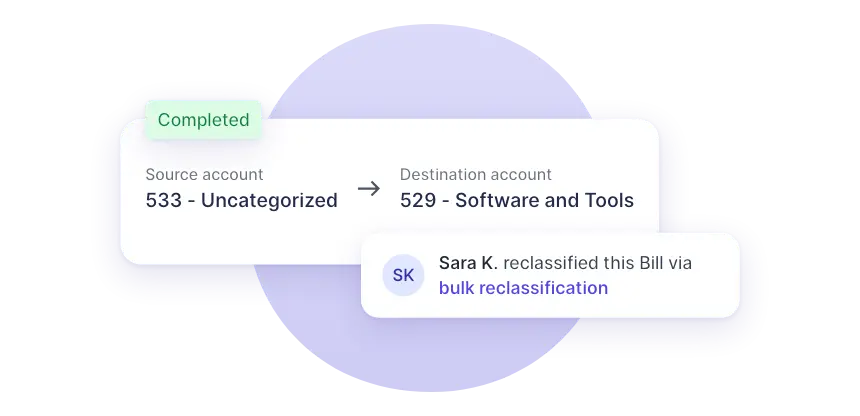
Put every entry in the right account
Move lines in bulk, with a record of every change.