
Bank reconciliation where AI does the matching
Wafeq's AI matches every bank transaction to its invoice, bill or payment and tells you why. You approve in one click, and rules reconcile the repeats on their own.
Features
AI matches, you approve
Wafeq's AI finds the document behind each transaction, so all that's left for you is a quick check.
AI matches every transaction
The AI compares each transaction with your invoices, bills and payments, then sorts its matches into “Ready to approve” and “Needs review”.
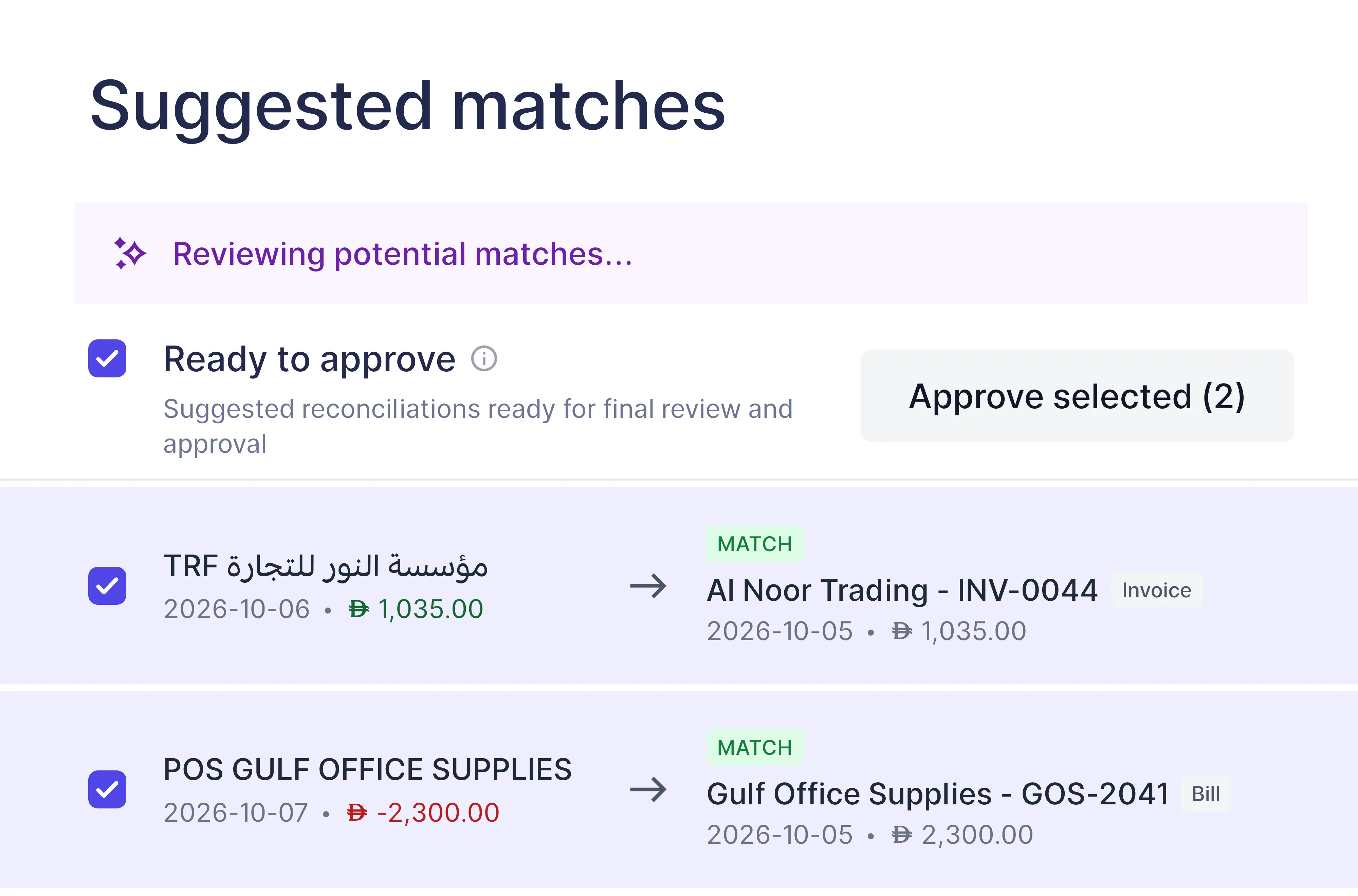
See why it matched
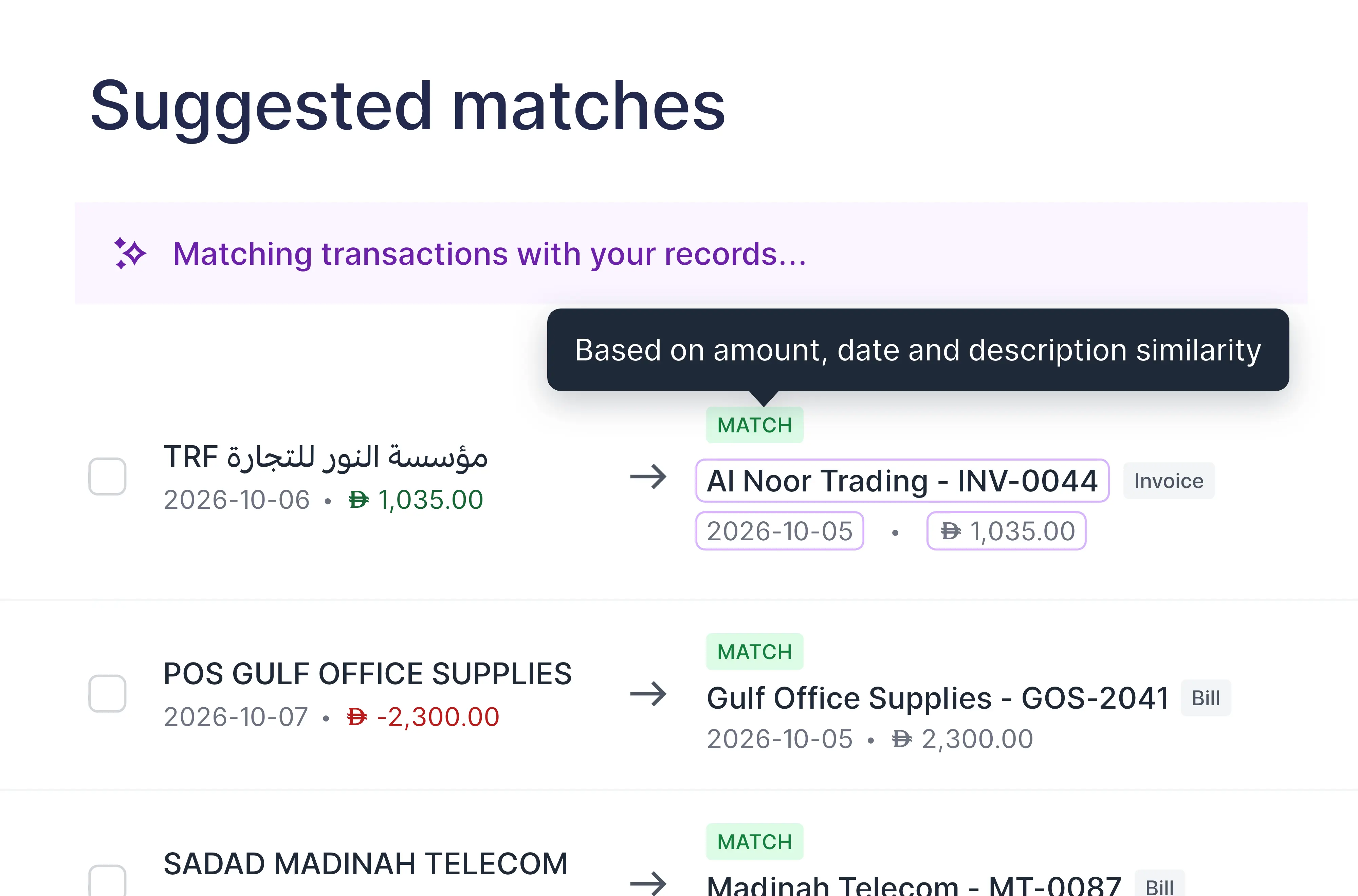
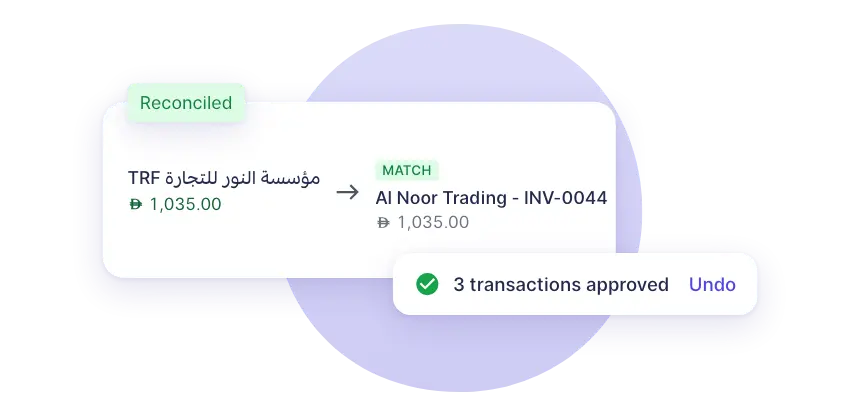
Each match comes with its reason: the same amount, a close date and a similar description. The AI reads both languages, so an Arabic bank line still finds its English invoice.
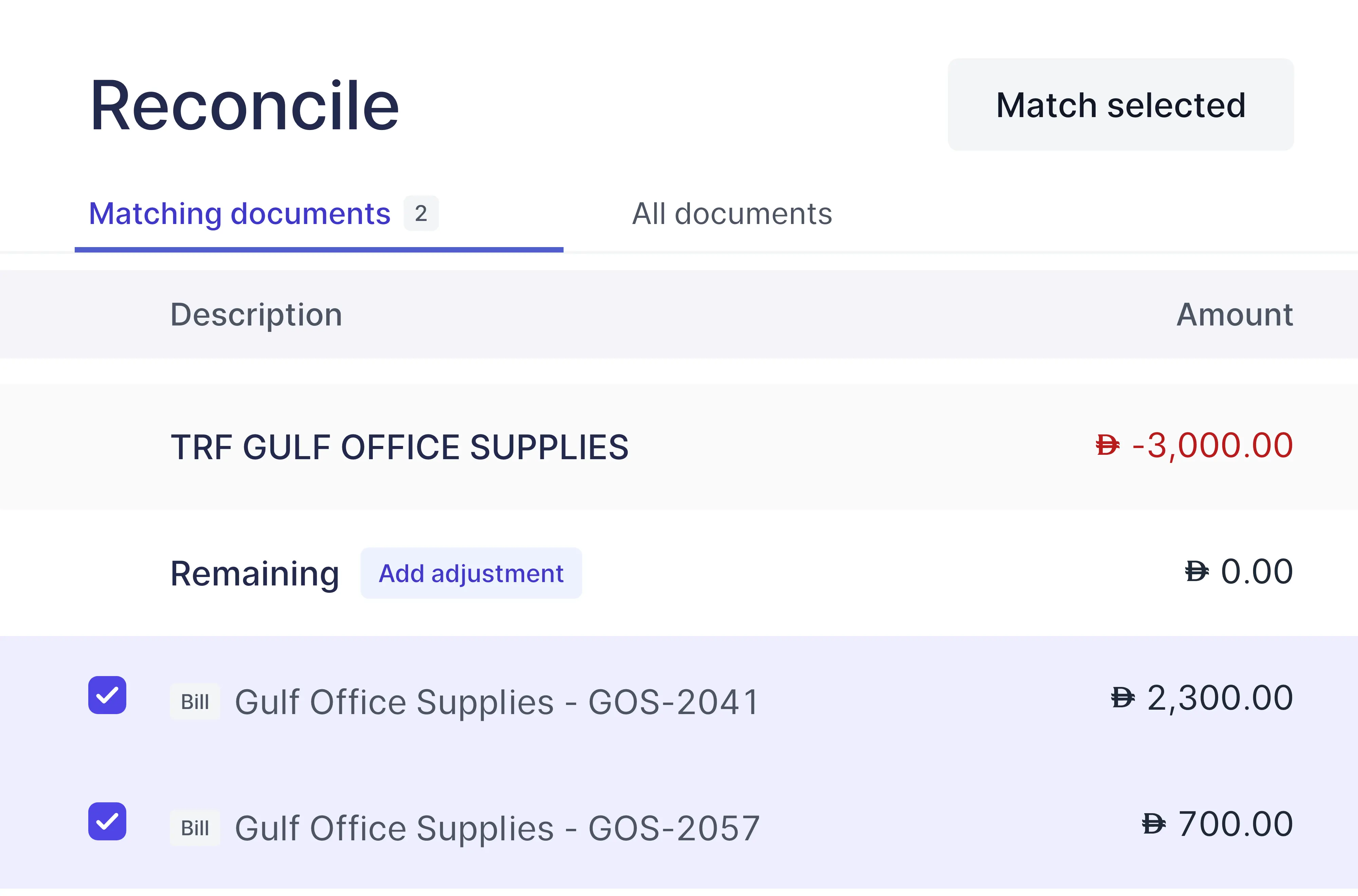
Split across documents
When one transfer pays several bills, match it to all of them and see what remains before you confirm.
How it works
From statement to reconciled
Four steps, and the AI does the heavy lifting.
Connect your bank
Connect your bank account, or import a statement as PDF, CSV or Excel.
AI finds the matches
It compares each transaction with your invoices, bills and payments by amount, date and description.
You approve in bulk
Check the ready matches and approve them together.
Rules clear the repeats
Fees, rent and transfers are reconciled by your rules as soon as they arrive.
Reconciliation rules
Rules that reconcile on their own
Set the conditions once. Every new transaction that matches is classified and reconciled automatically, in the order your rules are listed.
- Match on description, amount, reference or contact
- Classify to an account, contact, project or tax rate
- Runs on every new transaction
Getting started
Set up a rule in three steps
Open a bank account and choose “Manage rules”.
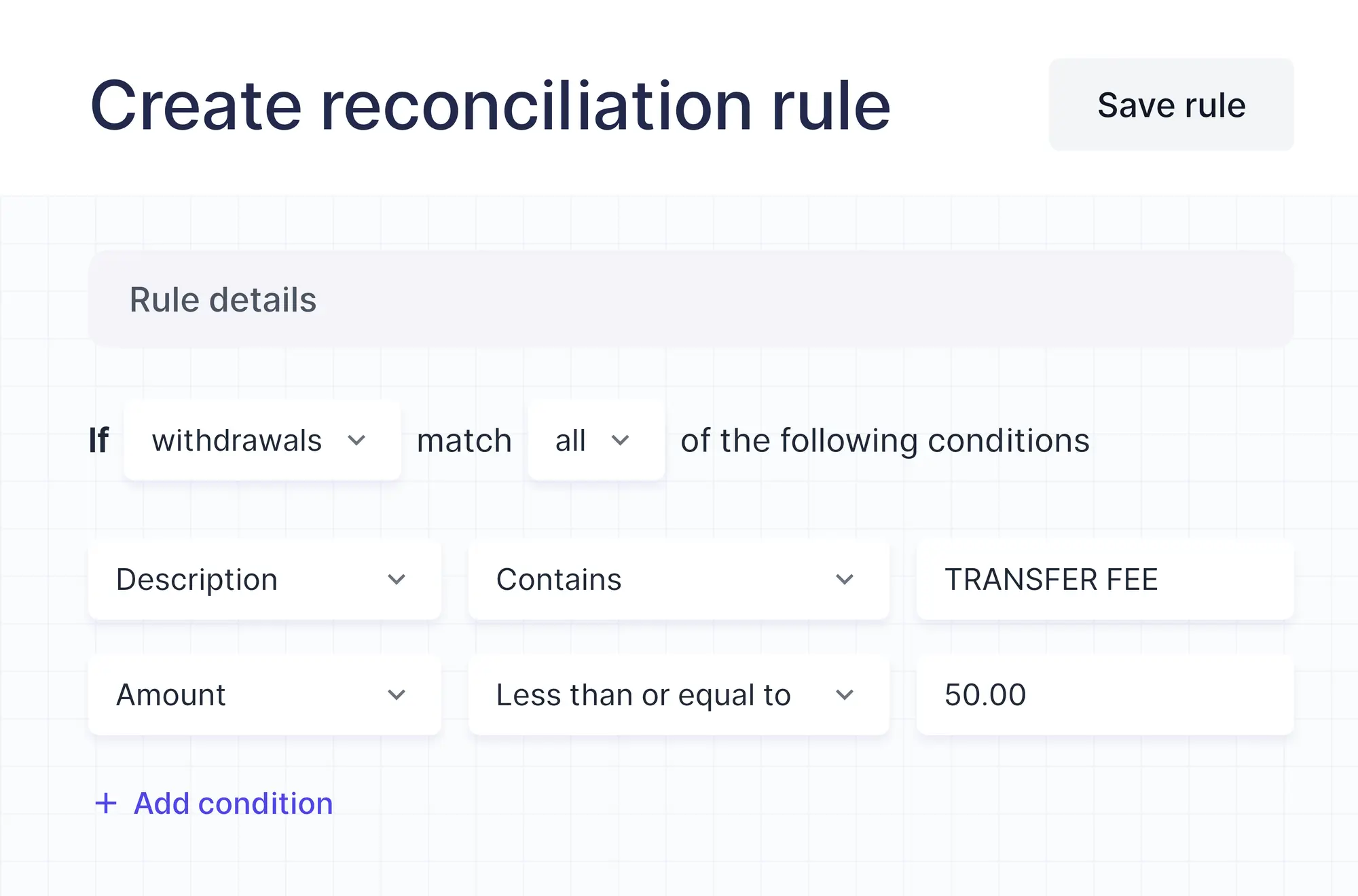
Set the conditions
Choose deposits or withdrawals, then match on the description, amount, reference or contact.
Choose the results
Classify the transaction to an account and set its contact, project or tax rate.
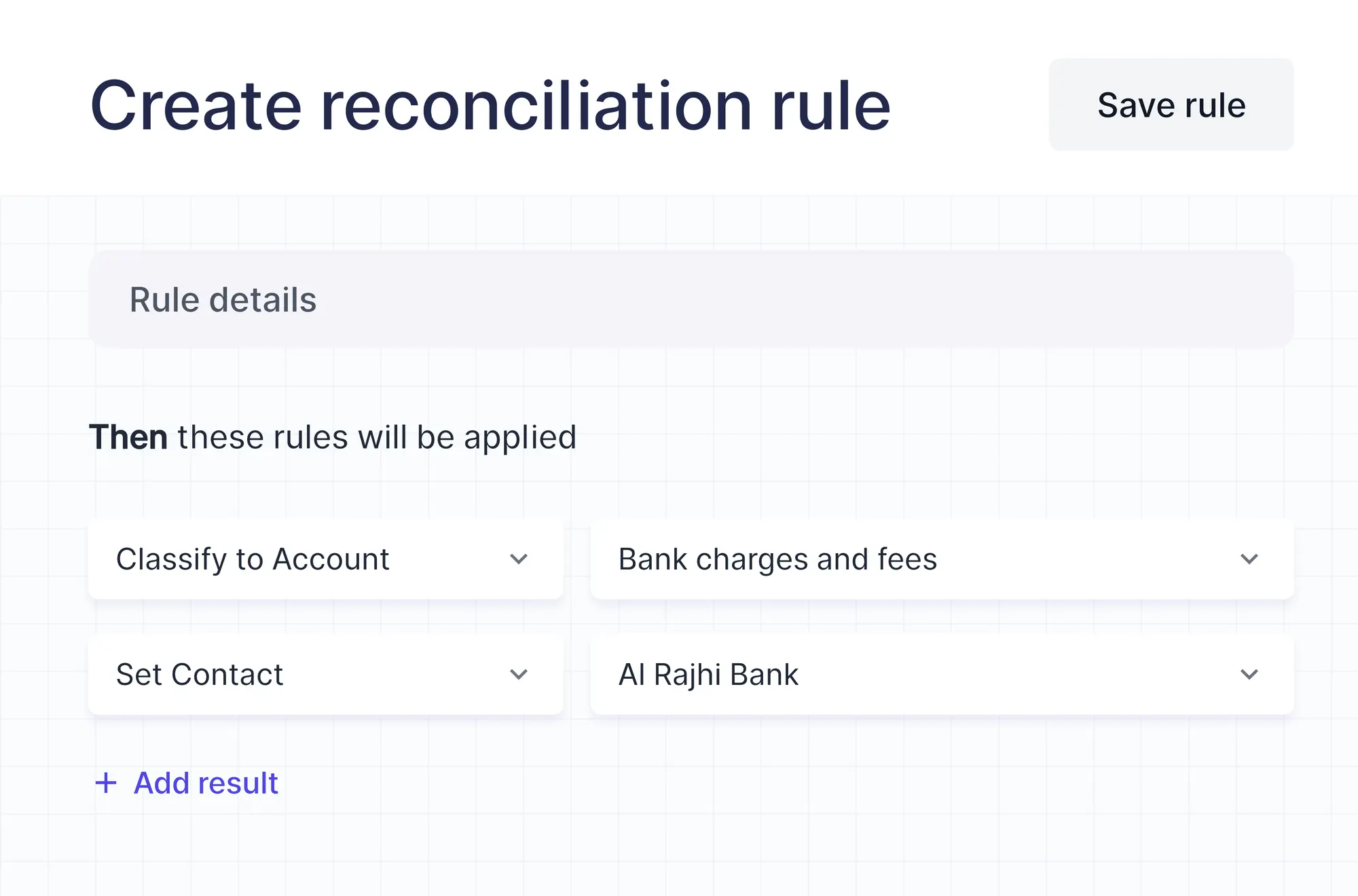
Apply it to what's waiting
Preview the matching transactions and reconcile the ones already waiting, not just the new ones.
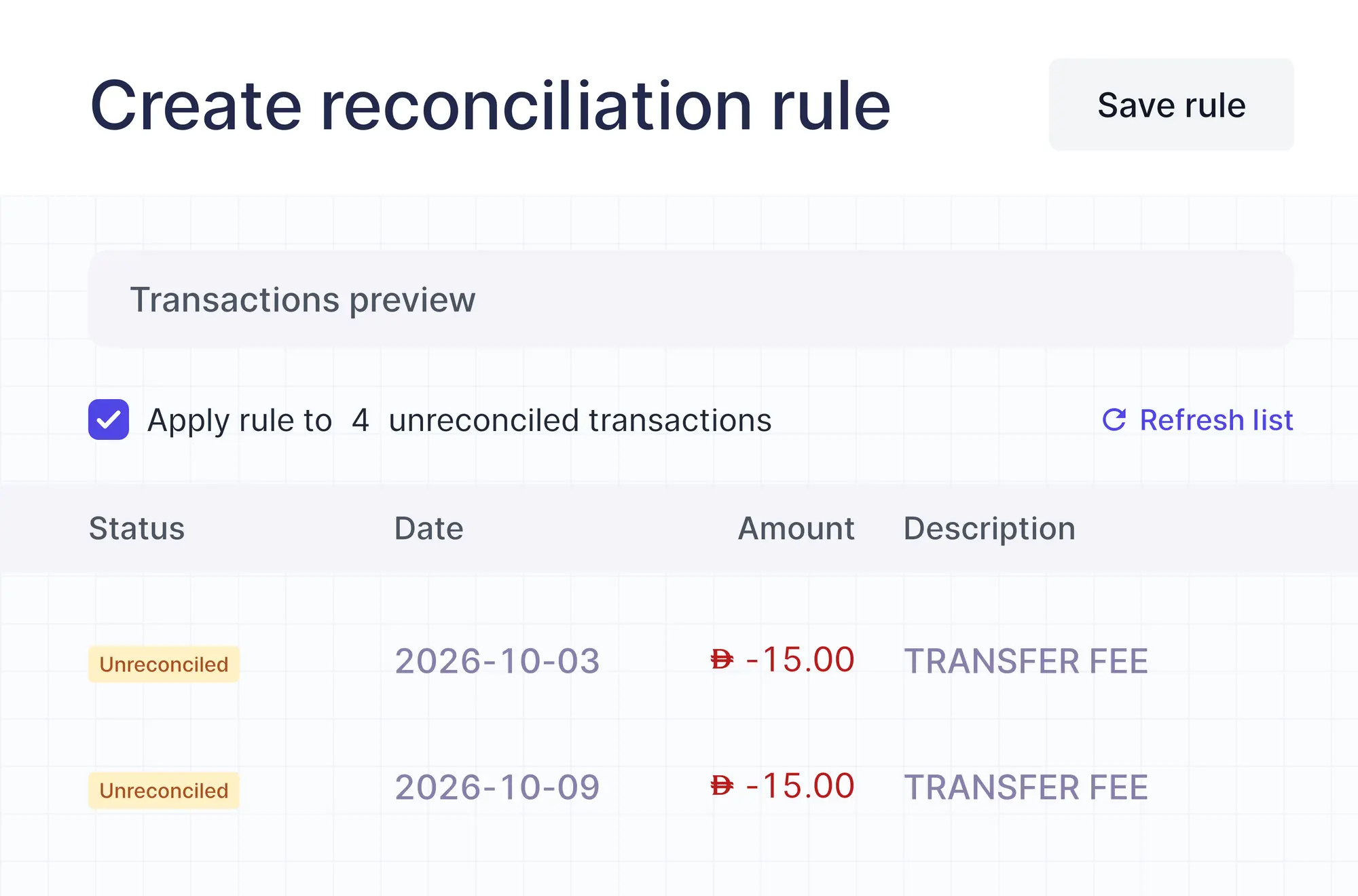
Also included
Everything around the bank
The tools that keep your balances right.
Bank connections
Transactions come in from your bank, ready to match.
Statement import
Upload a statement as PDF, CSV or Excel and the columns are mapped for you.
Bank fees on the spot
Record bank charges as an adjustment while you reconcile.
Bank reconciliation report
Compare your ledger with the bank statement and see what explains the difference.
Additional features
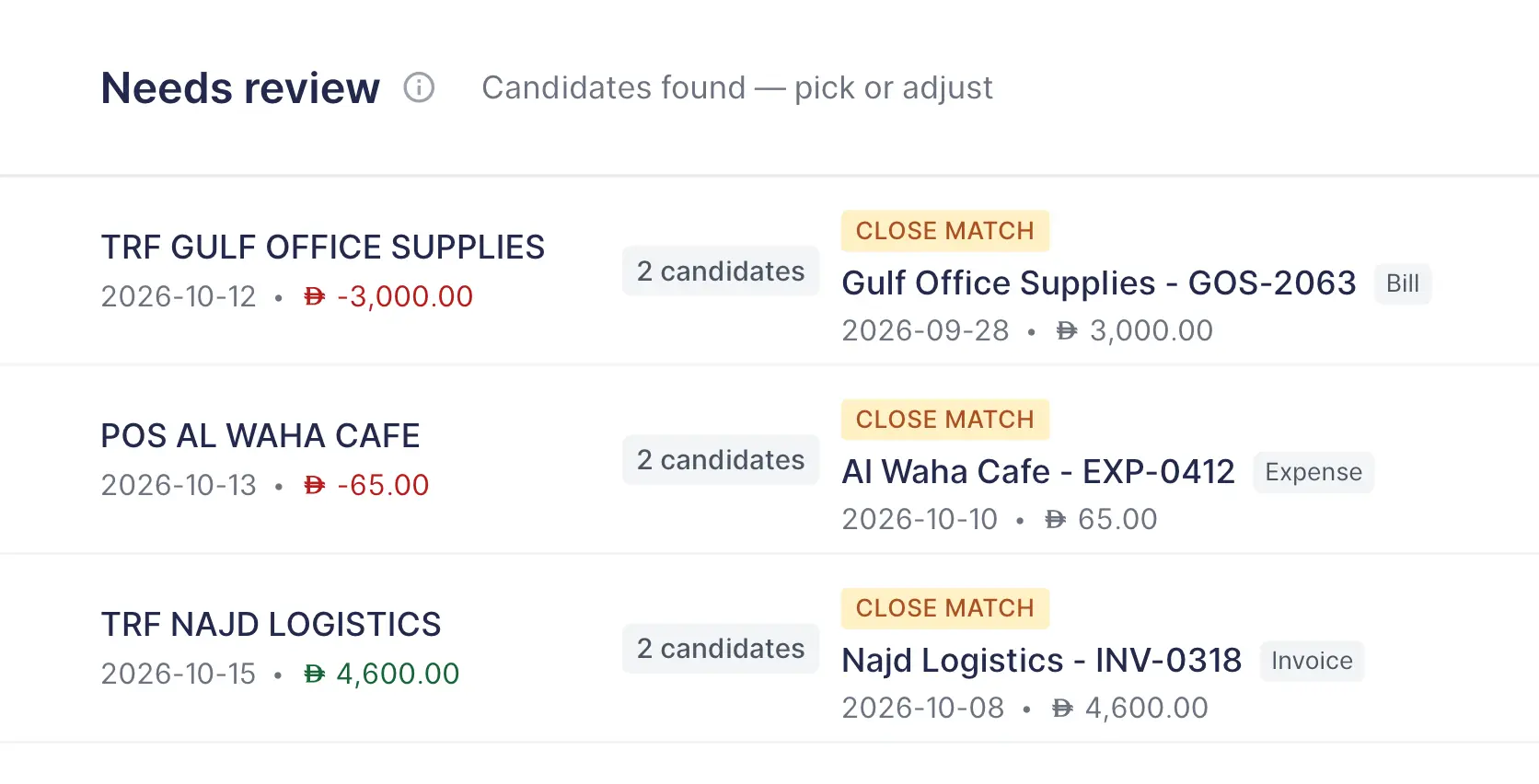
Close calls wait for you
When the AI finds more than one possible document, or a transaction splits across several bills, it puts it in “Needs review” with its candidates, so nothing is matched by guesswork.
FAQs
Frequently asked questions

The AI does the matching and waits for your approval, so nothing is reconciled without you. Reconciliation rules are the hands-off part: they reconcile matching transactions on their own as new ones arrive.
It compares each transaction with your documents by amount, date and how similar the descriptions are, including the contact's name, then marks each suggestion Match or Close match and explains why.
Yes. It can match a transaction to a document even when one is written in Arabic and the other in English.
You can connect through Lean or directly with Al Rajhi, HSBC, SAB and Wio, and bring in Stripe. Availability depends on your country and plan. Any bank works through statement import.
Match it to all of them in the reconcile view. Wafeq shows what remains until the amounts add up.
Suggested matches and reconciliation rules are included in every paid plan.
Let AI match your bank
Approve its matches in one click, and let rules handle the rest.