
Verify any ZATCA e-invoice in seconds
Scan the QR code on any Saudi e-invoice to instantly check it's compliant, decode its details, and confirm who issued it. Free, no account required.


Key benefits
Built for Saudi e-invoicing

Phase 1 & 2 ready
Decodes simplified Phase 1 QR codes and verifies the cryptographic stamp on Phase 2 invoices.

Instant scanning
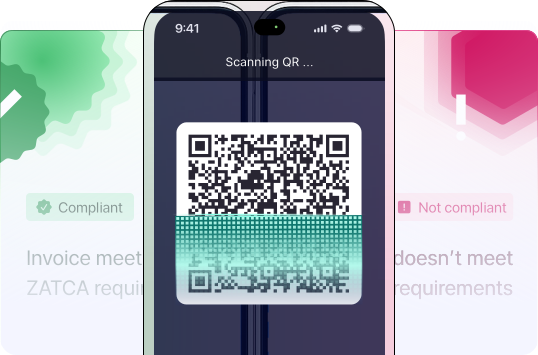
Point your camera at the QR code and get a result in under a second. No account, no sign-up.

Full invoice details
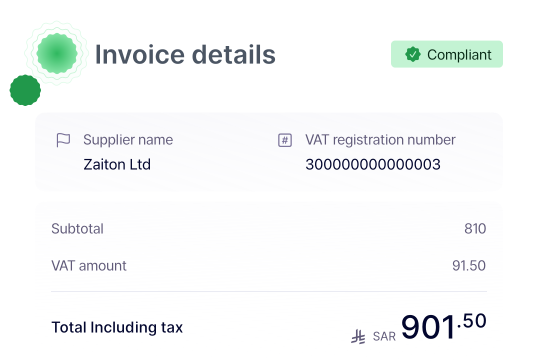
See the seller name, VAT number, invoice total, VAT amount, and timestamp — all from the QR code.

Works offline
Decode QR codes anywhere, even without an internet connection.
How it works
Three steps. That's it.
How it works
Three steps. That's it.
Open the app
Launch the scanner from your home screen. No login screen, no setup.
Point at the QR code
Scan the QR on any printed or on-screen ZATCA e-invoice.
See the result
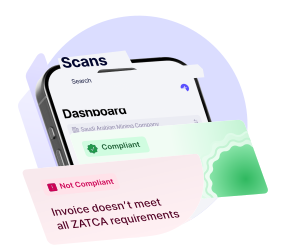
Get a clear compliant or non-compliant status, with all invoice details laid out.

Benefits
Invoice details, verified instantly.
Compliance at a glance
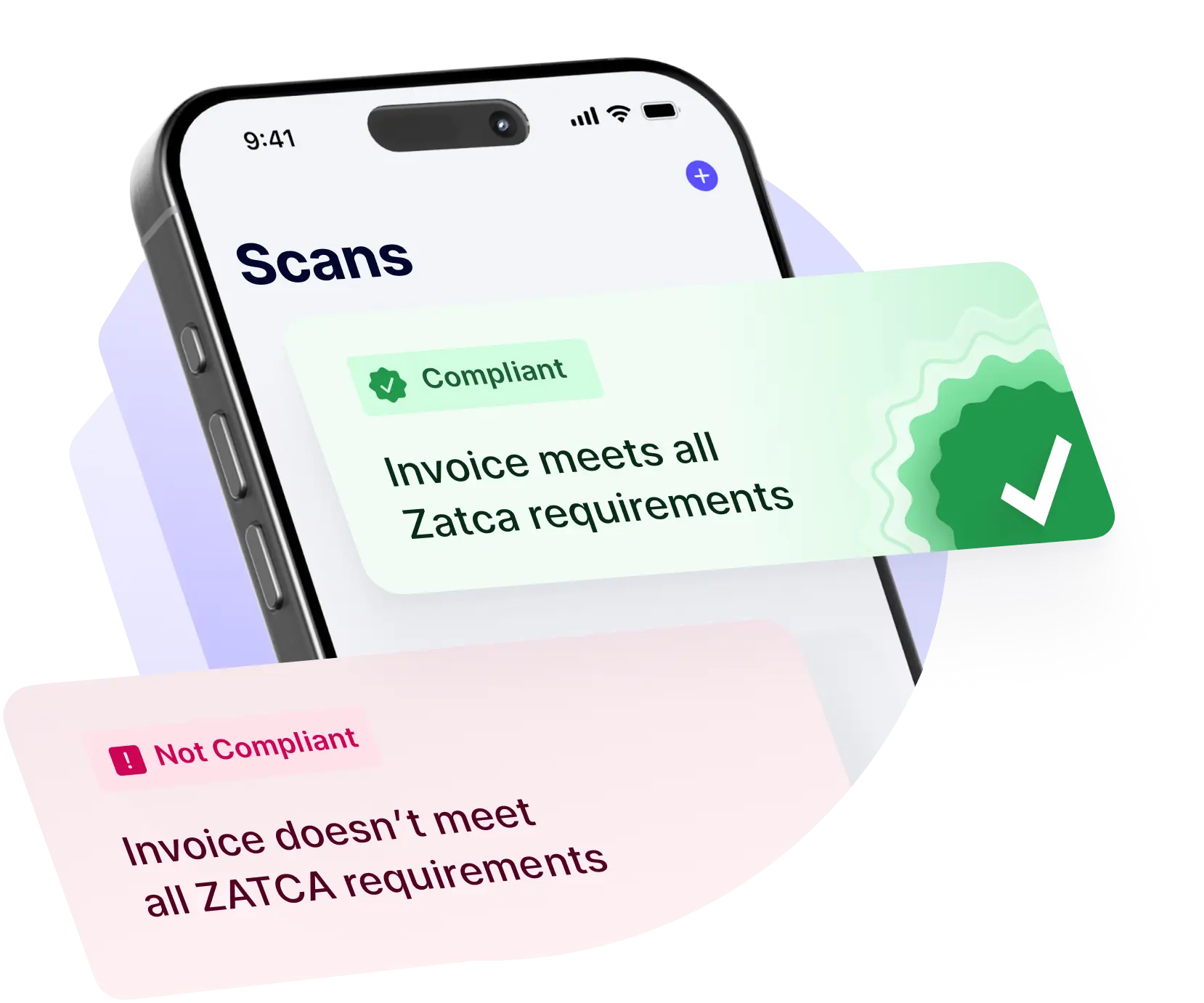
Know instantly if an invoice is compliant
A clear compliant or non-compliant indicator the moment you scan. No interpretation needed — you see at a glance whether the invoice meets ZATCA requirements.
- Phase 1 QR structure validation
- Phase 2 cryptographic stamp verification
- Clear status indicators (compliant, non-compliant, needs attention)
Full transparency
See exactly what's inside the QR code
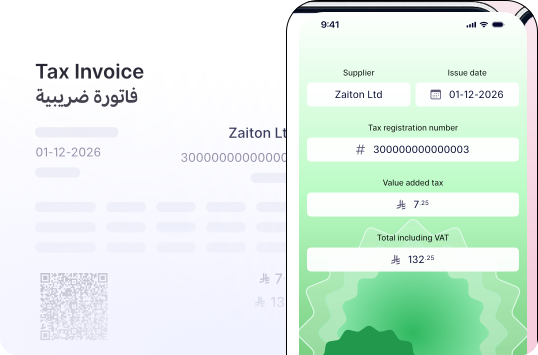
Every ZATCA QR code carries the essentials about an invoice. The Wafeq QR Scanner decodes and displays them in plain language.
- Seller name and VAT registration number
- Invoice timestamp
- Invoice total and VAT amount
- Cryptographic hash and stamp (Phase 2)
Who it's for
Made for anyone handling Saudi invoices
Whether you're an accountant reviewing supplier invoices, a finance team running expense checks, or a business owner verifying what you receive — the app fits into your workflow without changing it.
- Accountants: spot-check client supplier invoices
- Finance teams: verify expense reports before reimbursement
- Business owners: confirm invoices from new vendors
About Wafeq
Scanning invoices is one thing. Issuing them is where Wafeq comes in.
ZATCA Phase 2 compliant invoicing in XML and PDF/A-3

Automated VAT reporting
Full accounting, expenses, and inventory
Trusted by 18,000+ companies across the region
FAQ
Frequently asked questions
Yes. The Wafeq QR Scanner is completely free to download and use, with no in-app purchases.
No. The app works standalone. You don't need to sign up for anything.
Yes. The app decodes the Phase 1 simplified QR structure and verifies the cryptographic stamp on Phase 2 invoices.
Scans are processed on your device. We don't store the contents of the invoices you scan.
The app decodes and validates the QR code structure and cryptographic stamp locally. For full clearance status on Phase 2 invoices, Wafeq's main platform integrates directly with ZATCA's Fatoora portal.
The app is currently available for iPhone and iPad devices running recent versions of iOS, and for all Android devices.
The app will flag the issue and explain what's missing. You can then follow up with the issuer to request a corrected invoice.
Start verifying invoices today
Download the free app, or try Wafeq to issue compliant invoices of your own.