
Invoice generator
Create professional invoices online in seconds
Wafeq's online invoice generator turns a few details into a tax-ready invoice. Start from a ready-made template, customise it to your brand, and send it by email or WhatsApp in Arabic or English.
14-day trial - no credit card needed
Ready-made invoice templates
ZATCA-compliant tax invoices
Arabic and English invoices
Quotes and proforma invoices
Businesses invoicing with Wafeq
18,000+
E-Invoicing is amazing and quick to generate.
Faisal Alwhakami - Riyadh
Easy to use, has all the required features.
Qaswa Est - Riyadh
Features
Everything you need to create and send invoices

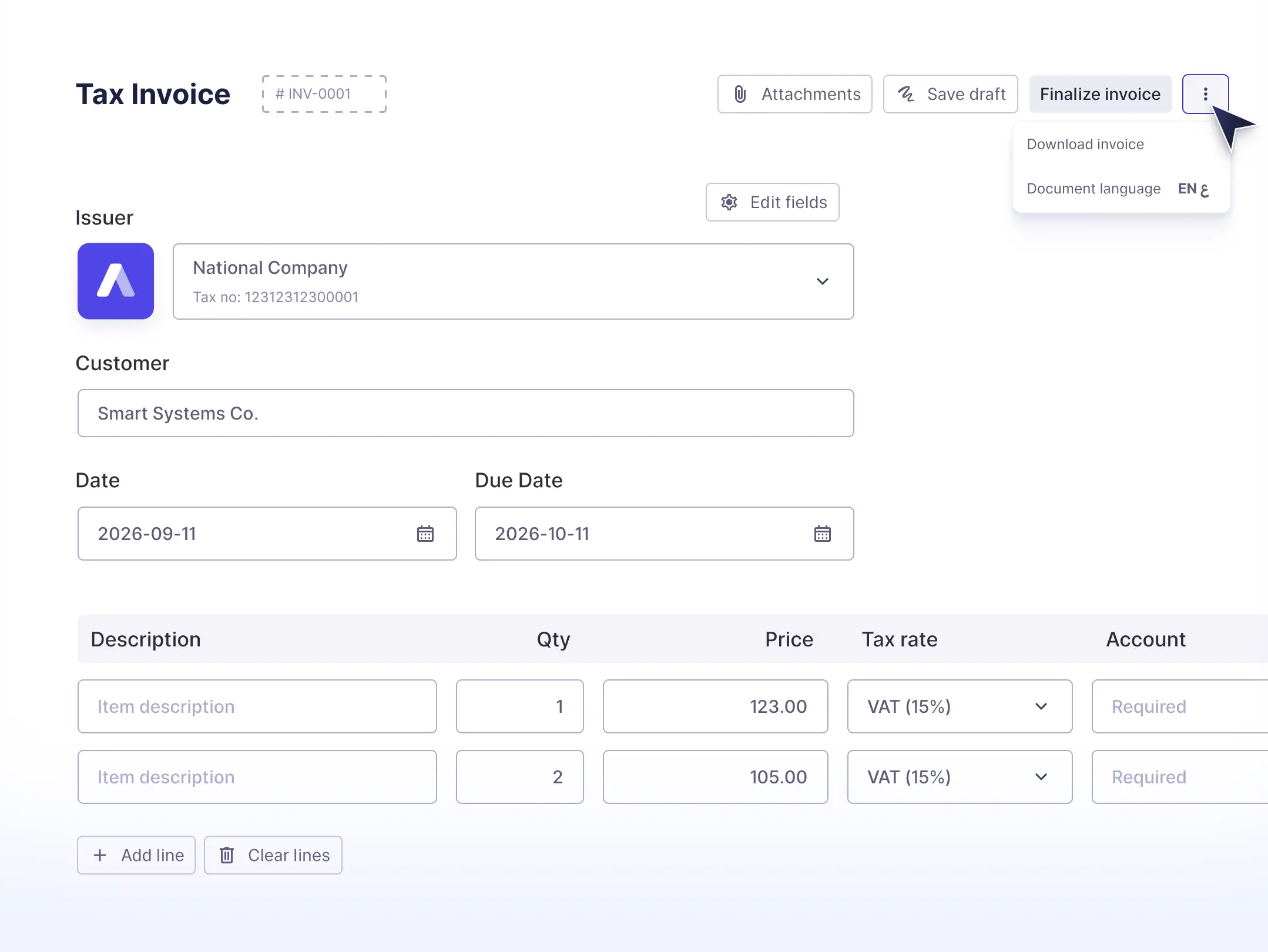
Make an invoice in seconds
Start from a saved template, duplicate a previous invoice, or bill a repeat customer in a couple of clicks.

E-invoice generator built in
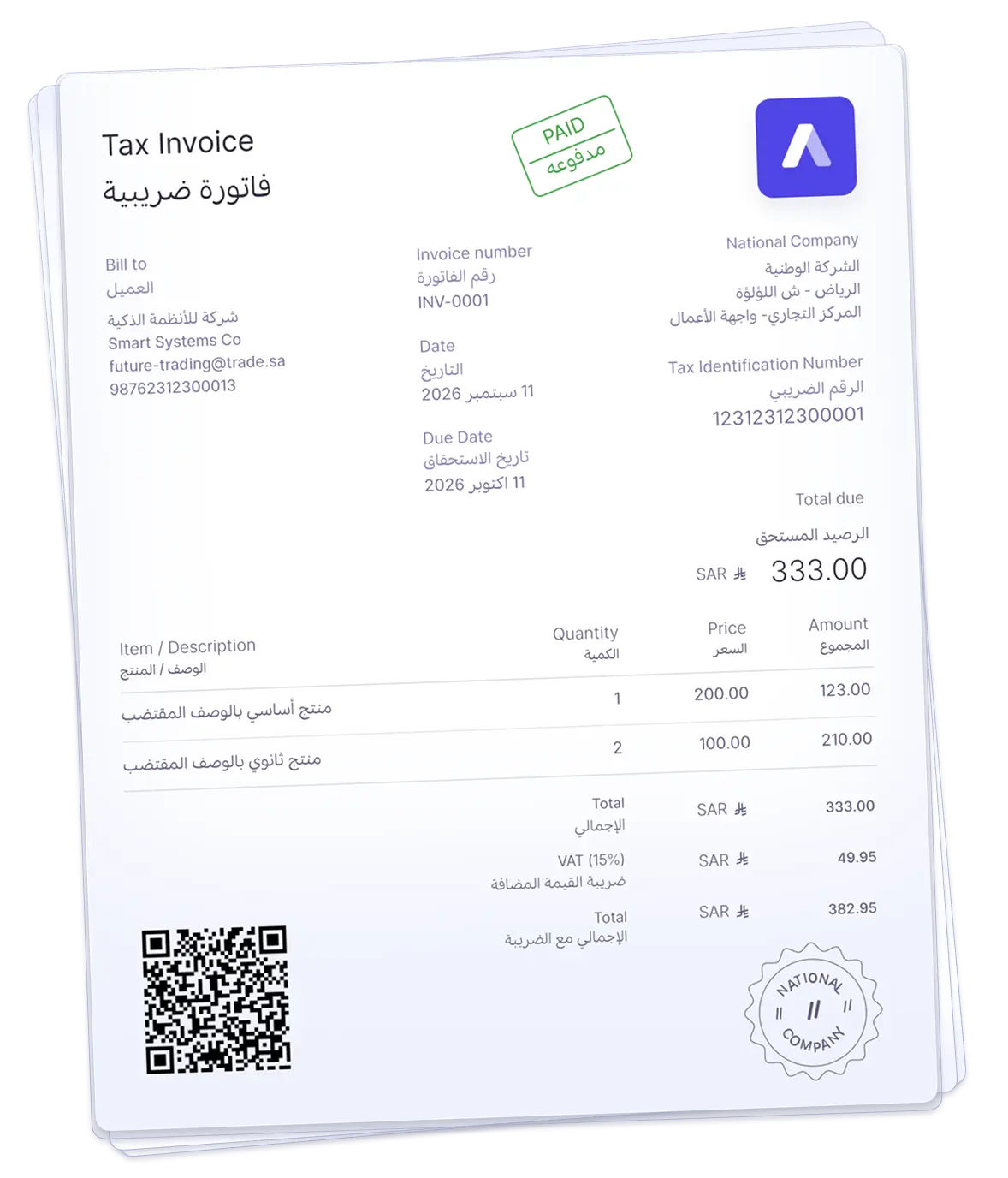
Issue digital tax invoices with the QR codes and electronic formats ZATCA requires, without a separate e-invoicing tool.

Ready-made invoice templates
Add your logo, brand colours, company stamp, and custom fields so every invoice looks like your business.

Automatic VAT calculation
VAT is applied, totalled, and recorded on every invoice, so your returns match what you actually billed.

Send by email or WhatsApp
Deliver invoices the way your customers actually read them, and follow up without chasing people manually.

Track payments and reports
See what is paid, pending, or overdue at a glance, and pull receivables reports whenever you need them.
Invoicing
Customize and send invoices easily
Sending an invoice should be easy - and we've made it so
Invoice customization
Invoices tailored to your business needs and brand identity.
Change column labels
Change the text of any column to suit your needs.
Change text color
Change colors to fit your brand identity.
Save invoice templates
Reuse your preferred template to save time.
Add your company stamp
Upload your company's stamp to your invoices, quotes, receipts or other documents.
How it works
How to create an invoice online in three steps
Add your customer and items
Choose a customer, add your line items and quantities, and Wafeq fills in VAT, totals, and invoice numbering for you.
Customise and review
Apply your branded template, add notes or custom fields, then preview the invoice exactly as your customer will receive it.
Send it and get paid
Send by email or WhatsApp, see when the invoice is viewed and paid, and send reminders on anything still outstanding.
Why businesses trust Wafeq
Compliant, secure, and backed by a real support team
Approved for e-invoicing
Wafeq is a ZATCA-compliant e-invoicing solution supporting both Phase 1 and Phase 2 requirements in Saudi Arabia.
Your data stays protected
Invoice data is encrypted in transit and at rest, with role-based access so your team only sees what it should.
Support in Arabic and English
Reach a real person by phone, email, or chat, both while you are trying Wafeq and after you subscribe.
Talk to sales: +966 11 510 7135
FAQ
Invoice generator questions

Sign in to Wafeq, choose a customer, and add your line items. The invoice generator fills in VAT, totals, and invoice numbering for you, and you can send it by email or WhatsApp in the same step.
Wafeq is a paid product with a 14-day trial, so you can create and send real invoices before you decide. After the trial you choose a plan; invoicing is included on every plan and pricing for your country is shown in the pricing section above.
Yes. You can start from a ready-made template, then add your logo, brand colours, and company stamp, change column labels, and add custom fields. Save the layout and reuse it on every future invoice.
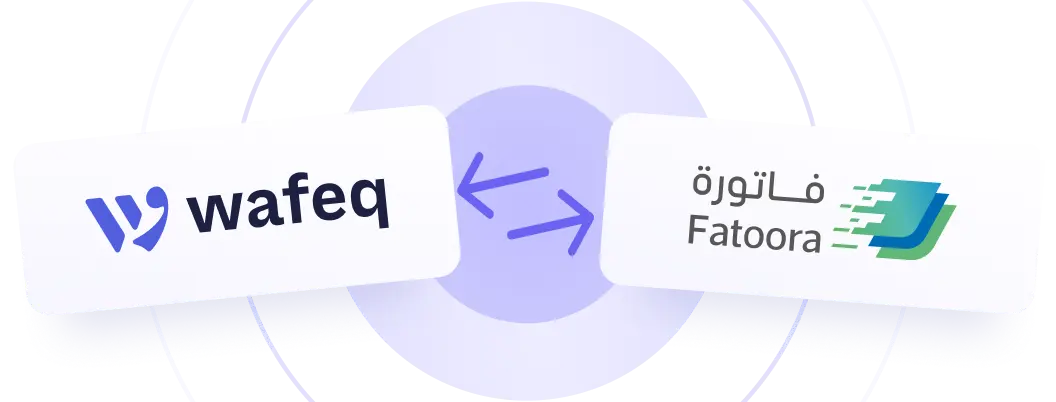
Yes. Wafeq generates tax invoices with the QR codes and electronic formats ZATCA requires, and supports Phase 2 integration with the Fatoora platform.
Yes. Invoices can be issued in Arabic, English, or both, so you can bill local and international customers from the same account.
Yes. You can issue quotes and proforma invoices, then convert one into a draft invoice without re-entering the data. The original quote is kept on record after the conversion.
Yes. You can bulk import your sales invoices from an Excel or CSV file instead of re-entering them one by one, which is the usual way to move your history across when switching from another system.
Yes. You can issue invoices in a currency other than your base currency. When you record the payment, Wafeq calculates any exchange gain or loss automatically rather than leaving you to post manual journal entries.
Draft invoices can still be edited. Once an invoice is finalised it can be voided instead: Wafeq issues a linked credit note and marks the invoice as voided, so the audit trail stays intact and you can reissue a corrected invoice.
Yes. You can record a payment in full, in instalments, or apply a single payment across several outstanding invoices for the same customer.
Both, depending on what you need. Use it purely as an invoice maker to create and send invoices, and the accounting, VAT returns, and financial reports are already there when your business grows into them.
Yes. Wafeq has a mobile app on the App Store and Google Play, so you can raise and send an invoice while you are away from your desk.
No. Compliant e-invoicing is built in, so the same invoice you send your customer also meets the electronic invoicing requirements.
Looking for something more detailed? Browse the Wafeq Help Center
Create your first invoice with Wafeq
Join 18,000+ businesses that create, send, and track their invoices with Wafeq.