
Manufacturing ERP inside your accounting, from raw materials to finished items
See what every unit really costs to make. Define bills of materials, run production orders, and keep inventory and accounting in step at every stage, with no separate MRP tool.









Features
Production that stays in your books
From the bill of materials to the finished item, every step updates inventory and accounting together. No exports, no second system and no month-end reconciling between production and your books.
Build the bill of materials once
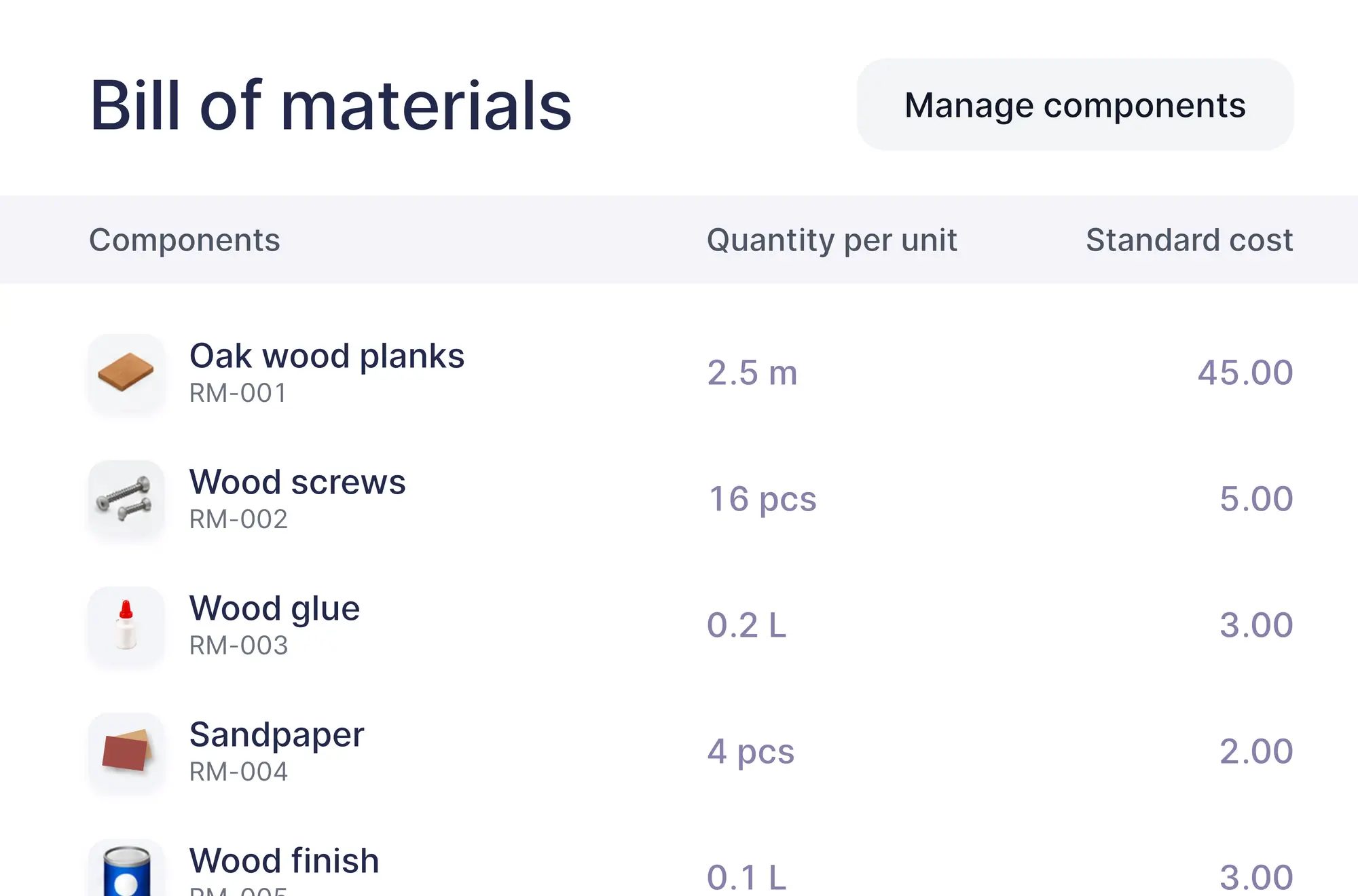
Set components, quantities, yield, standard costs, labor and overhead per unit. Editing a bill of materials that has been used creates a new dated revision, so earlier orders keep theirs.
Plan and release production orders
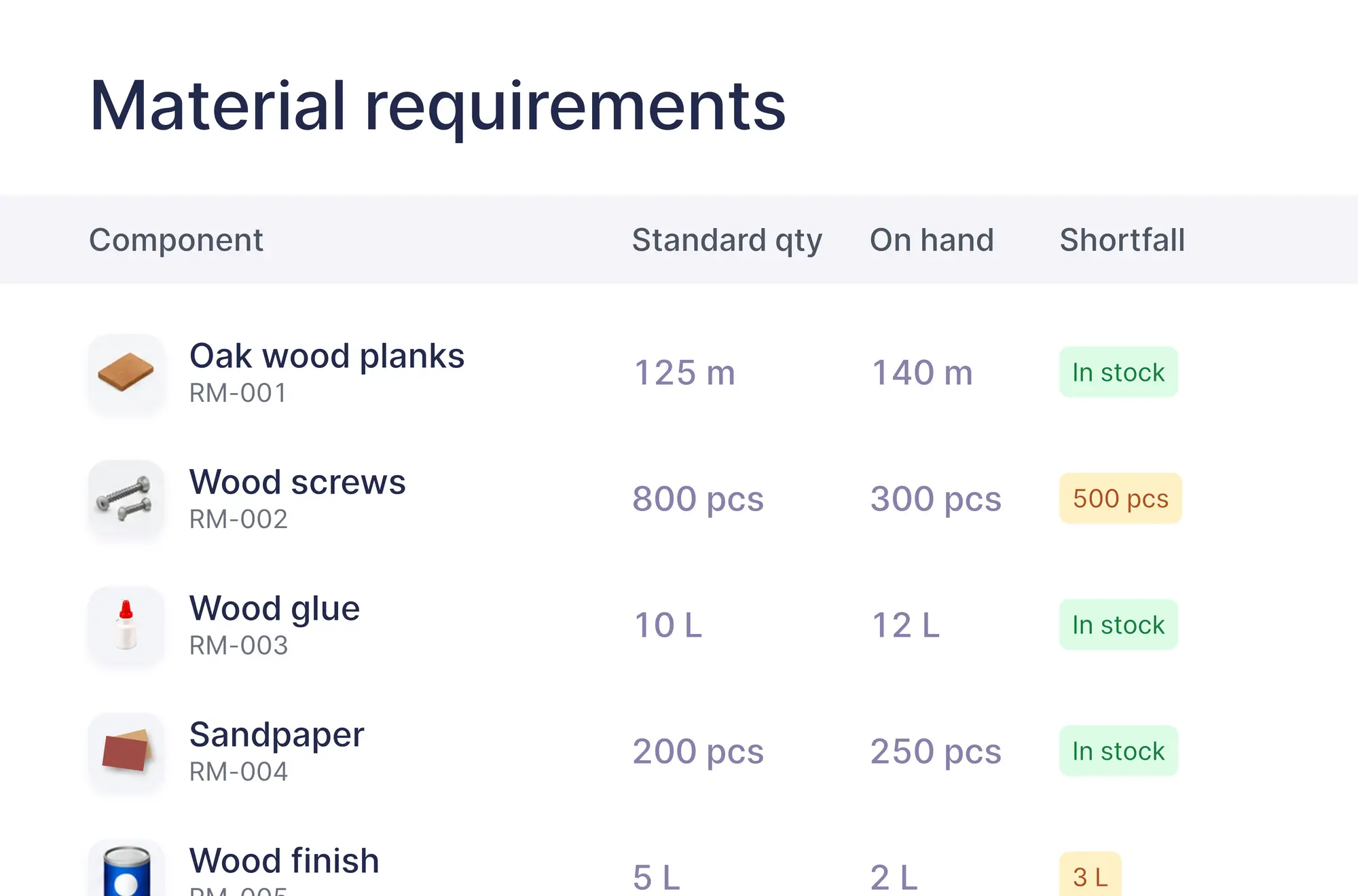
Pick the item, quantity and warehouse, and Wafeq calculates material needs and expected cost for your production planning. If stock is short, it suggests suppliers and prices and turns approved requirements into purchase orders.
Compare plan with actual
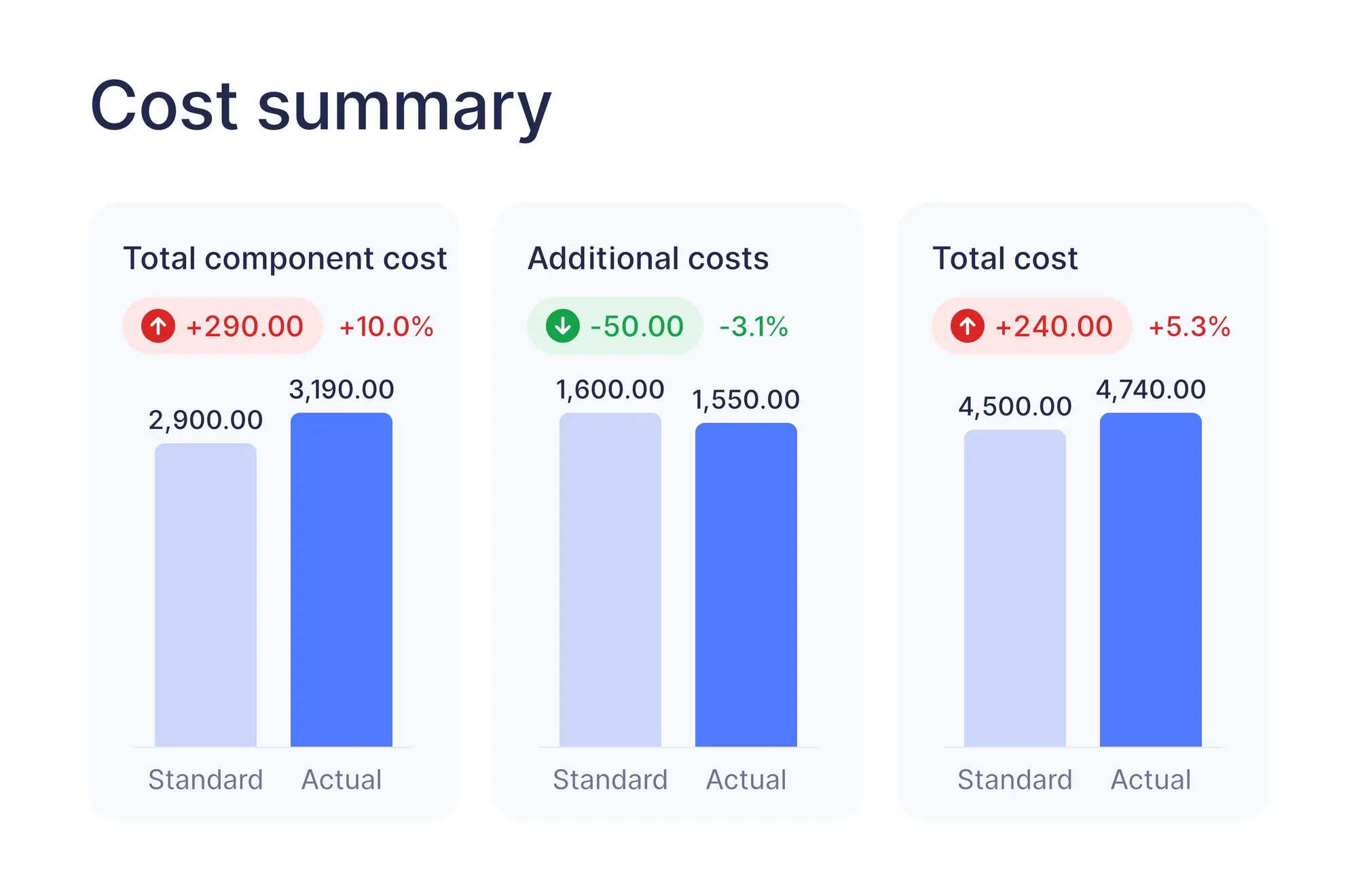
Trace each difference to component prices, quantities consumed or operating costs. Variances are for analysis; your books record actual values.
How it works
One cycle, four documents
Each document covers one stage of production.
Bill of Materials
Components, quantities and operating costs for one unit. It is a reference and creates no entries.
Production Order
The execution. Issues components from your warehouse, posts the entries and measures actual cost against standard.
Completion
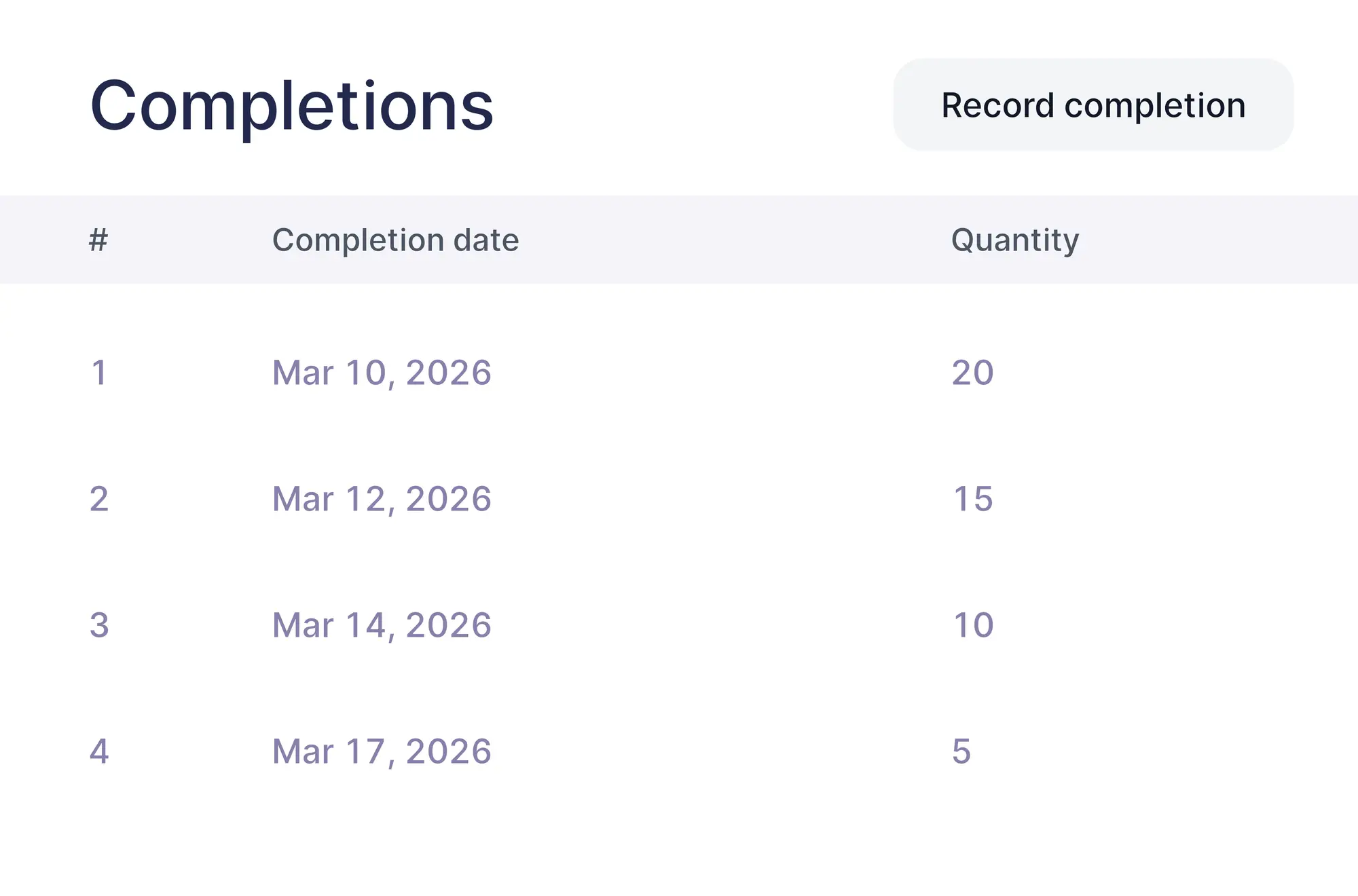
The receiving stage. Each finished batch enters inventory at its value, with its share of operating costs included.
Disassembly Order
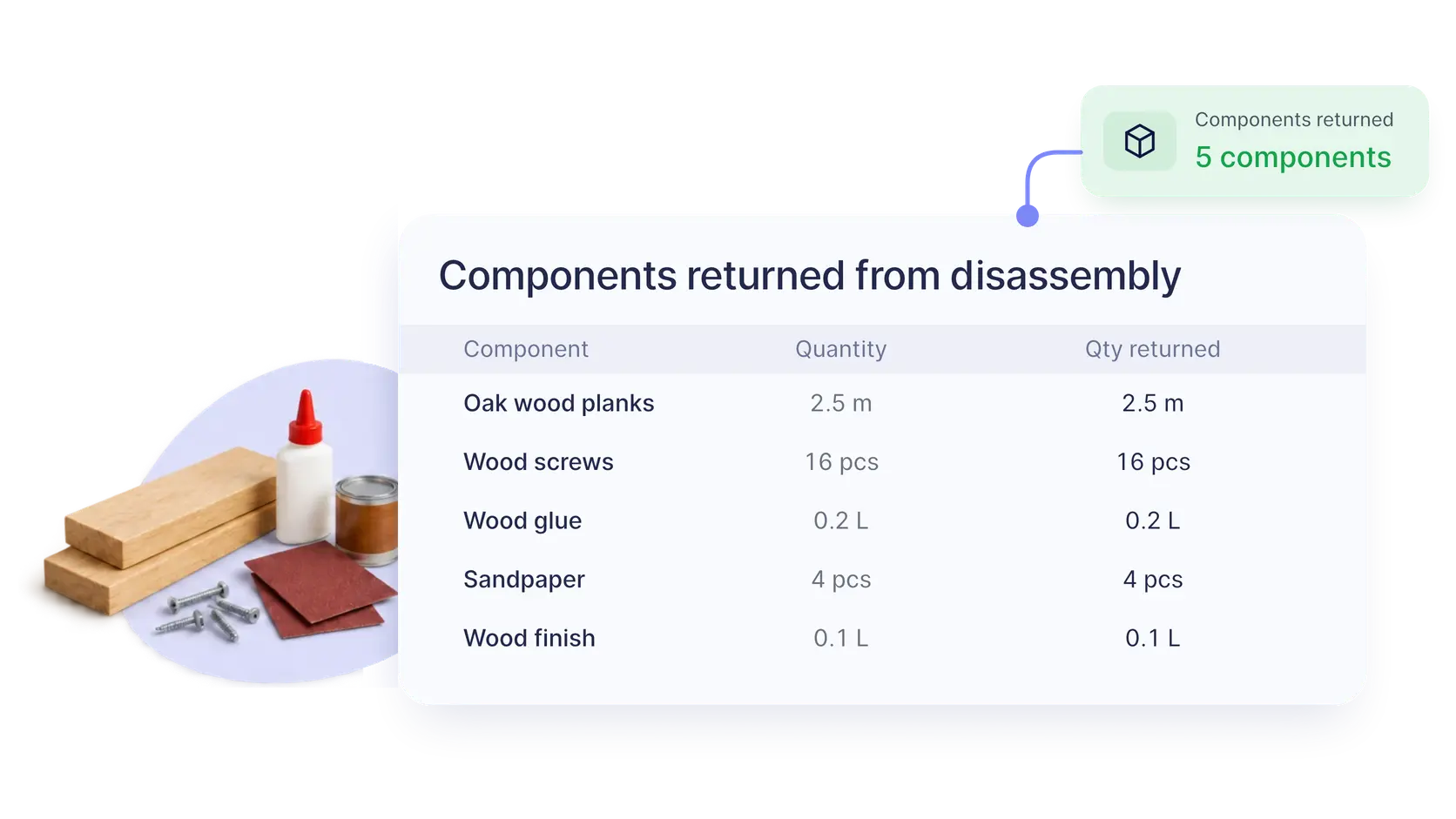
The reverse. Turns an assembly item back into its components in inventory.
Cost control
Know what you planned vs. what you spent
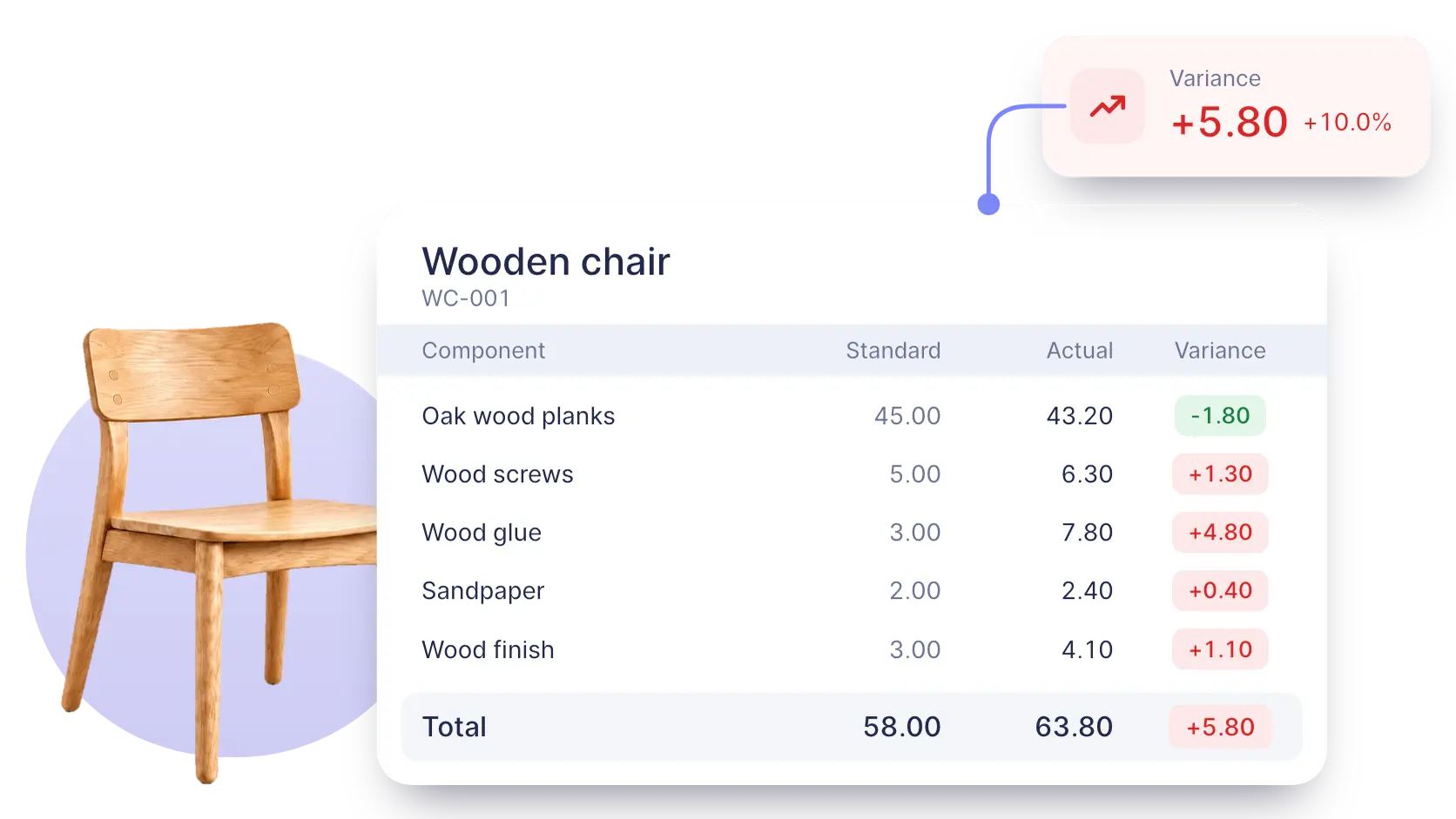
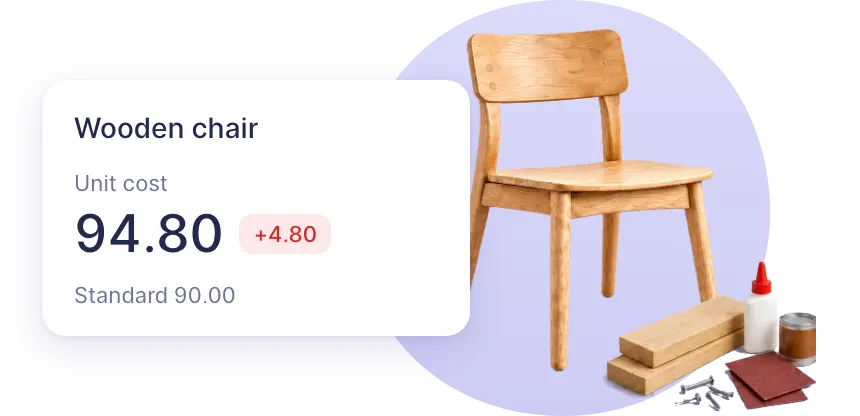
Take one wooden chair: its components should cost 58.00 and actually cost 63.80, a variance of +5.80 (10.0% higher). Wafeq breaks that down by component, so you can see that wood glue alone ran 4.80 over, and it shows labor and overhead variances separately.
Getting started
Start manufacturing in three steps
From purchasing raw materials to completing production, manage everything in Wafeq.
Purchase raw materials
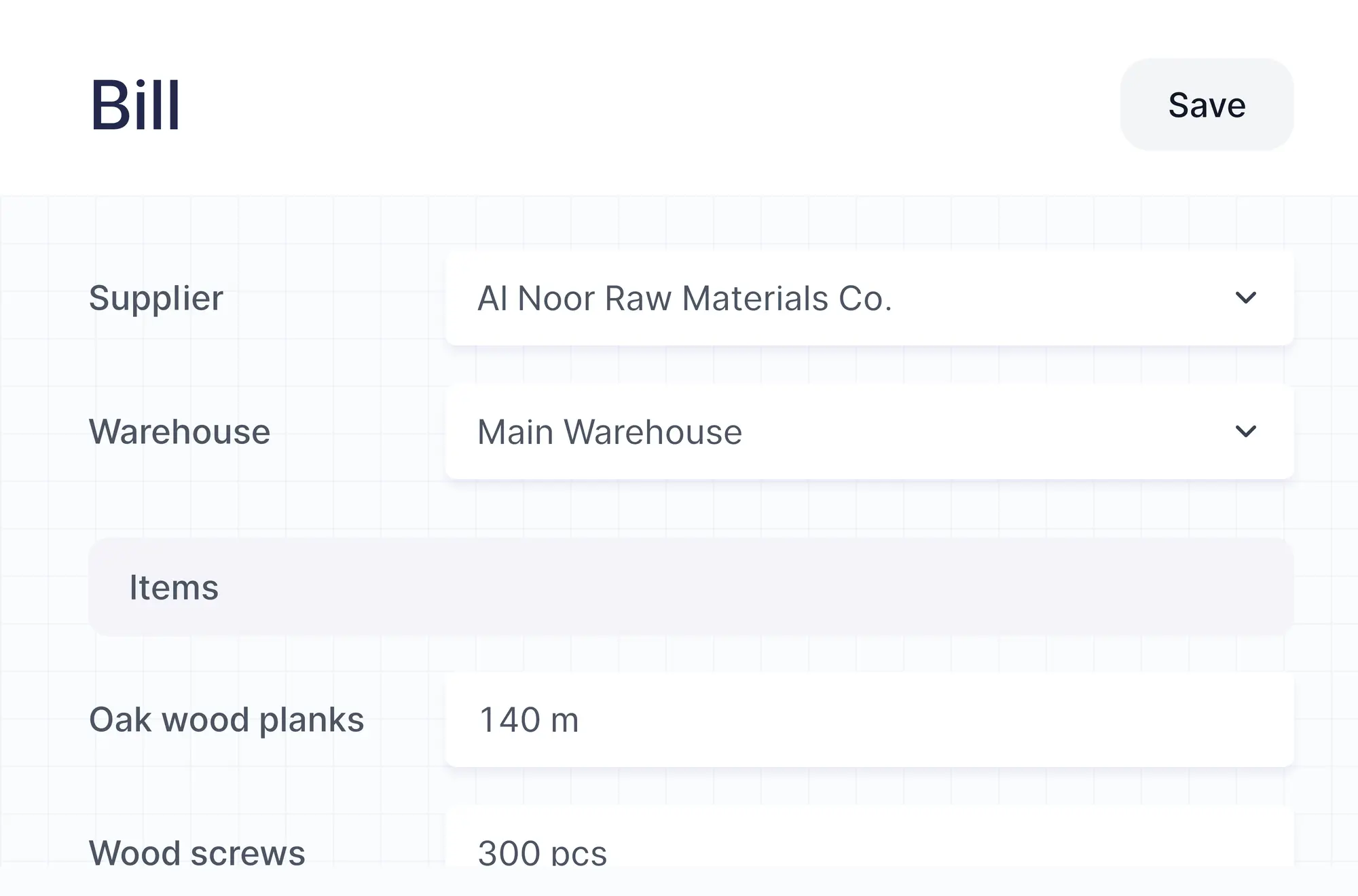
Record purchase invoices to add raw materials to your inventory.
Create your assembly item
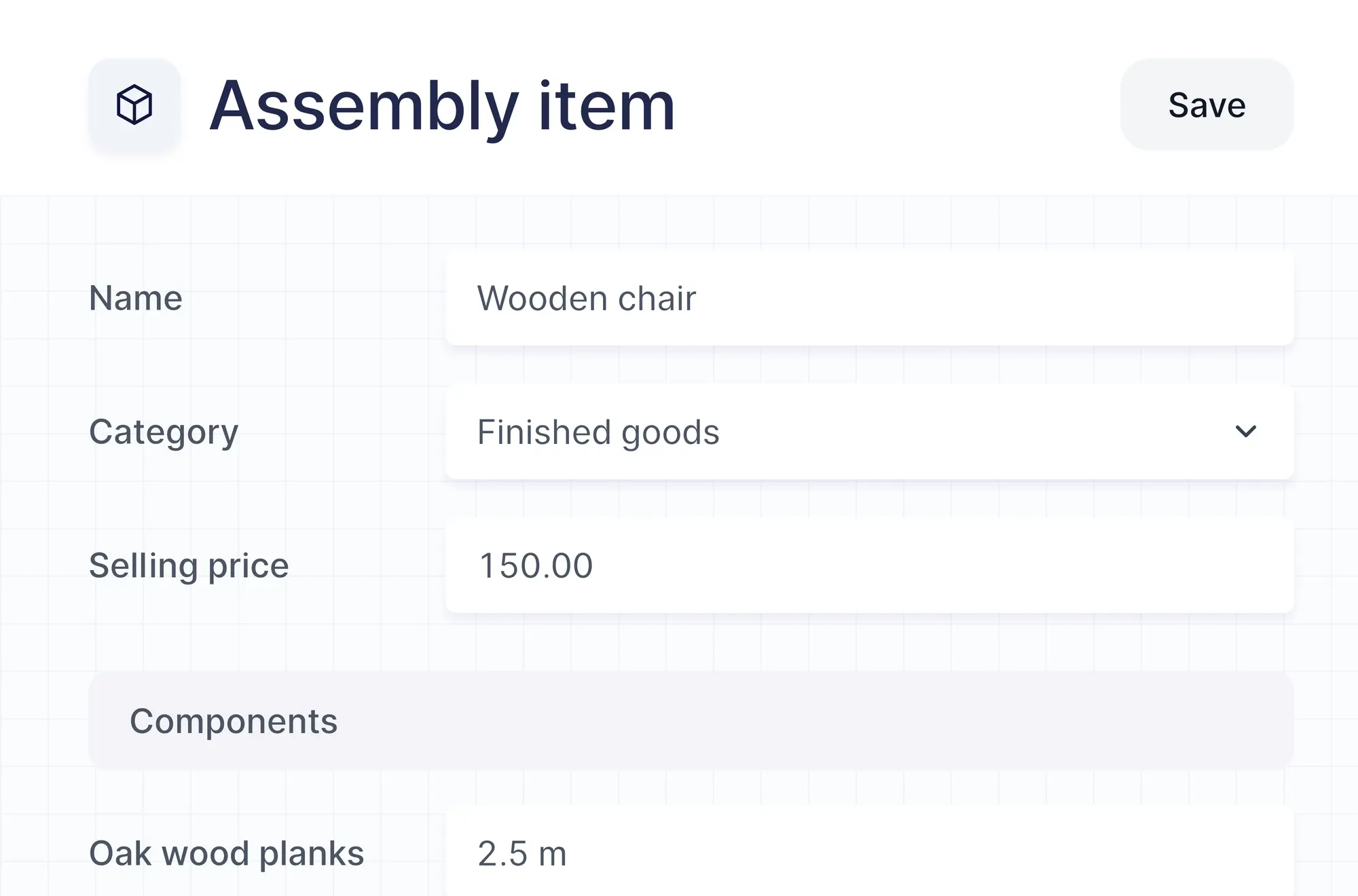
Set up your finished product and define its bill of materials, including materials, quantities, and costs.
Start production
Create and release a production order, then track each batch until completion.
Reports
Reports that answer real questions
Production Material Requirements and Production Material Consumption reports sit alongside these four.
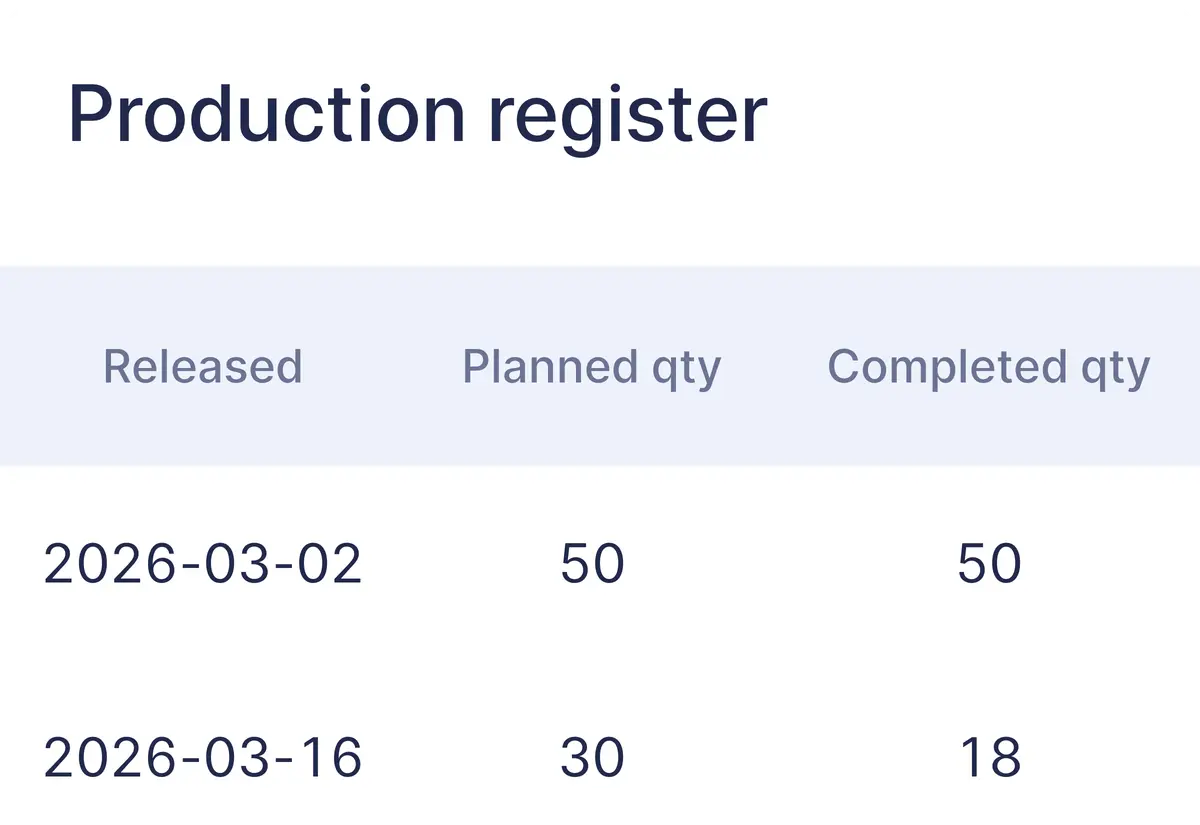
Production Register
What you produced and when, with standard and actual costs and their variances
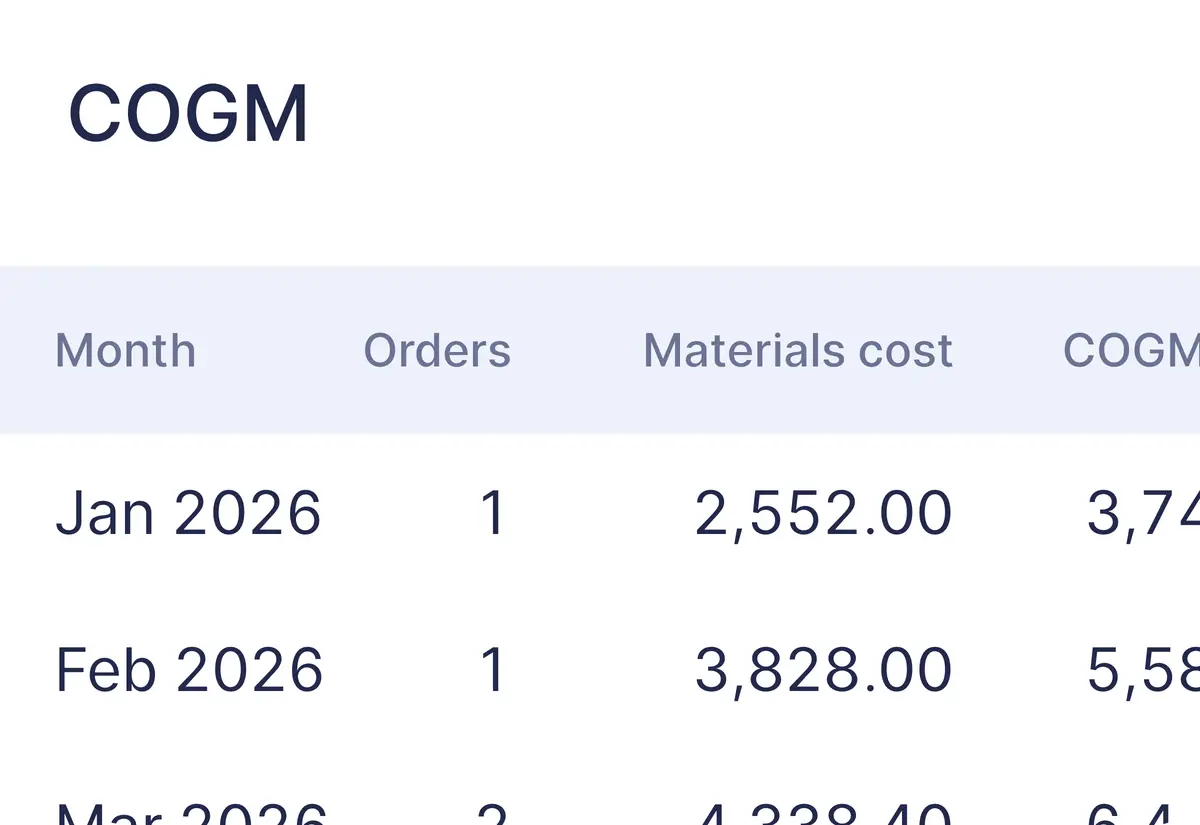
Cost of Goods Manufactured
The total cost of manufacturing over a period, by component, labor and overhead
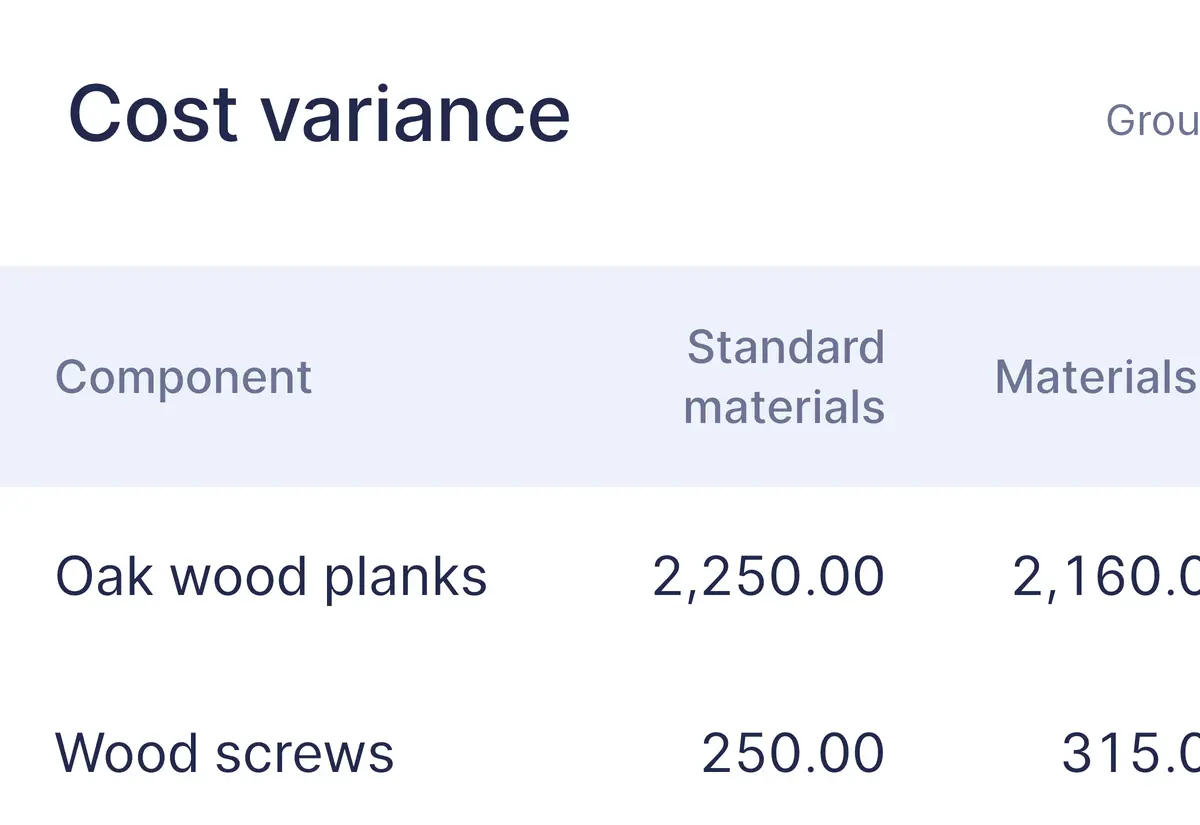
Manufacturing Cost Variance
Where actual costs exceeded your plan, and which component or order caused it
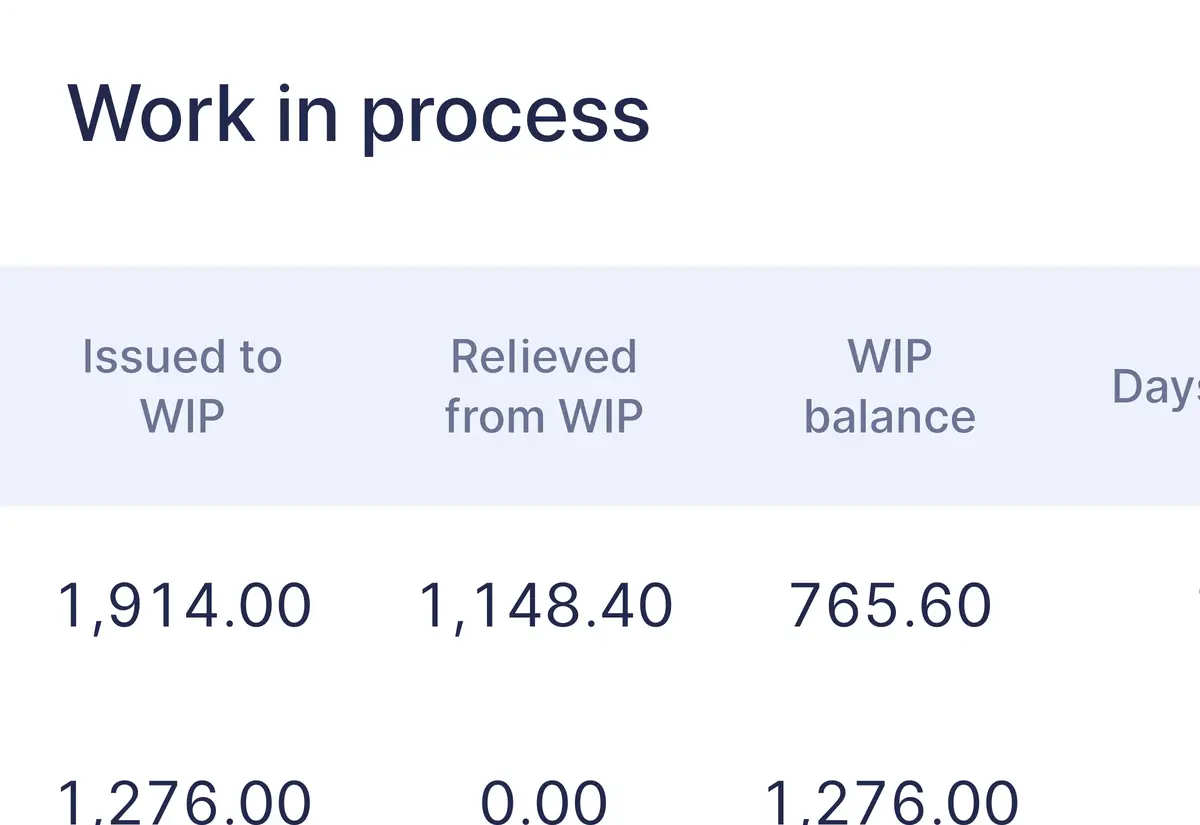
Work in Process
The value of production in progress that is not yet completed
Additional features
Disassembly orders
Turn an assembly item back into its components in inventory.
FAQs
Manufacturing FAQs

No. It is a reference with standard figures and creates no entries or inventory movements.
Wafeq can warn you and let the order proceed, or block it. You choose this in the manufacturing setup.
No. A component needs an actual cost, which comes from purchasing it, before an order can be released.
Close the order short. Wafeq scales the standard quantities and costs to what was produced and returns unused components to inventory. This applies to orders produced through work in process; an instant order completes in a single step.
Components return to inventory, but the labor and overhead built into those units cannot go back with them. They are written off to your material variance account when one is set.
Manufacturing, which covers assembly items with a bill of materials and production orders, is included in the Premium and Enterprise plans. You can also use it during the 14-day free trial.
Bring production into your books
See what every item really costs to make.