
Know when it's time to register for VAT
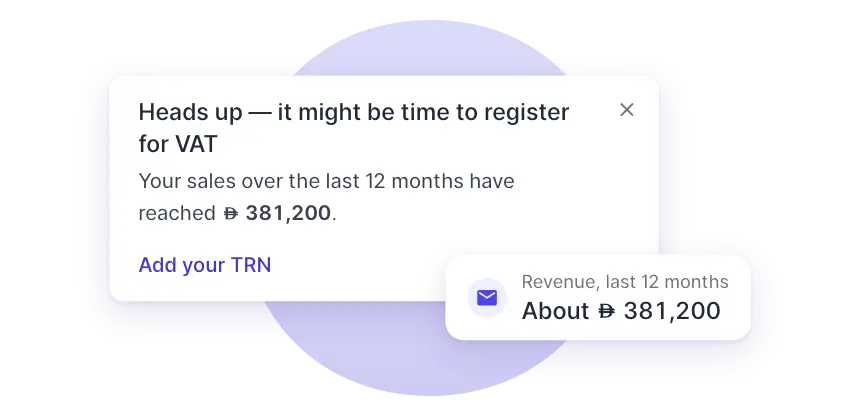
Every week, Wafeq adds up your sales over the last 12 months and gives you a heads-up as you reach the voluntary and then the mandatory threshold. No spreadsheet, nothing to set up.
Features
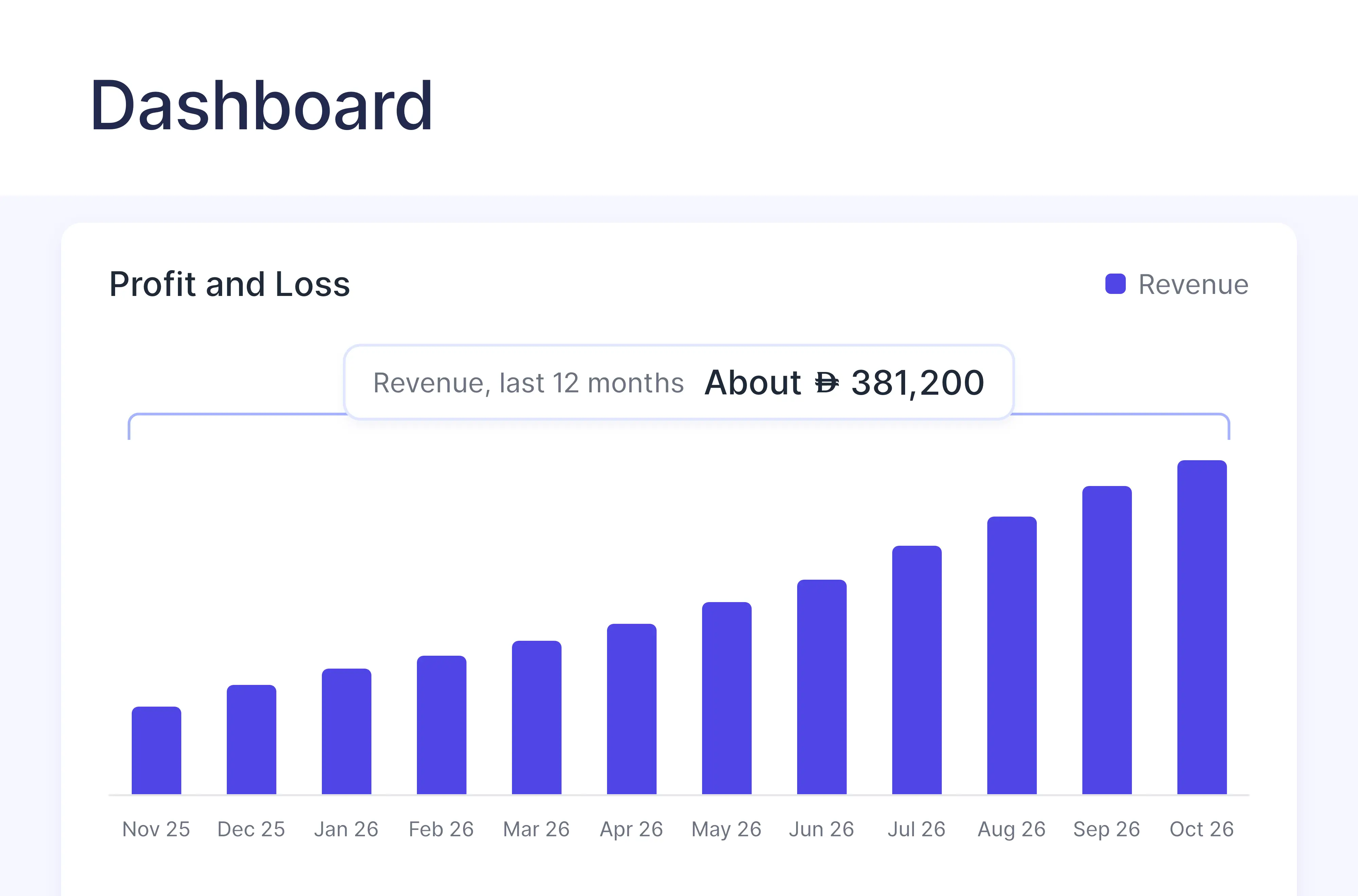
A running total that keeps itself up to date
You keep selling. Wafeq keeps count.
Checked every week
Every Monday, Wafeq totals your sales for the 12 months up to that day, from the invoices, credit notes and journals already in your books.
A heads-up at each threshold
First when you can register voluntarily, then when you most likely have to, each with your total and the threshold it passed.
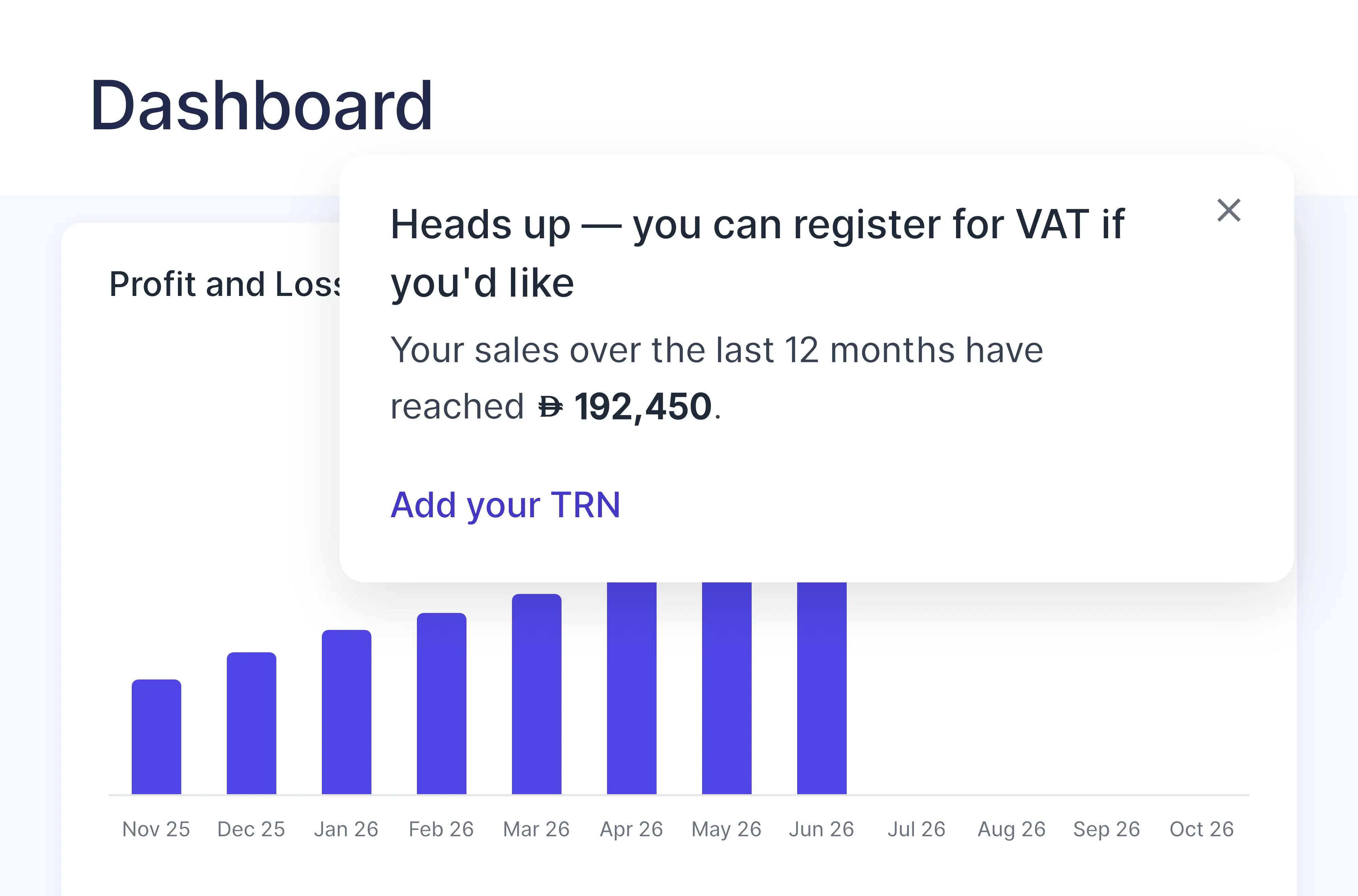
Add your TRN and you're set
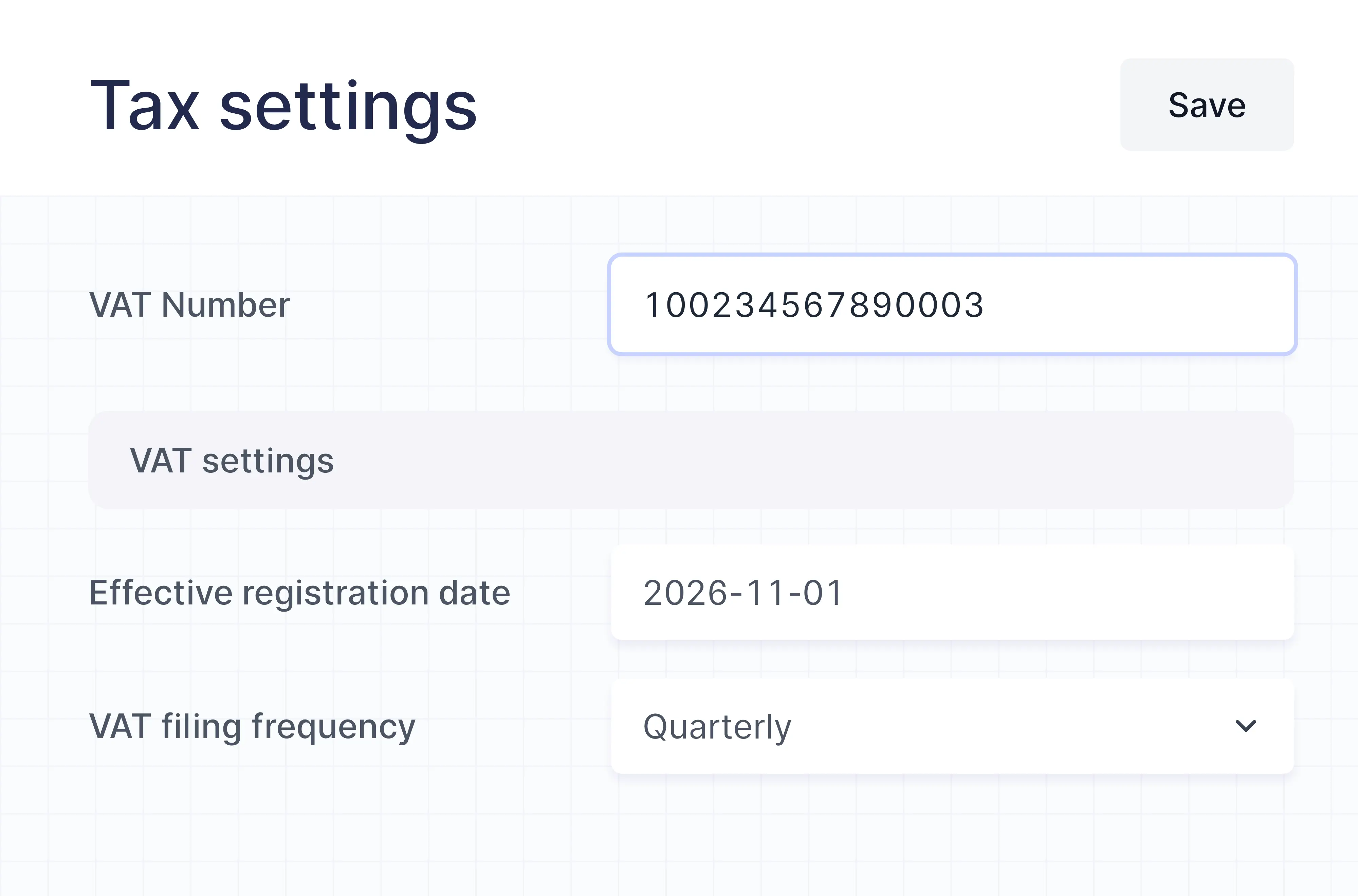
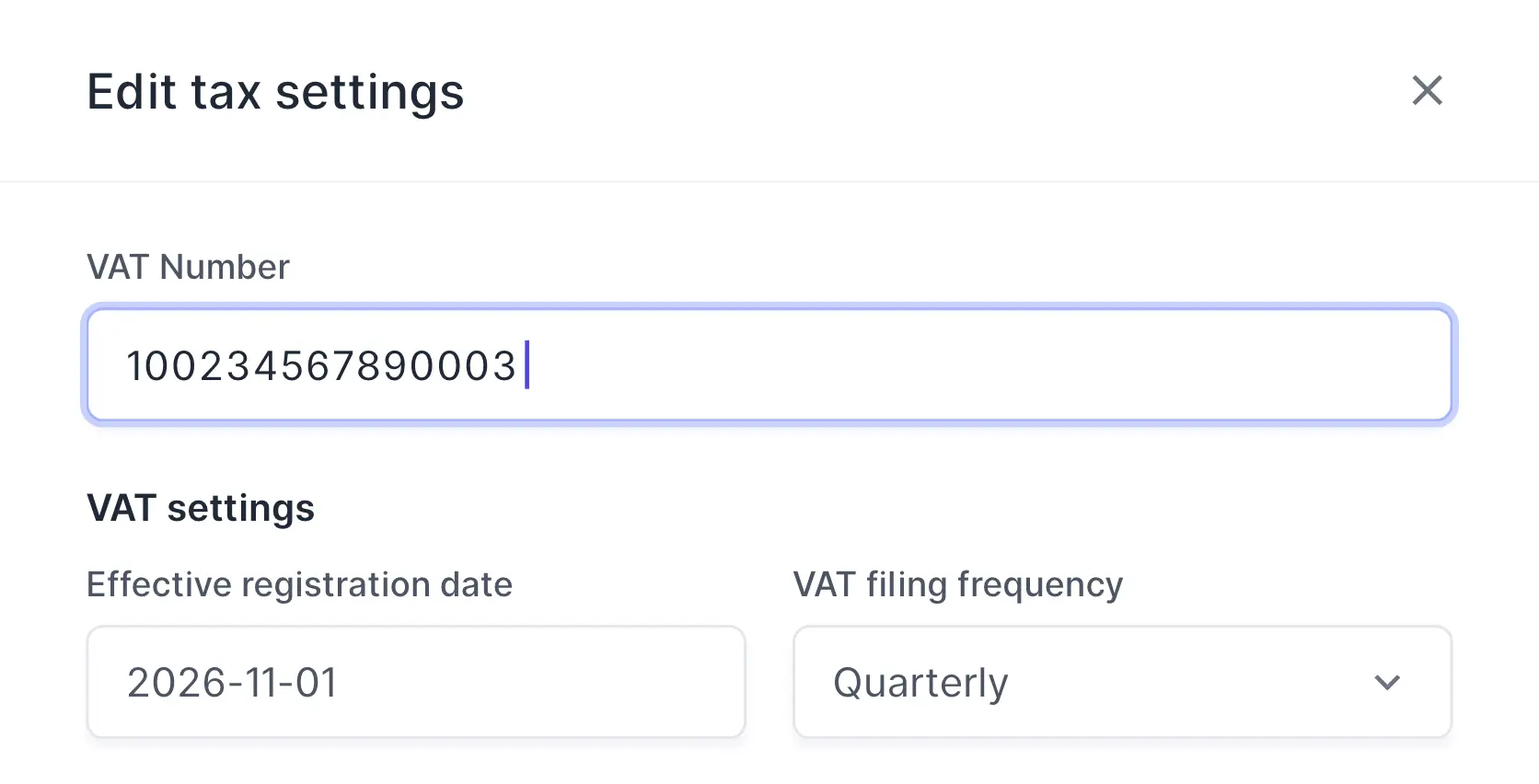
Already registered? Add your VAT number to your tax settings and the reminders stop.
How it works
It runs on its own
Nothing to switch on: it works for every organization in Saudi Arabia, the UAE, Oman and Bahrain that hasn't added a VAT number yet.
Sell as usual
Issue invoices and record your sales in Wafeq.
Wafeq keeps count
Every week, it totals your sales over the last 12 months.
Get a heads-up
In Wafeq and by email, at the voluntary and at the mandatory threshold.
Add your TRN
Once you're registered, add your VAT number and start charging VAT.
What counts
Counted from your books
The total comes from finalized documents and entries only, so drafts don't count.
- Invoices and cash invoices, minus credit notes
- Revenue from manual journals and opening balances
- VAT, receivable and retention lines are left out
Alerts
Heads-ups you won't miss
The reminder shows in Wafeq, and owners and admins get it by email too.
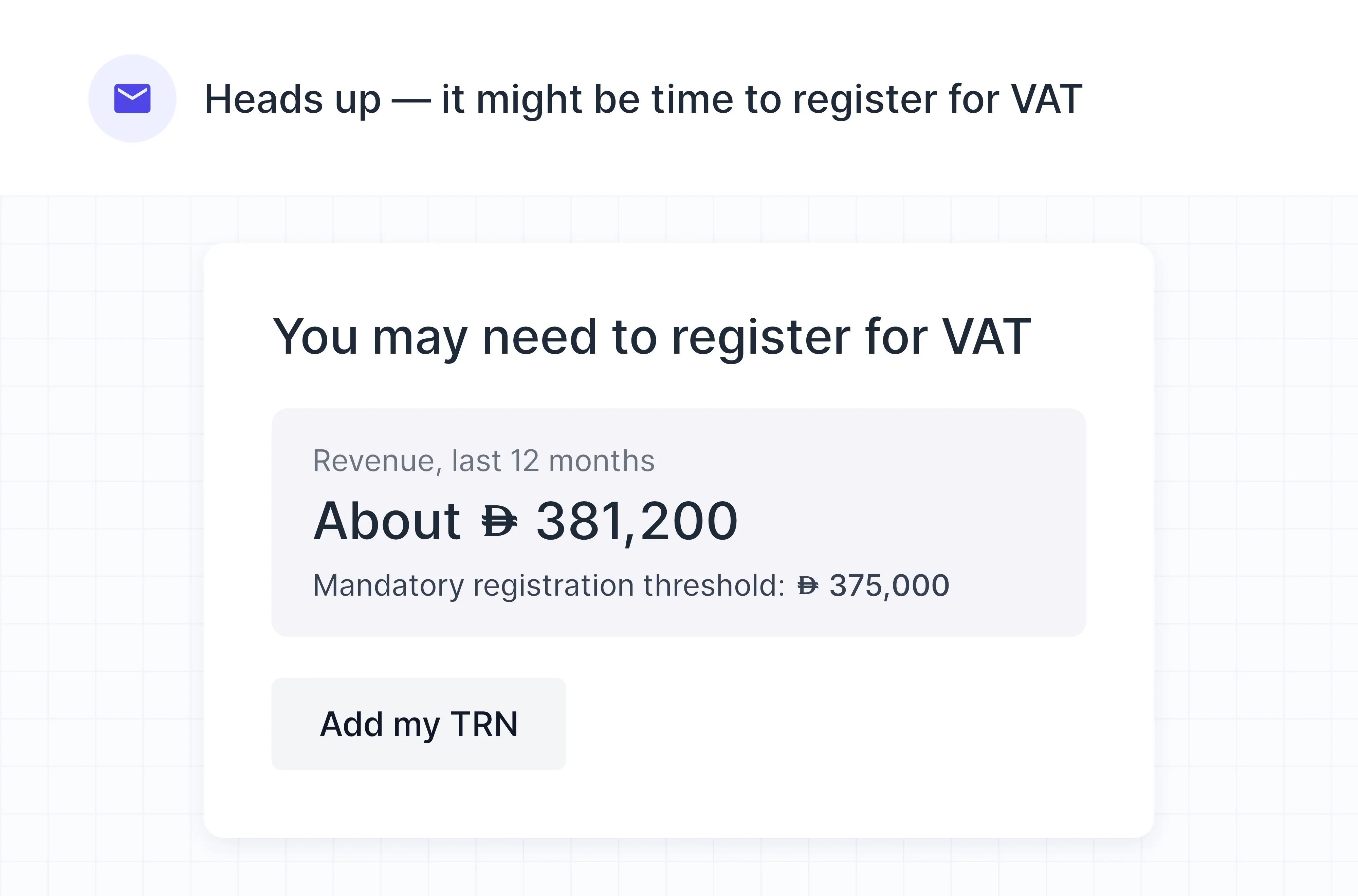
An email to owners and admins
Sent once at each threshold, with your 12-month total and the threshold it passed.
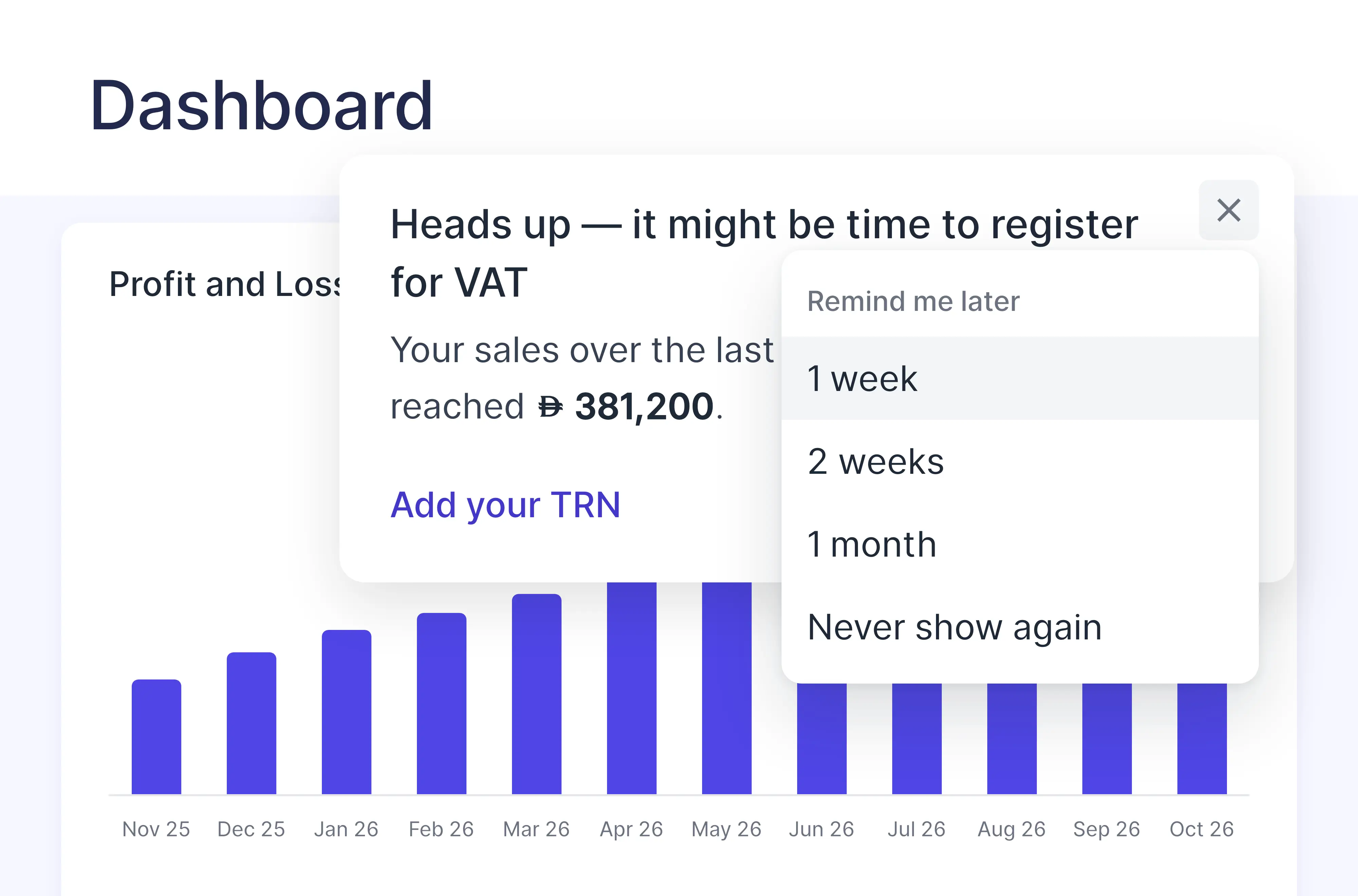
Remind me later
Not ready yet? Hide the reminder for a week, two weeks or a month, or don't show it again.
In your local currency
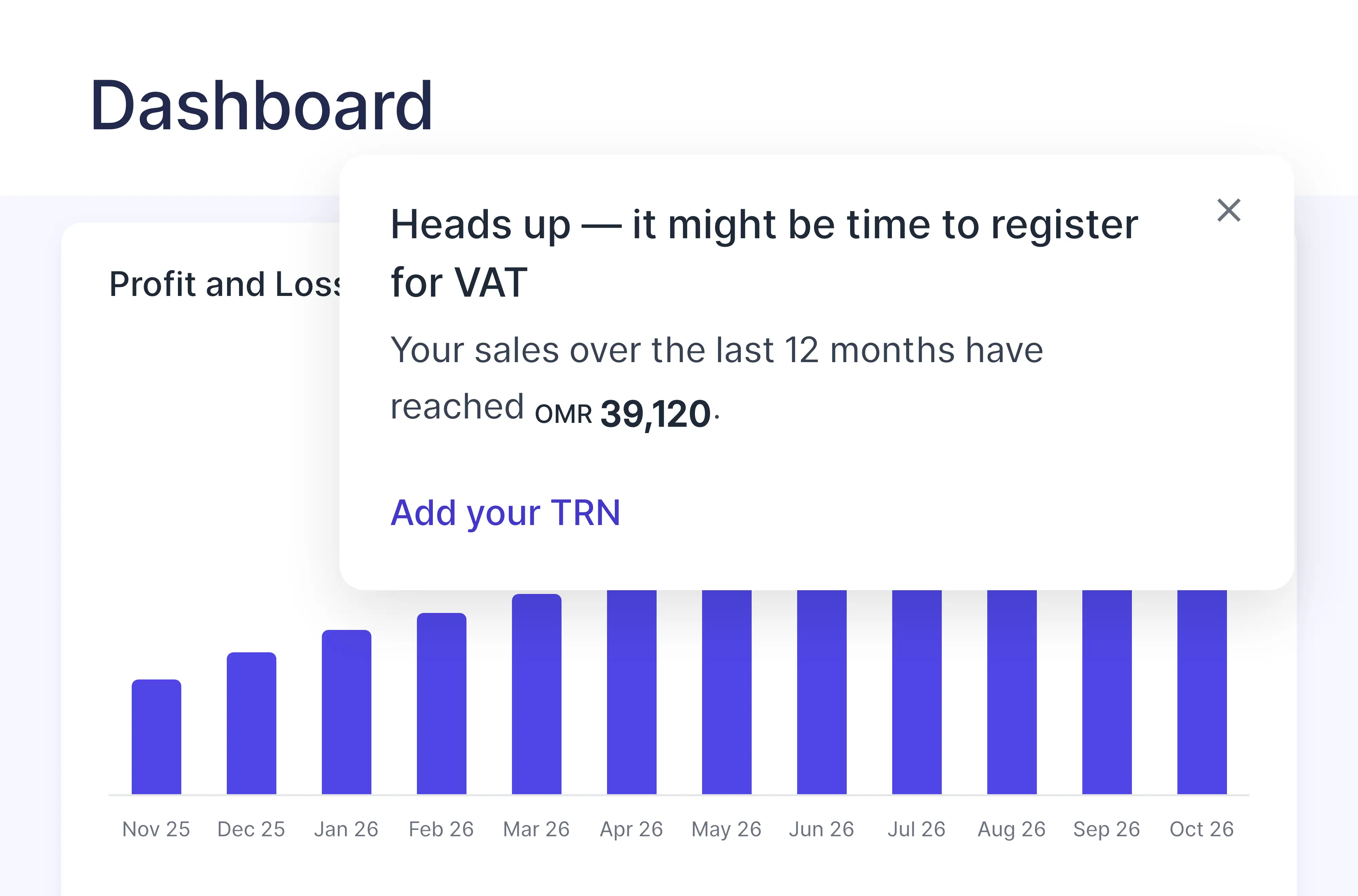
Totals and thresholds show in riyals, dirhams, Omani rials or Bahraini dinars, whatever currency you sell in.
Also included
Out of your way until you need it
No reports to run, no dates to remember.
Nothing to set up
It works on its own for every organization without a VAT number.
Sales in any currency
Foreign-currency sales are converted to your local currency at the day's rate.
Stops when you register
Add your VAT number and the reminders end.
Four countries
Saudi Arabia, the UAE, Oman and Bahrain, each with its own thresholds.
Additional features
Already registered? Add your TRN
Choose Add your TRN on the reminder, enter your VAT number in your tax settings, and the reminders stop.
FAQs
Frequently asked questions

Saudi Arabia, the UAE, Oman and Bahrain. Wafeq uses these thresholds for the last 12 months of sales: Saudi Arabia, SAR 187,500 voluntary and SAR 375,000 mandatory; the UAE, AED 187,500 and AED 375,000; Oman, OMR 19,250 and OMR 38,500; Bahrain, BHD 18,750 and BHD 37,500.
Finalized invoices and cash invoices, minus credit notes, plus revenue recorded in manual journals and opening balances, by journal date. VAT, receivable and retention lines are left out. Zero-rated and exempt sales are included, so check the figure with your tax advisor.
Every Monday, for the 12 months up to that day.
The reminder shows to your team in Wafeq. Owners and admins also get an email, once at each threshold.
No. Wafeq isn't a tax agent, and the alert is an estimate based on your Wafeq data. Confirm your VAT obligations with your tax advisor.
Add your VAT number in your tax settings and they stop. To hide the reminder for a while, choose Remind me later.
Every Wafeq plan.
Stay ahead of VAT registration
Wafeq watches your sales and tells you when it's time.