
Review every document before it posts to your books
Add a review step between draft and posted. Choose who submits, who approves and who posts, and keep every action in the document history.
Features
A review step before anything posts
Add a checkpoint between draft and posted, and decide who does what.
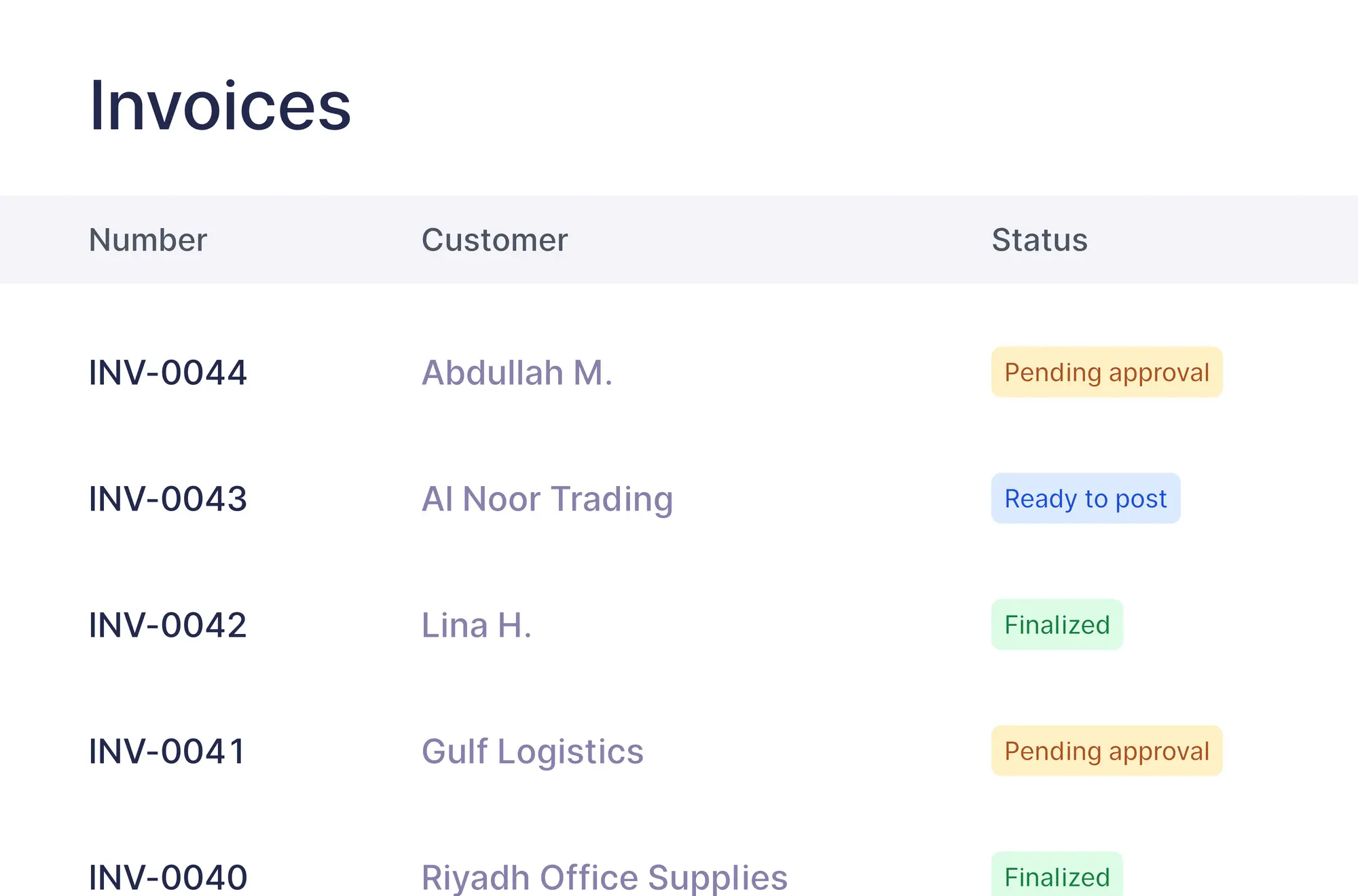
Documents wait for approval
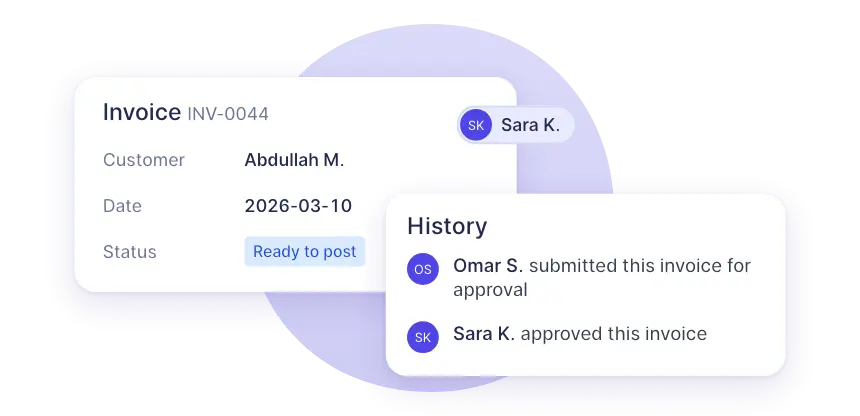
A submitted document shows “Pending approval”. Once approved it is “Ready to post”, so nothing reaches your books unreviewed.
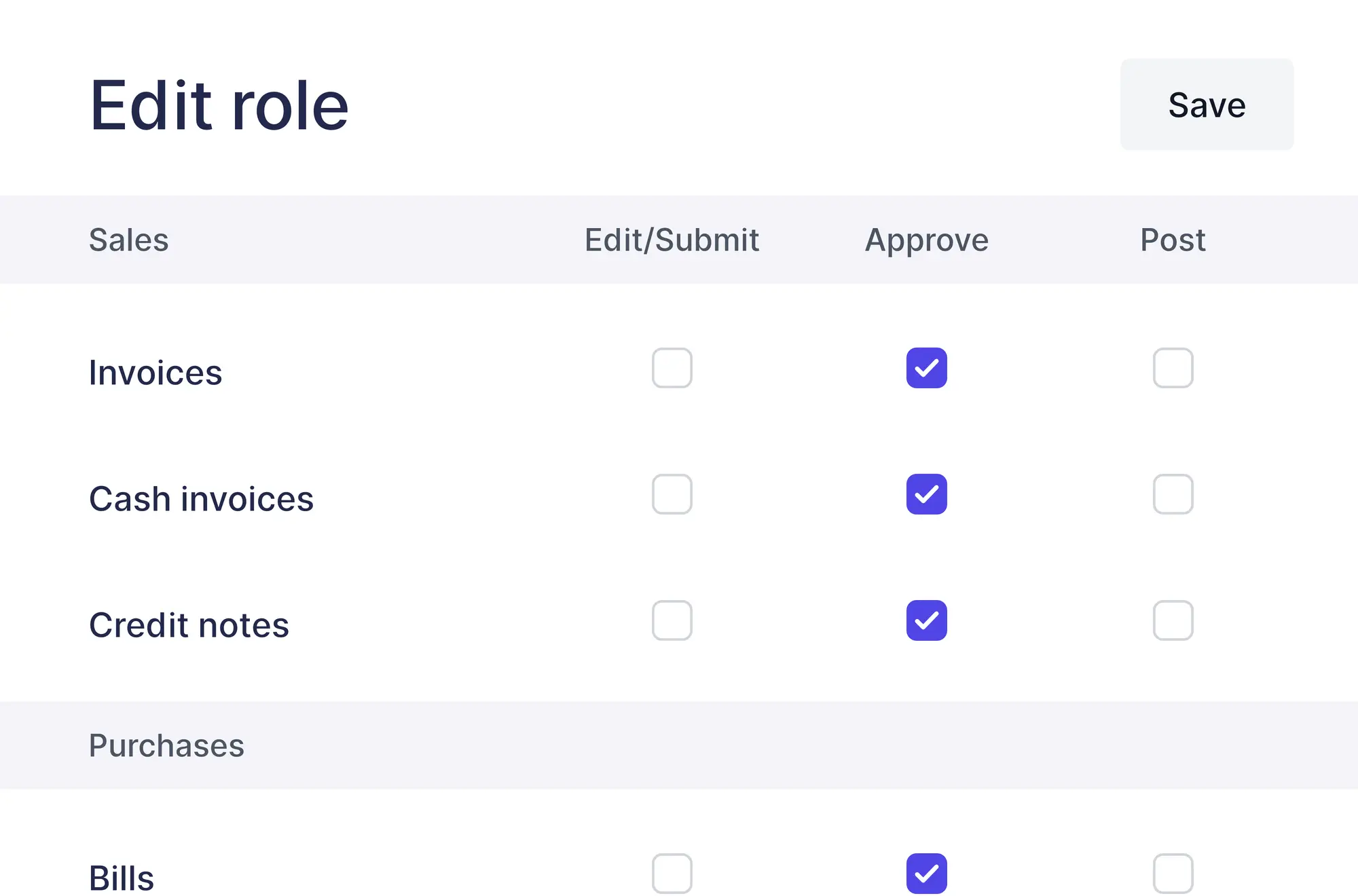
Separate entry, review and posting
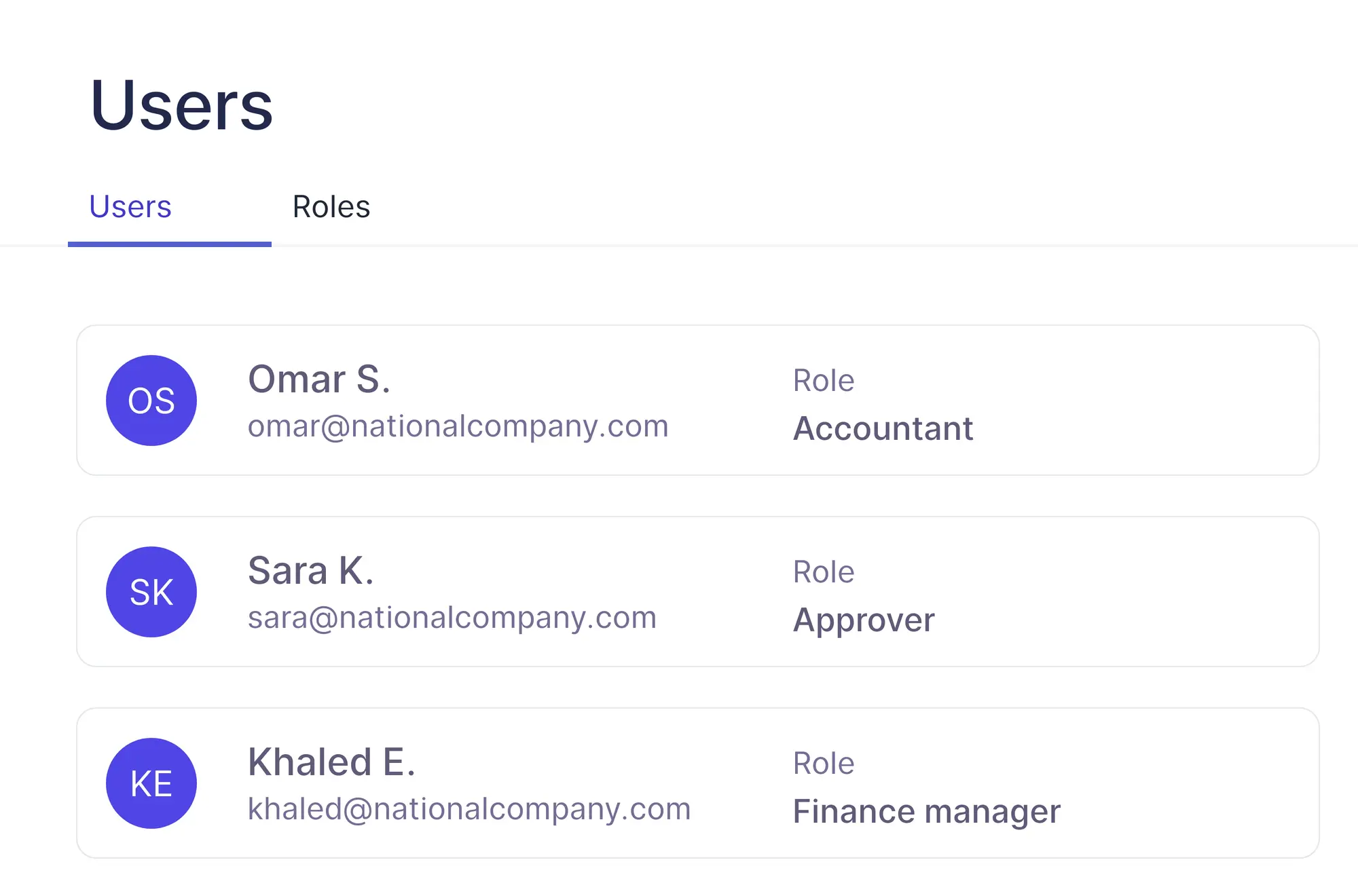
Give each custom role “Edit/Submit”, “Approve” or “Post” for every document type.
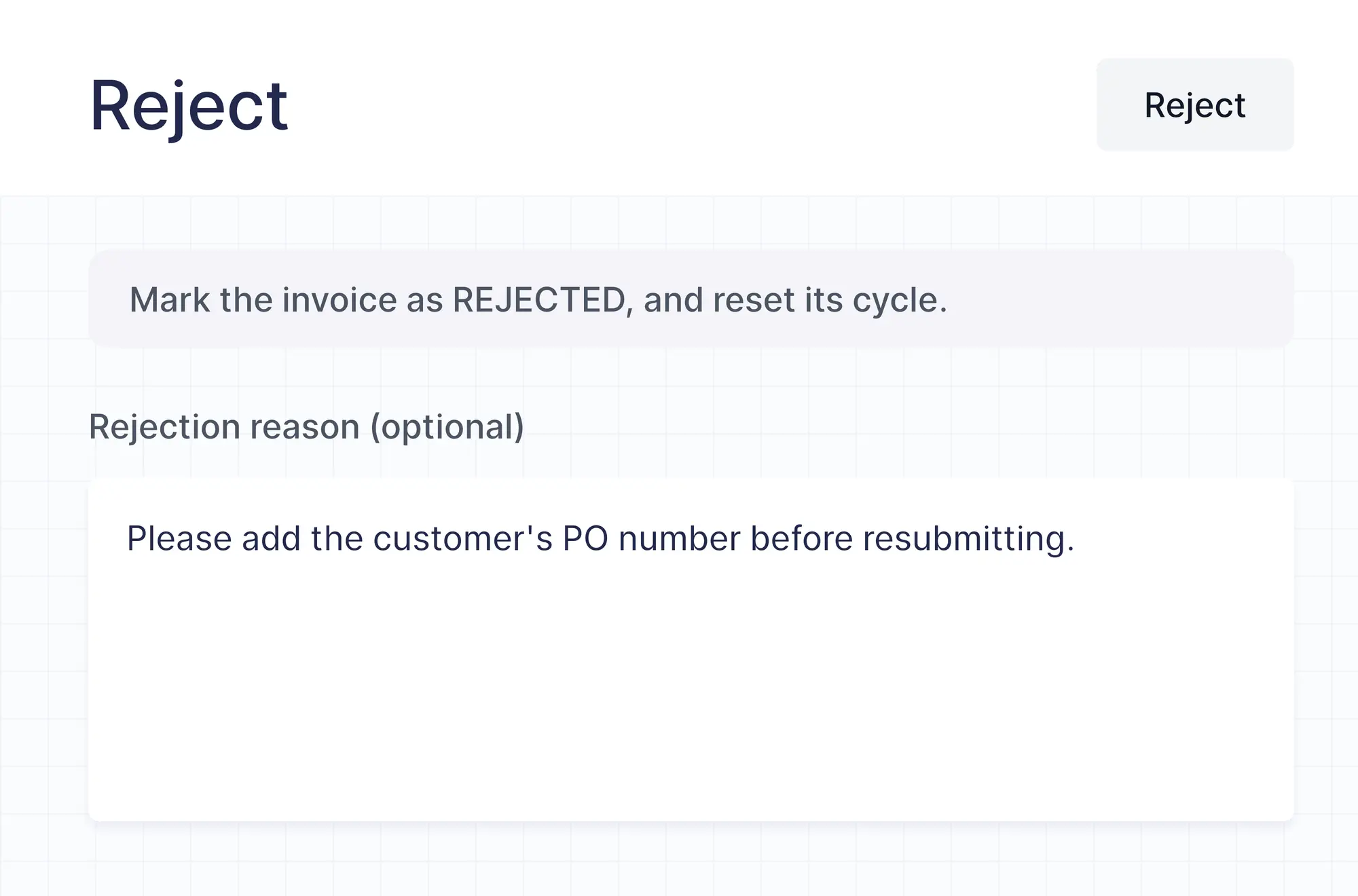
Reject with a reason
An approver can explain a rejection. The reason is saved in the document history, so the author knows what to fix.
How it works
From draft to posted
Four stages, each with its own permission.
Submit a complete draft
A team member sends the draft for approval and it becomes “Pending approval”.
Review the document
An approver opens it and checks the details.
Approve or reject
Approving makes it “Ready to post”. Rejecting returns it to the author with an optional reason.
Post to your books
Someone with the Post permission posts the approved document.
Review modes
Lock documents or allow tracked edits
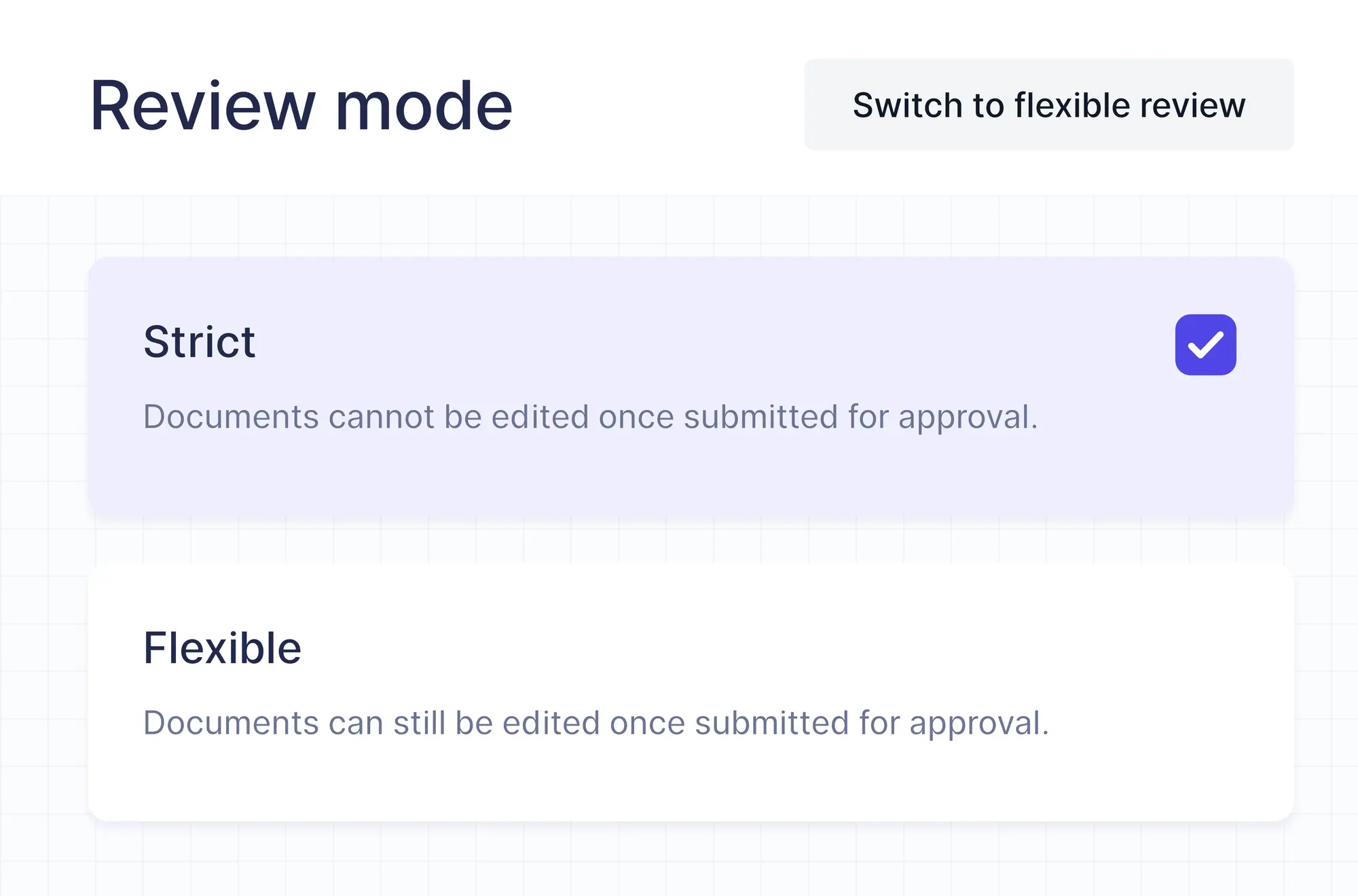
Choose how strict the review is. You can switch the mode at any time, and new approval workflows start in strict mode.
- Strict: a submitted document cannot be edited
- Flexible: approvers and posters can edit during review
- Every flexible edit is logged in the history
Getting started
Turn it on in three steps
Approval workflows are switched on separately for each area, so you can protect purchases without slowing down sales.
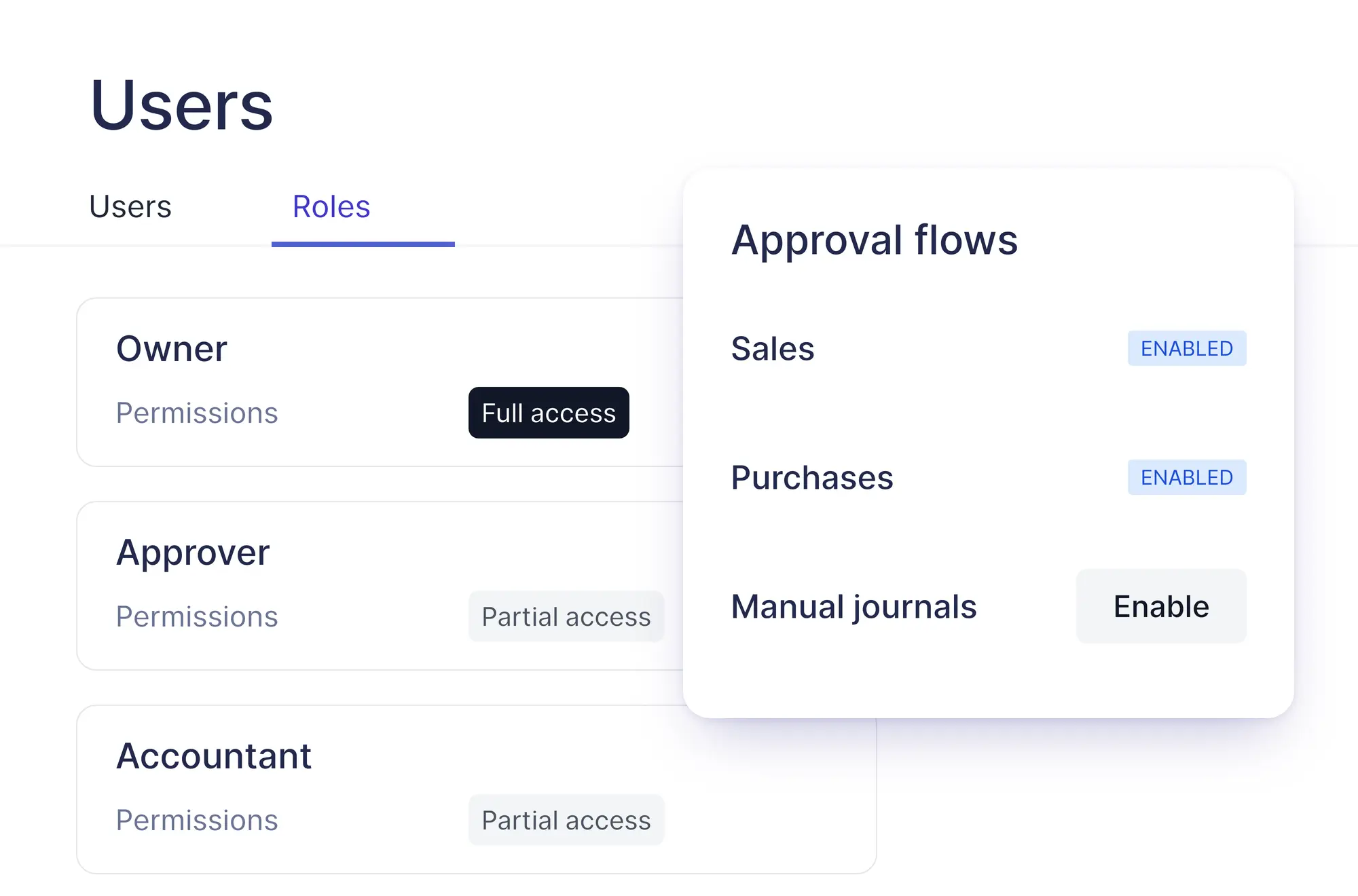
Choose where approvals apply
In “Manage and invite users”, open “Approval flows” and enable sales, purchases or manual journals.
Pick a review mode
“Strict” locks submitted documents. “Flexible” allows edits and records each one in the history.
Assign the roles
Give each team member a role with the permissions they need, from the “Users” tab.
Also included
Built around how your team reviews
The details that keep reviews moving and on the record.
Invoices, bills and journals
Sales, purchases and manual journals, each switched on separately.
Email notifications
Turn on emails for submissions, approvals and rejections.
Revoke a submission
The author can take a document back from review to change it.
Full document history
Every submission, approval, rejection and edit, with who did it and when.
Additional features
Approve in bulk, not one by one
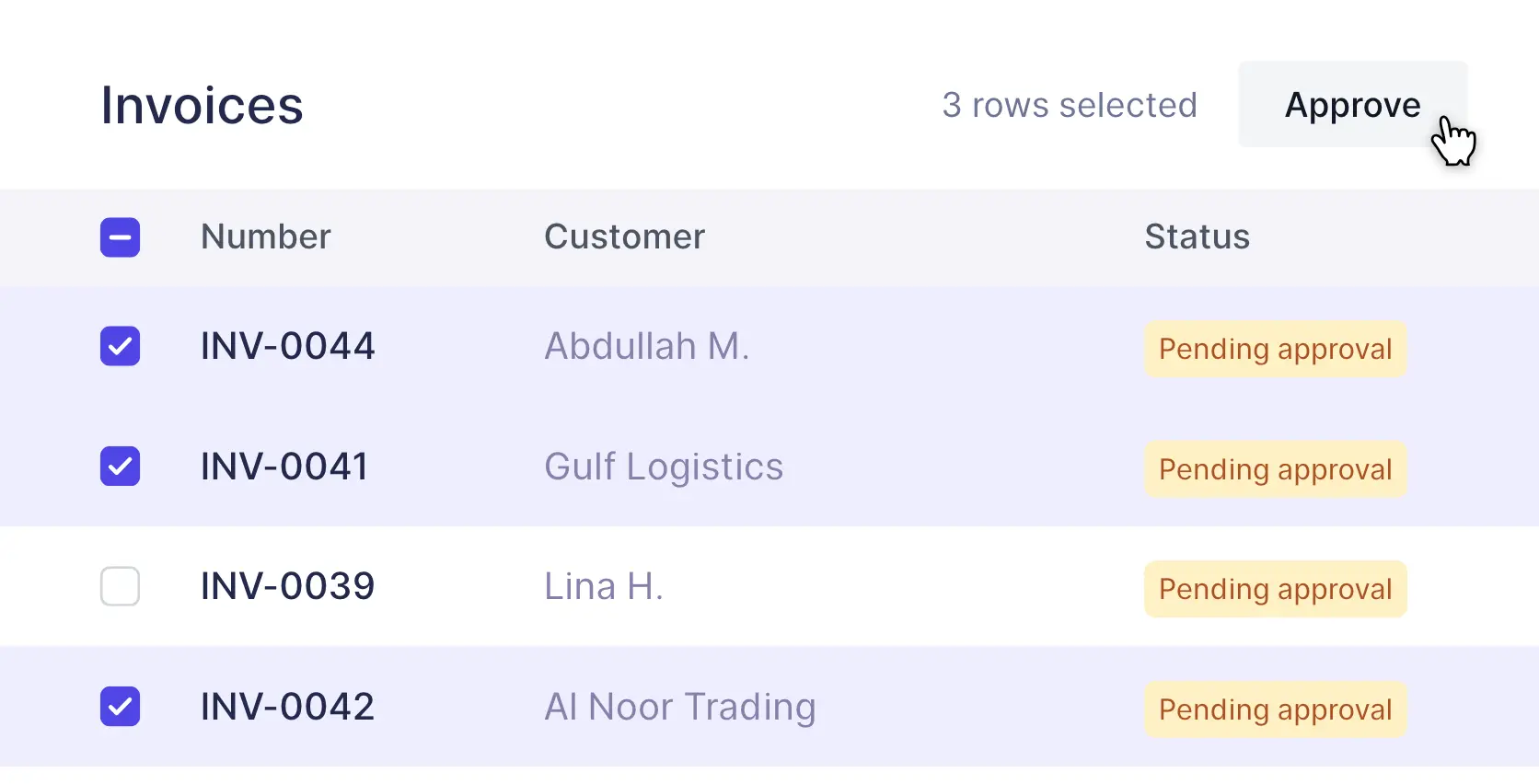
Select complete drafts in a list and approve, reject, submit or revoke them all at once. A rejection reason is saved on each document.
FAQs
Frequently asked questions

Invoices, credit notes, cash invoices, bills, debit notes and manual journals.
In strict mode a submitted document cannot be edited. In flexible mode it can, within the limits of each user's role, and every change is logged in the document history.
Only if their role also has the Post permission. Approving makes the document Ready to post, and posting is a separate permission.
Yes. Sales, purchases and manual journals are switched on separately.
The approver can add a reason, which is saved in the document history. The author can then edit the document and resubmit it for approval.
Approval workflows are included in the Premium and Enterprise plans. If you move to a plan without them, the approval settings are switched off.
Put a second pair of eyes on every document
Catch mistakes before they reach your books.