
Make every document fit how you work
Capture the details your business relies on, from a salesperson to a service date, and design invoices and quotes that look exactly the way you want.
Features
Your data, on your documents
Add the fields you need, choose where they appear and design the layout around them.
Add the fields your business needs
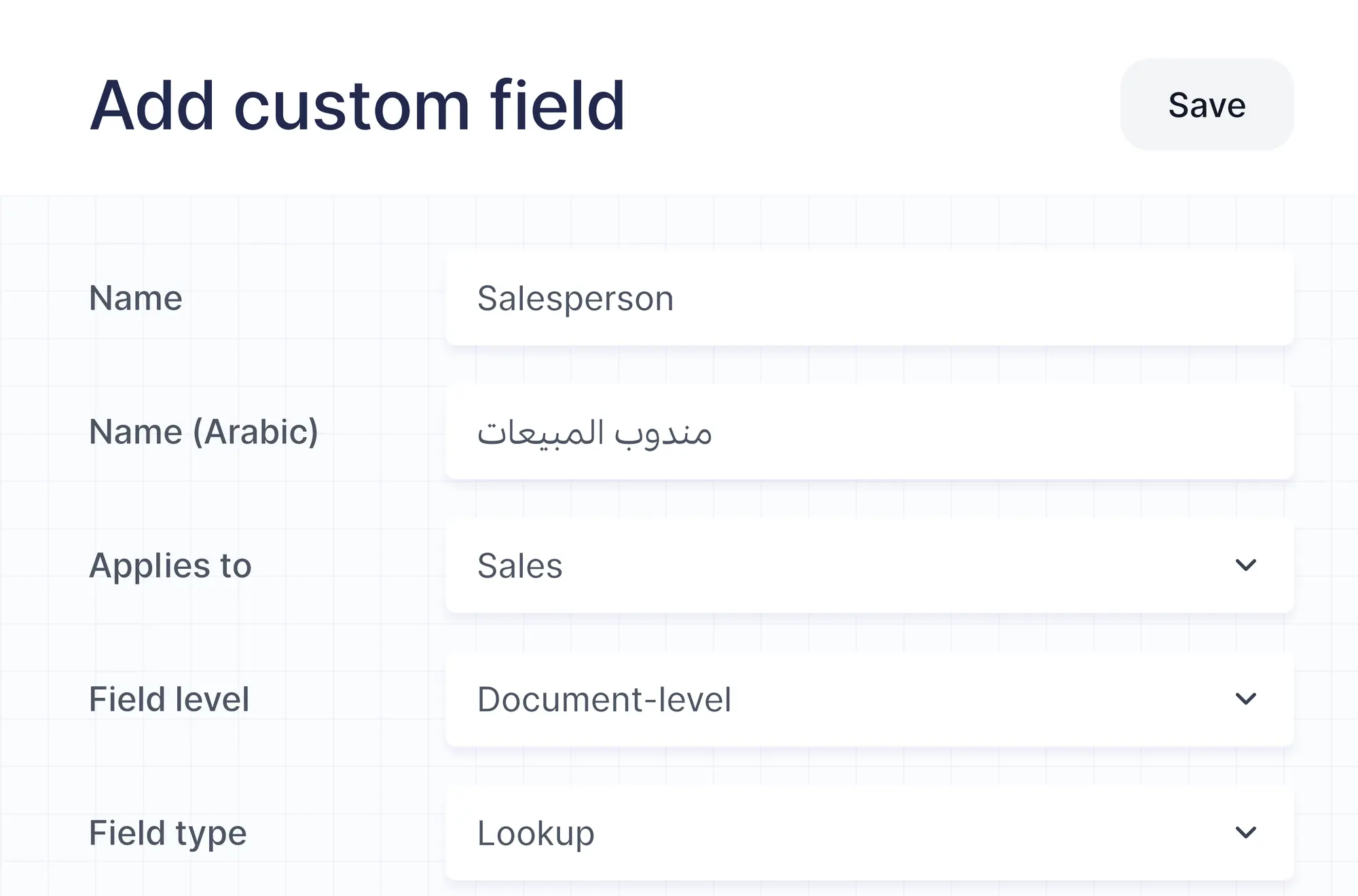
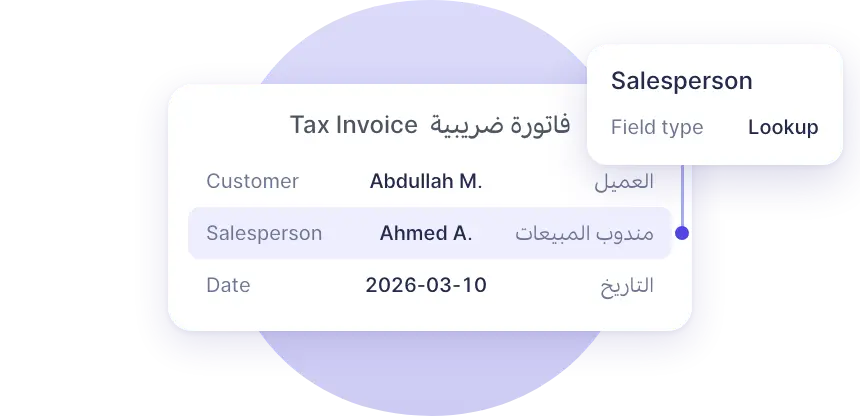
Create text, number, date, select or lookup fields for sales, purchases, items and contacts, at the document level or as a line item column.
Fill them in as you work
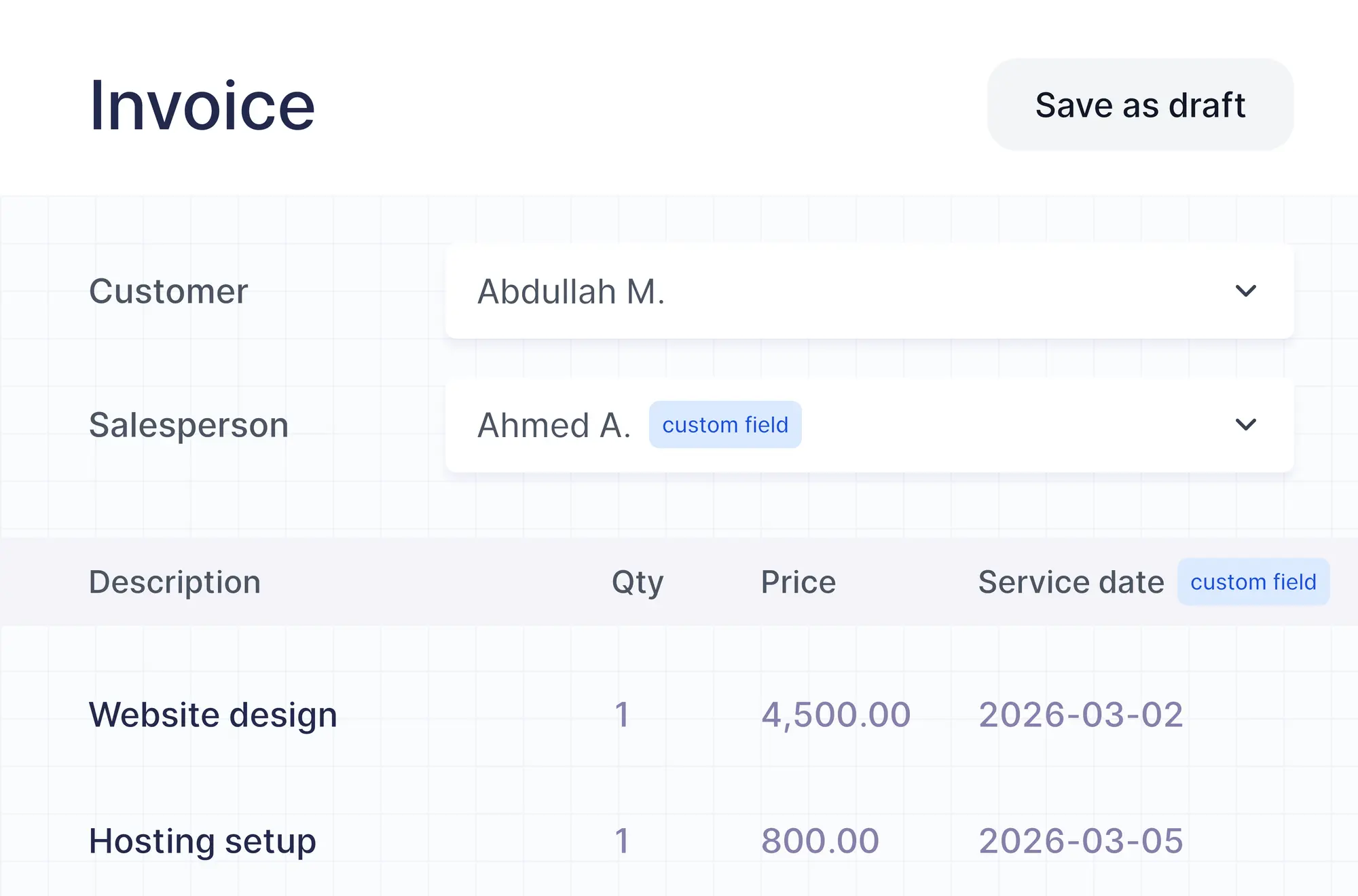
Custom fields sit with the main details of every document, and line item fields appear as extra columns beside the description and price.
Design templates your way
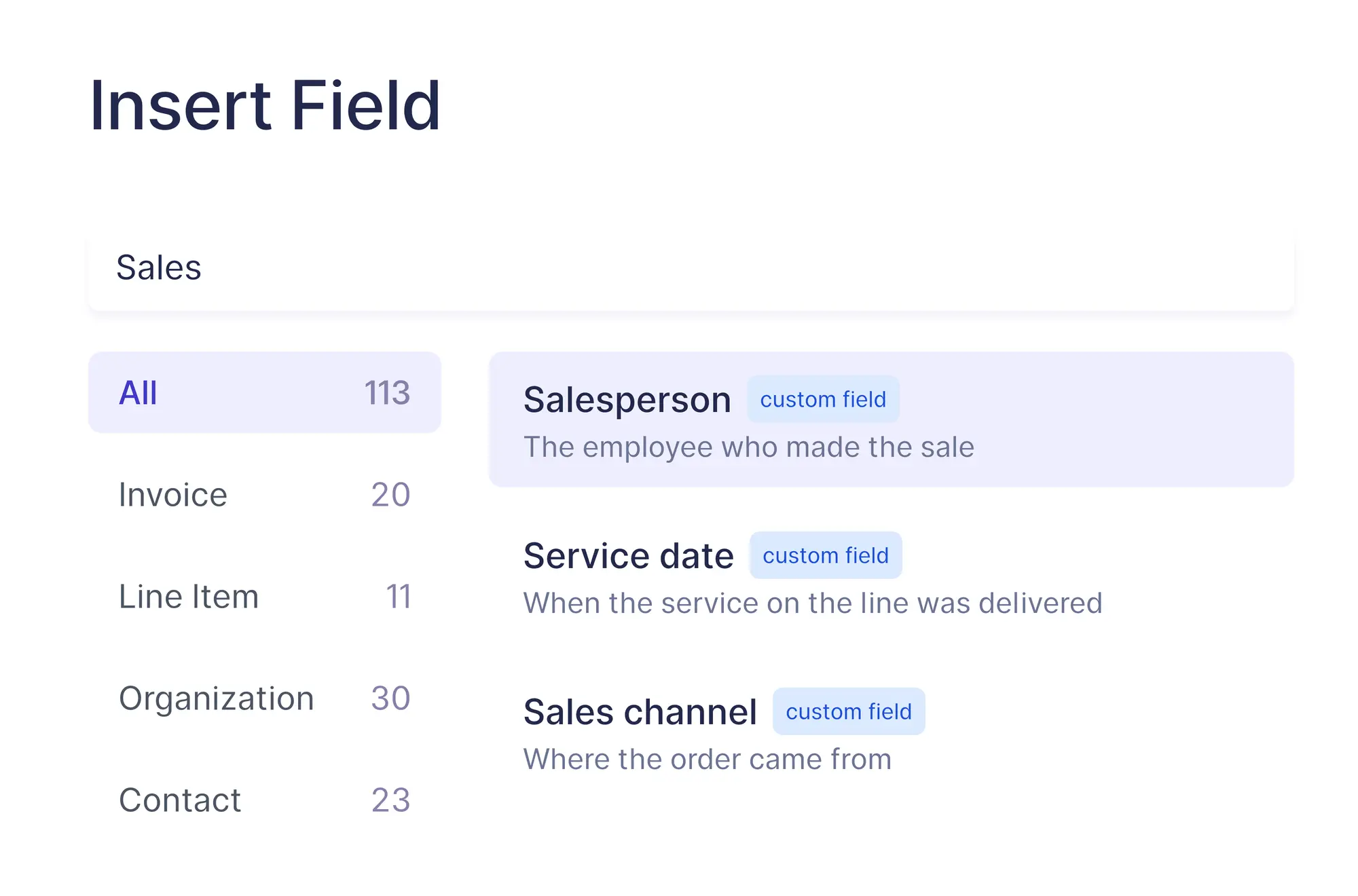
Insert fields and elements, rename labels, and choose fonts, colours and page size in the advanced designer, with a live preview on sample data.
How it works
From a new field to a finished document
Four steps from defining a field to seeing it on the PDF.
Create the field
Name it in English and Arabic, then choose where it applies and the type of data it holds.
Fill it in
Enter its value as you create documents, or once on a contact so it follows every document for that contact.
Add it to your template
Place it anywhere with “Invoice fields” in the advanced designer, and show it only when it has a value.
Share the finished document
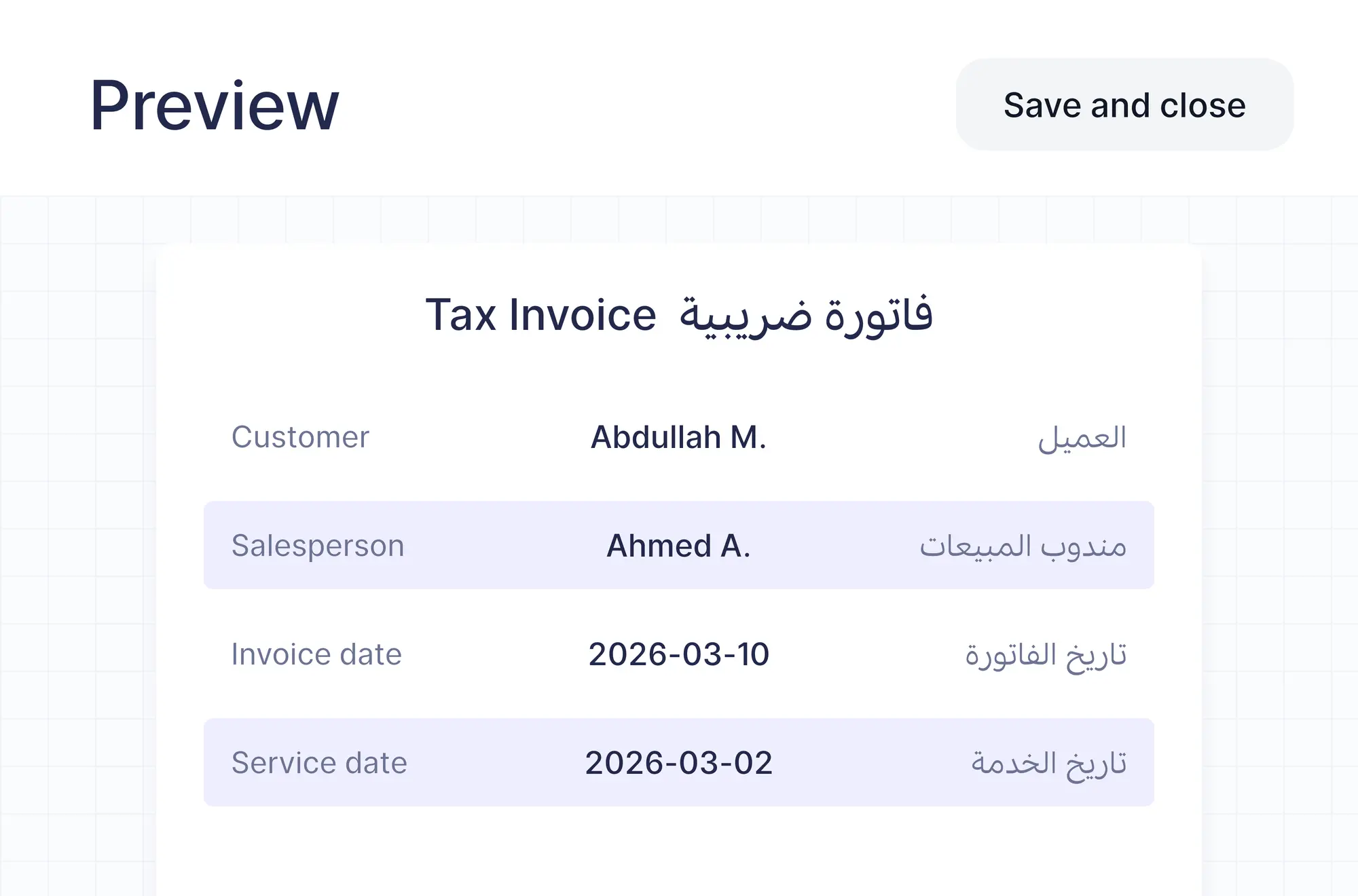
The field prints on the PDF in the layout you designed, in English, Arabic or both.
Advanced Customization
Unlock the advanced template designer
The Advanced Customization add-on gives you full control over how your documents look and what they carry.
- Up to 10 custom fields on any plan
- Layouts, fonts, colours and page sizes, from A4 to 80 mm receipts
- Tables, page breaks, joined and calculated fields
Getting started
Set up in three steps
From your first field to your own invoice template.
Add a custom field
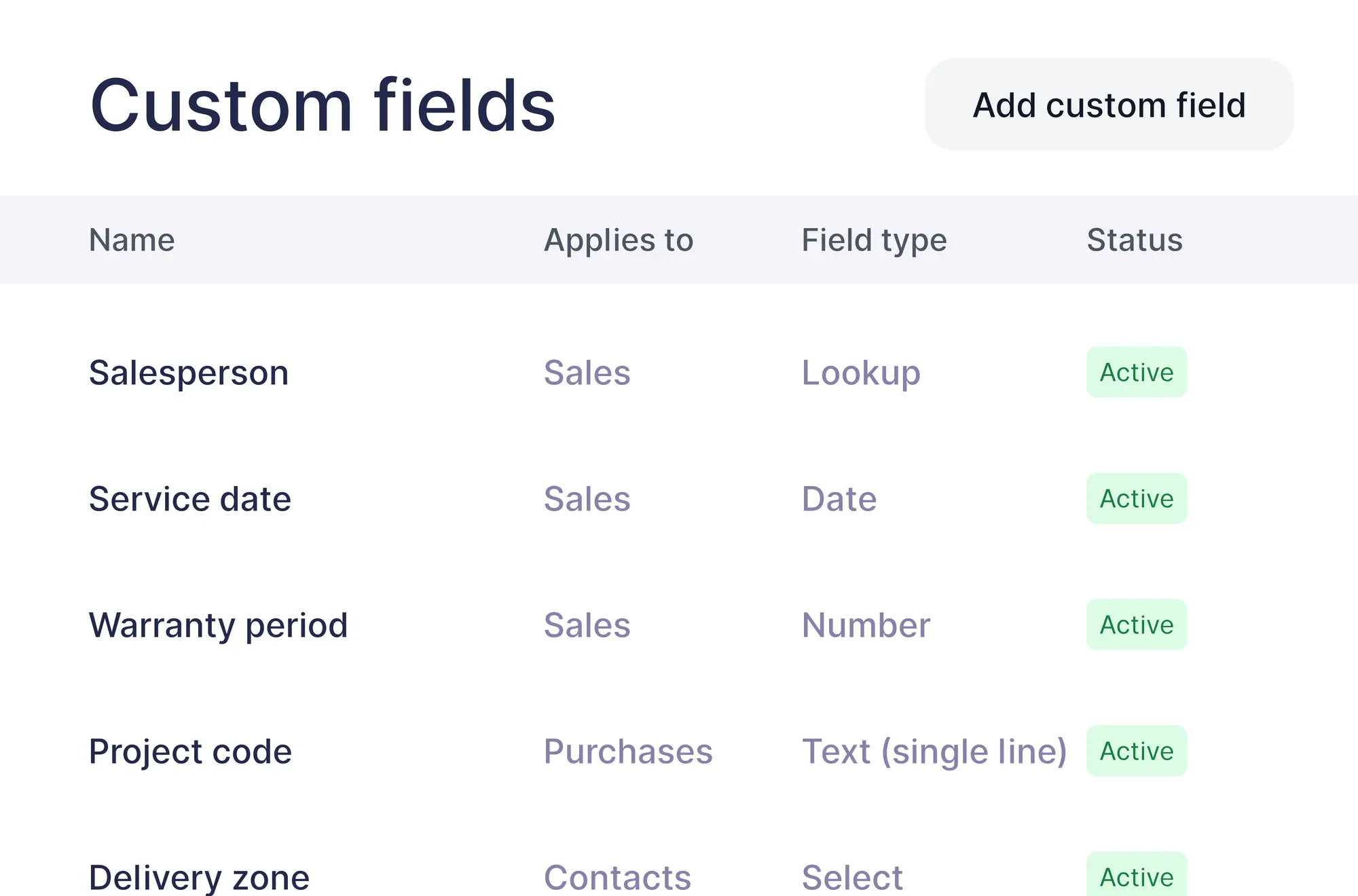
Open “Custom fields” in settings, or “Edit fields” on any document, and choose “Add custom field”.
Open the advanced designer
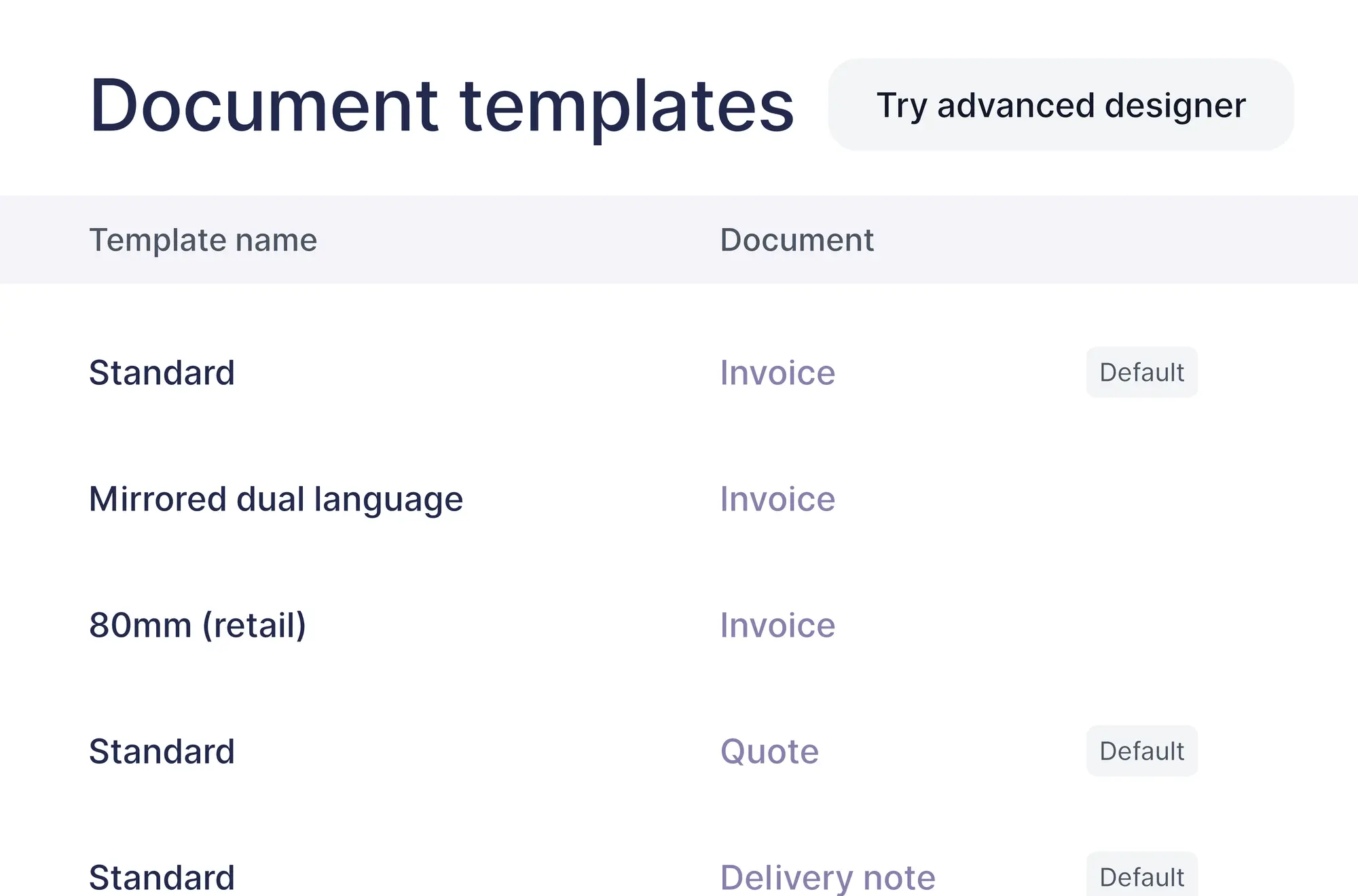
In “Document templates”, choose “Try advanced designer” on the template you want to change.
Save and make it default
Check the result in “Preview”, then “Save and close”. Every new document uses your template.
Options
Fields and templates that fit how you work
A few of the choices you have when you set up fields and templates.
Seven field types
Text, number, date, select, lookup and calculated fields.
Line item fields
Extra columns on sales and purchase lines, such as a service date.
Contact fields
Enter a value once on a contact and it shows on every document for them.
Bilingual layouts
Mirrored English and Arabic layouts, with a choice of fonts.
Additional features
Reports with the columns you need
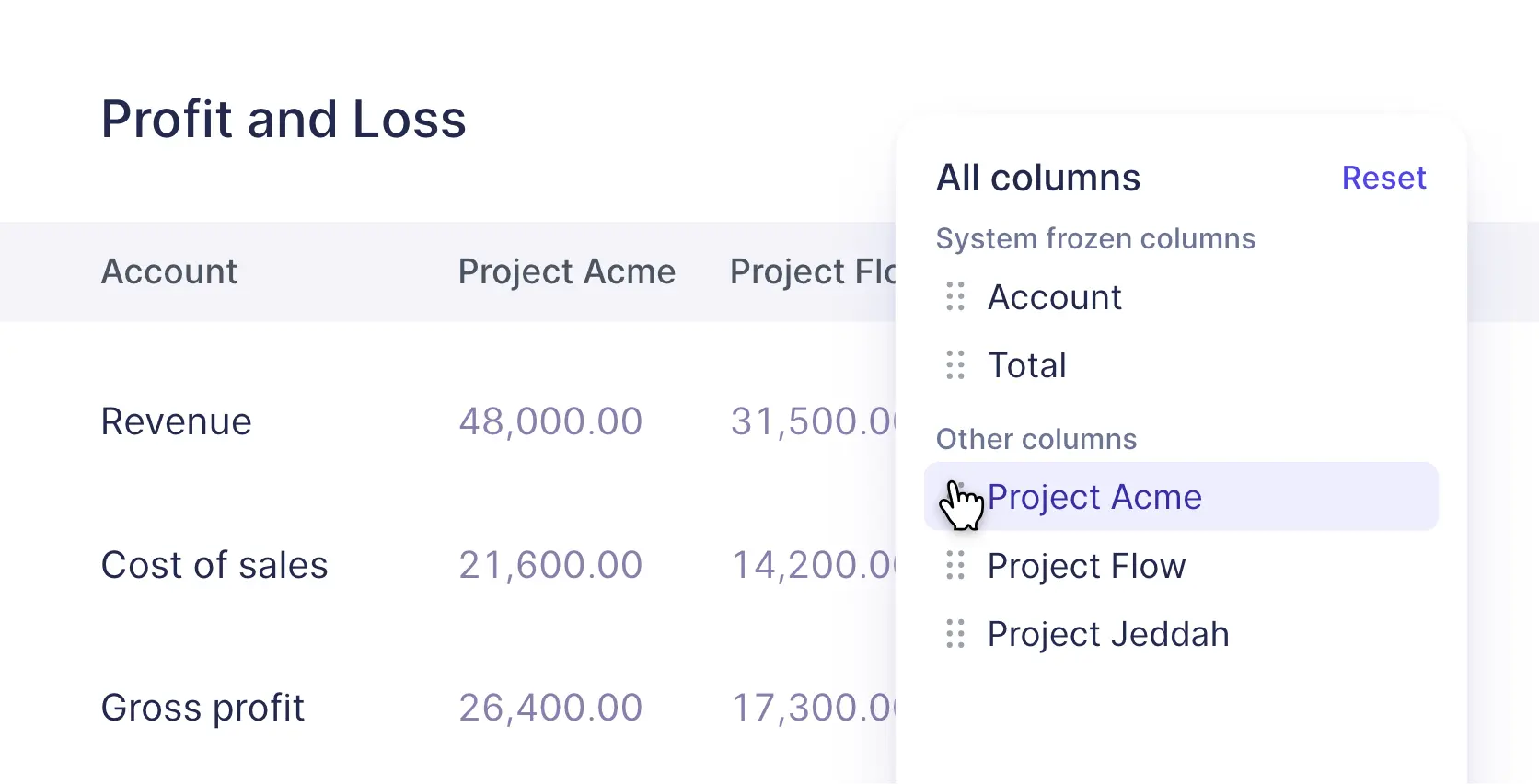
Choose which columns your reports show and drag them into the order you want.
FAQs
Frequently asked questions

To sales documents (quotes, invoices, credit notes and delivery notes), purchase documents (bills, debit notes and purchase orders), items and contacts. Fields on sales and purchase documents can also sit in the line items.
Plus includes 1 custom field, Premium includes 2 and Enterprise has no limit. The Advanced Customization add-on gives up to 10 custom fields on any plan.
The advanced template designer, up to 10 custom fields, and quantity formulas built from your custom fields.
99 per month or 990 per year, in your billing currency.
Invoices, simplified invoices, credit notes, quotes, delivery notes and purchase orders.
Custom fields are hidden on printed documents by default. Add the field to your template, or turn it on in the template's settings.
Make every document say what you need
Add your own fields and design your template once.