
Your inbox, with an AI agent that does the data entry
Forward supplier bills and receipts by email or WhatsApp. The agent reads each one and prepares a draft bill or expense, and you review it before anything is posted.

Features
From a forwarded file to a draft
Send documents in, let the agent do the data entry, and review the result.
Send it in any way
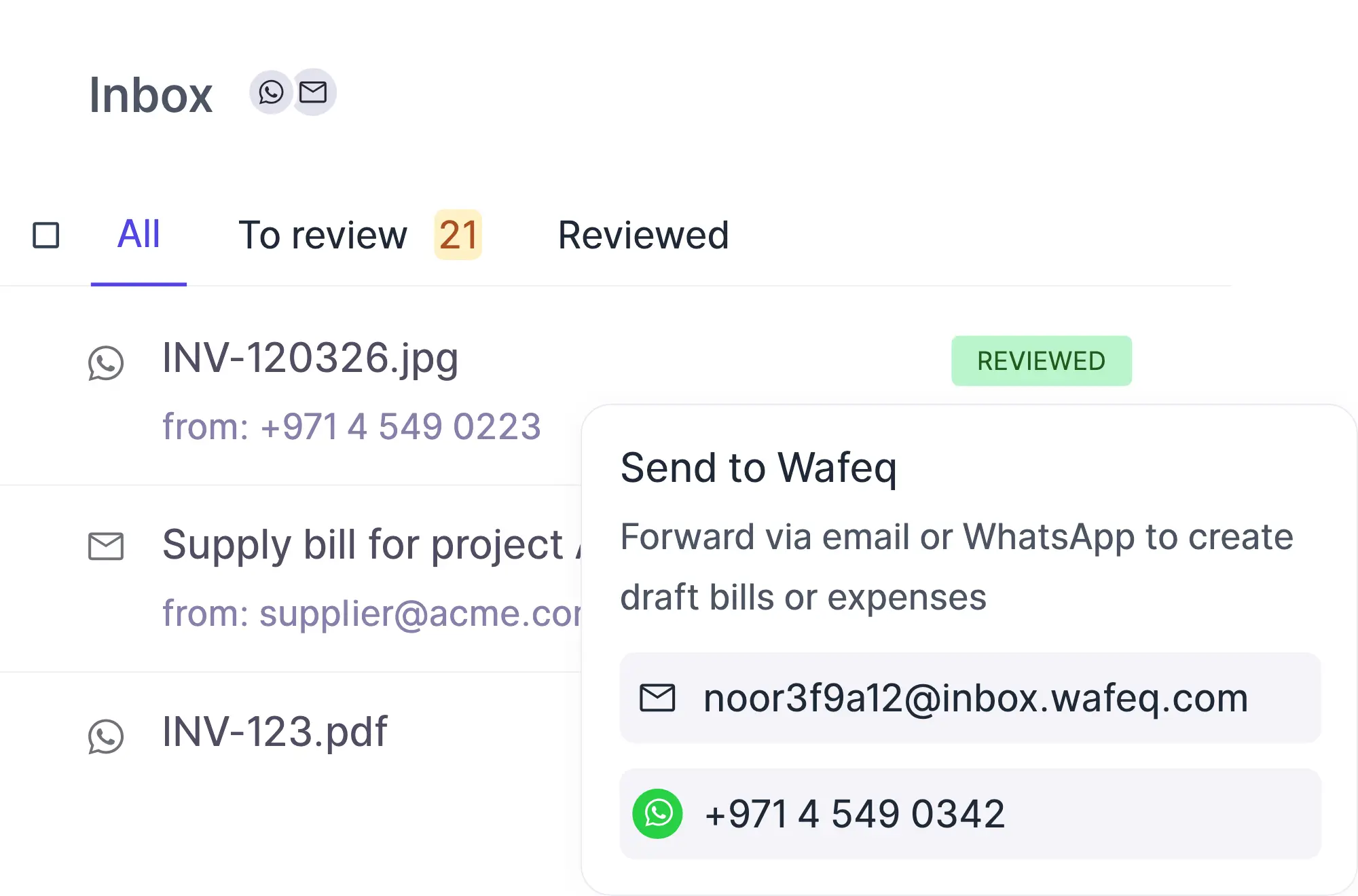
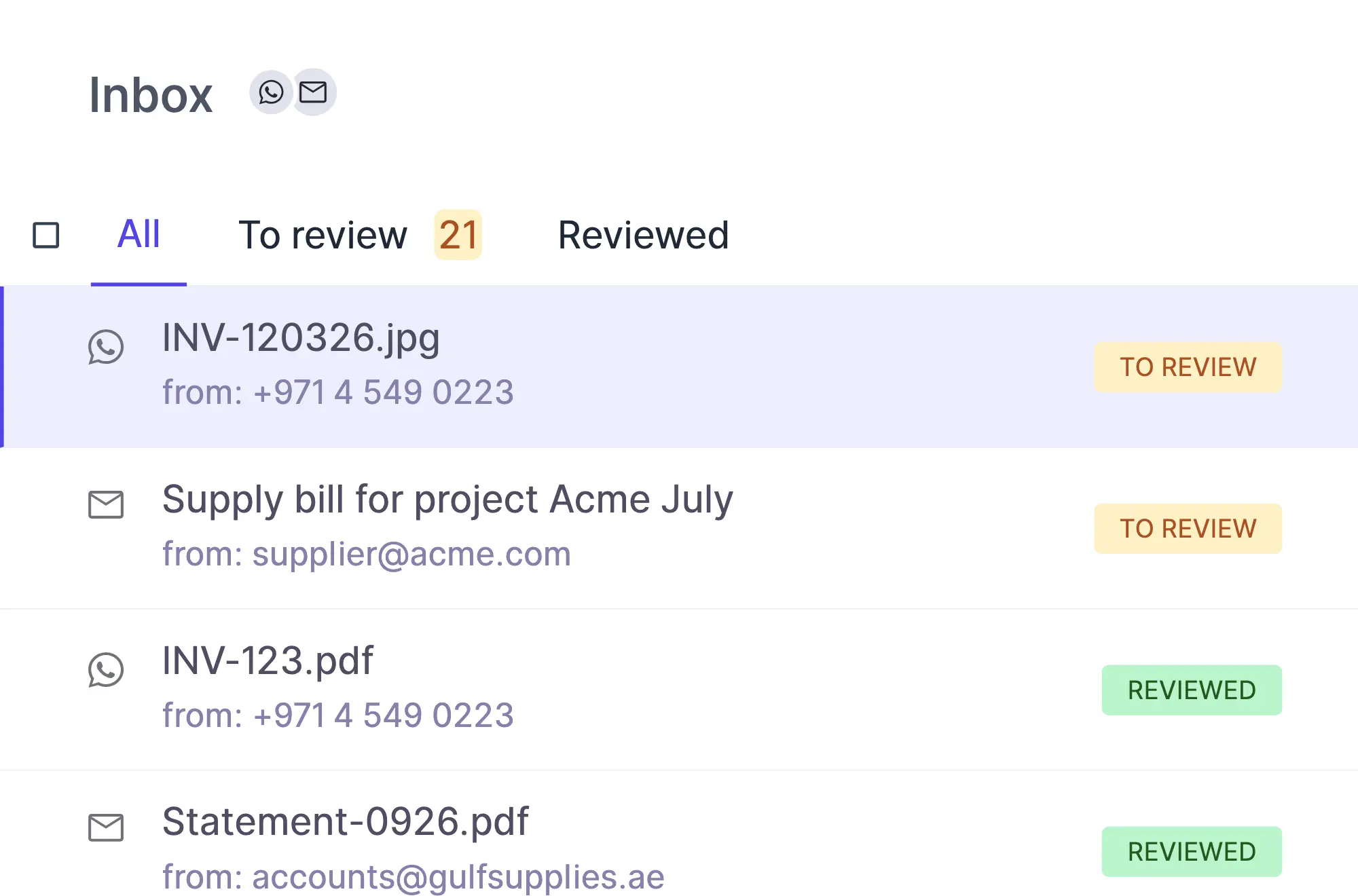
Forward a supplier bill or receipt to your Wafeq inbox address, send a photo or PDF from WhatsApp, or upload files directly. Each document appears in the Inbox with its source.
The agent does the data entry
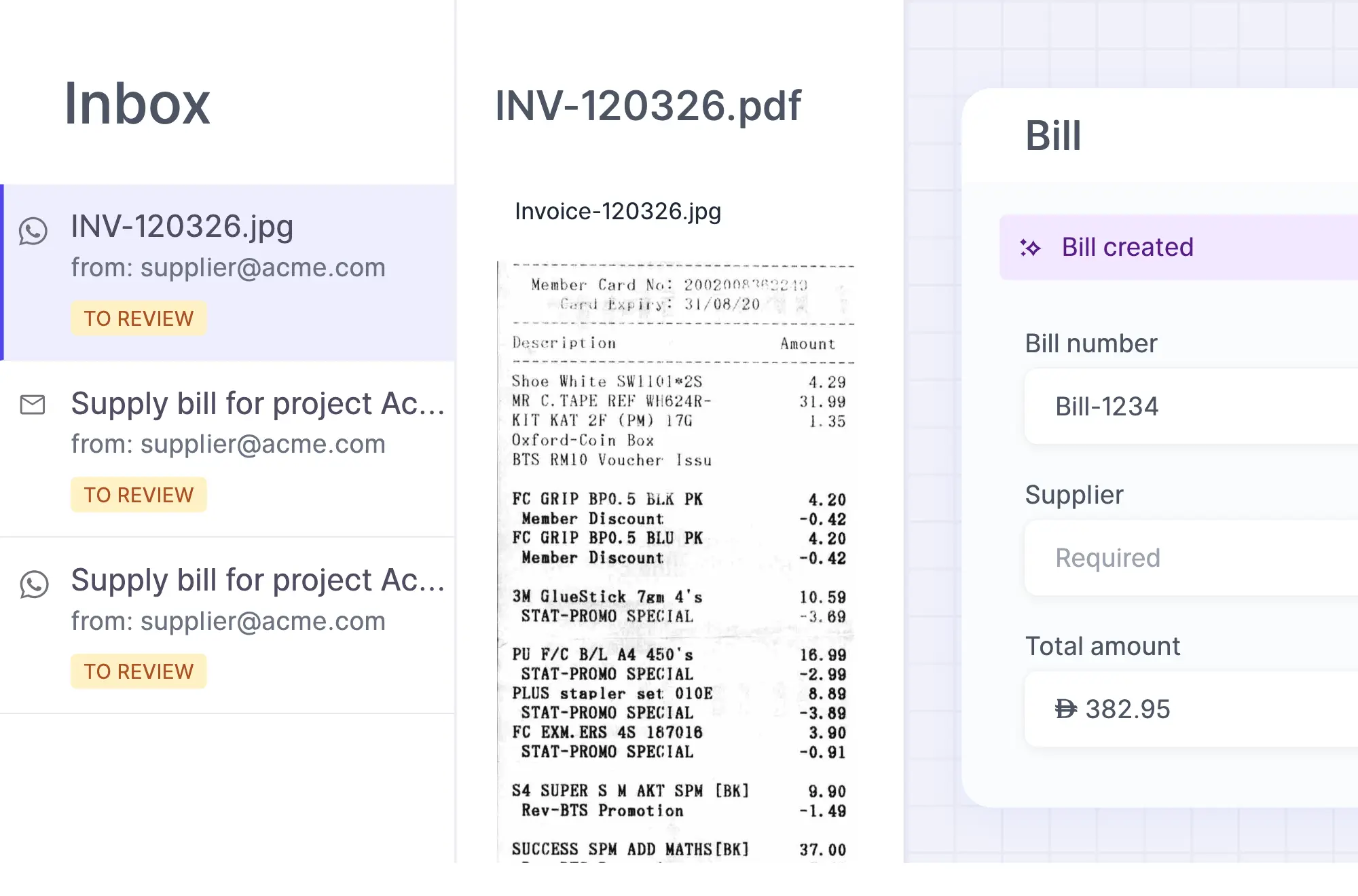
It reads each document, finds or creates the supplier and prepares the booking, instead of you typing it in.
You review before anything posts
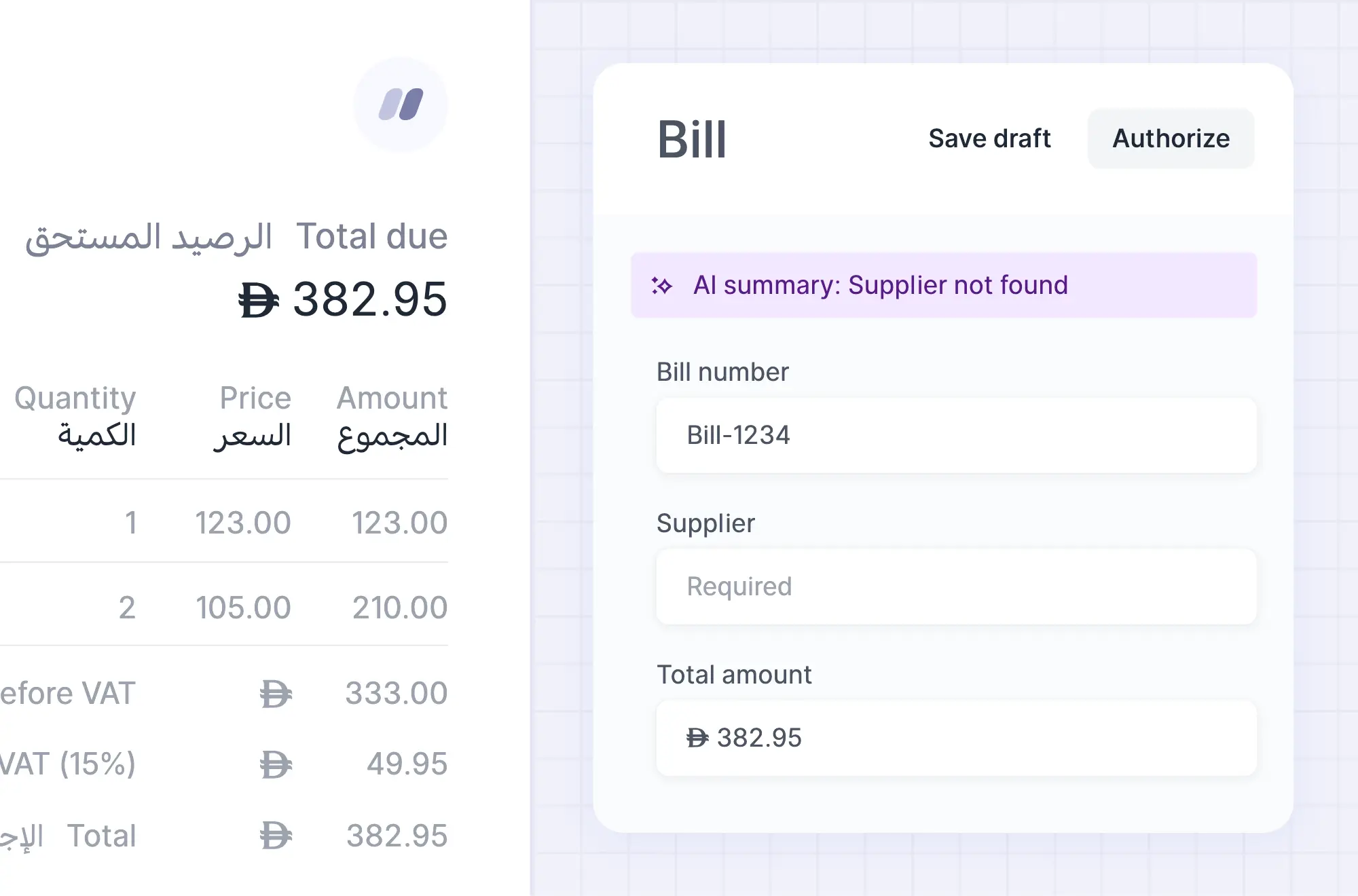
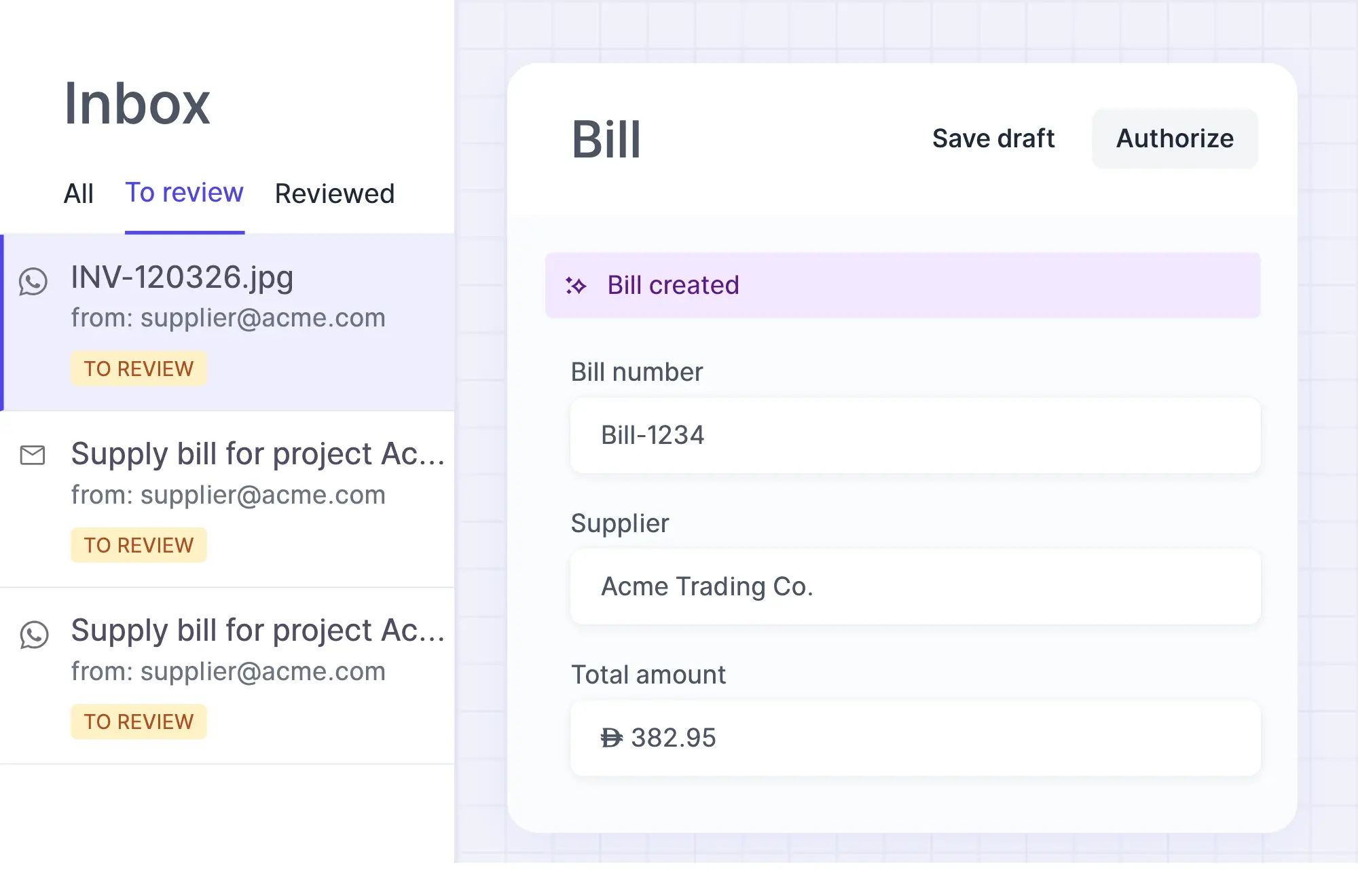
What the agent books is always a draft. Compare it with the original and approve it when it is right.
How it works
From email received to recorded
Four stages take a document from your inbox to a reviewed record.
The document arrives
It lands in one list, whether it came by email, WhatsApp or upload.
The agent reads it
It extracts the supplier, dates, amounts and taxes.
A draft is prepared
A bill when payable on credit, an expense when already paid, with the original file linked.
You review and approve
Saving the linked bill or expense marks the document as reviewed.
AI agent
An agent that prepares the booking for you
The agent turns each document into a draft bill or expense, using what it already knows about your suppliers and accounts.
- It finds the supplier in your contacts, or creates a new one
- It follows the accounts you used for that supplier before
- It keeps the document's own currency and never converts amounts itself
Getting started
Set up in three steps
Start sending documents in minutes.
Set up your inbox
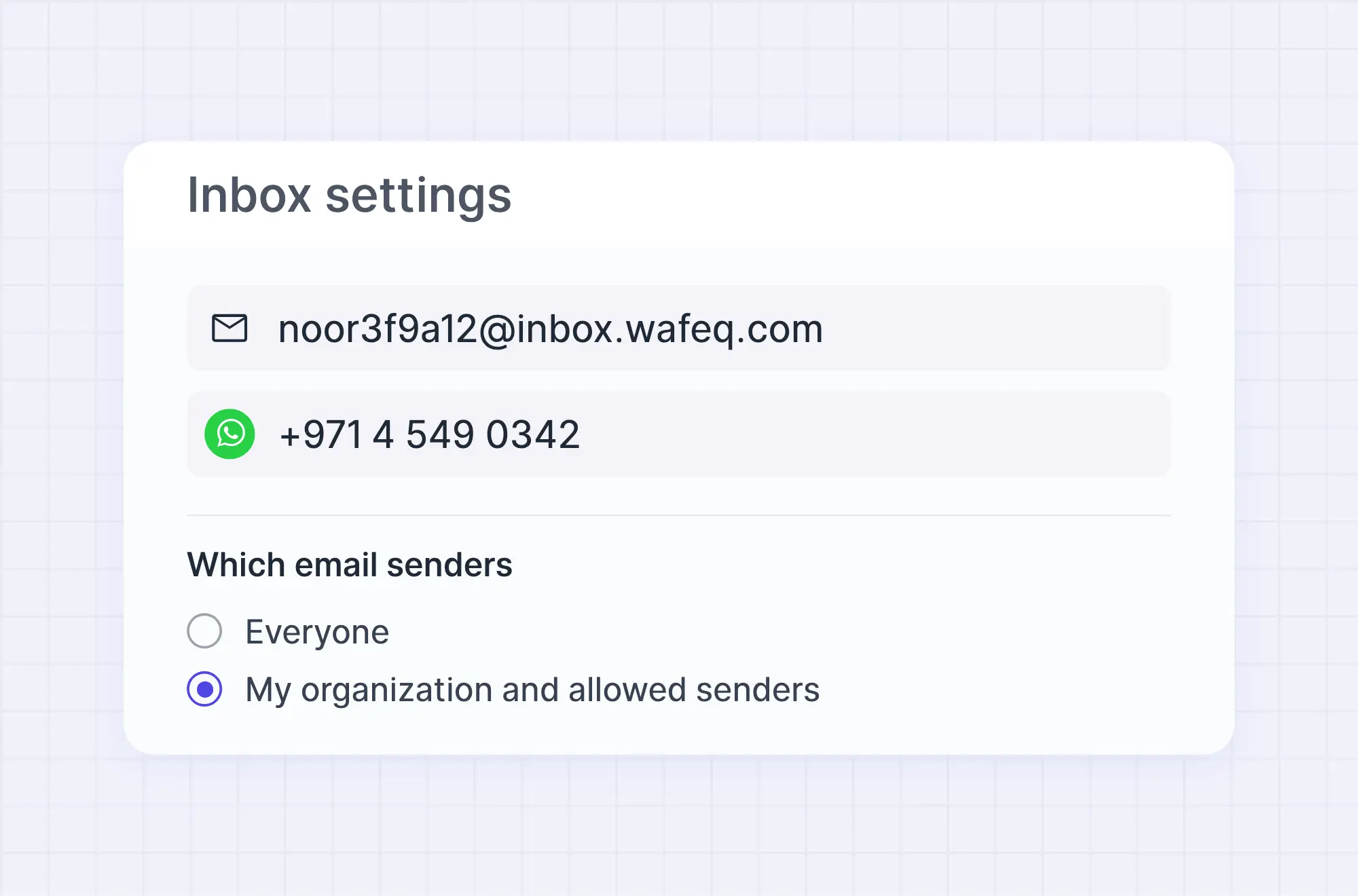
Find your inbox address, or add your phone number for WhatsApp.
Send a document
Forward or send a supplier bill or receipt as a PDF or image.
Review and approve
Open the draft from your review queue and approve it.
Ways in
Send documents the way that suits you
Use one channel or all of them. Everything ends up in the same list.
Email forwarding
Forward a supplier bill or receipt to your Wafeq inbox address.
WhatsApp messages
Send a photo or PDF to your Wafeq inbox WhatsApp number.
Direct upload
Upload files straight into the Inbox.
Bulk actions on documents
Select several documents and process them with AI, or mark them as reviewed together.
Additional features
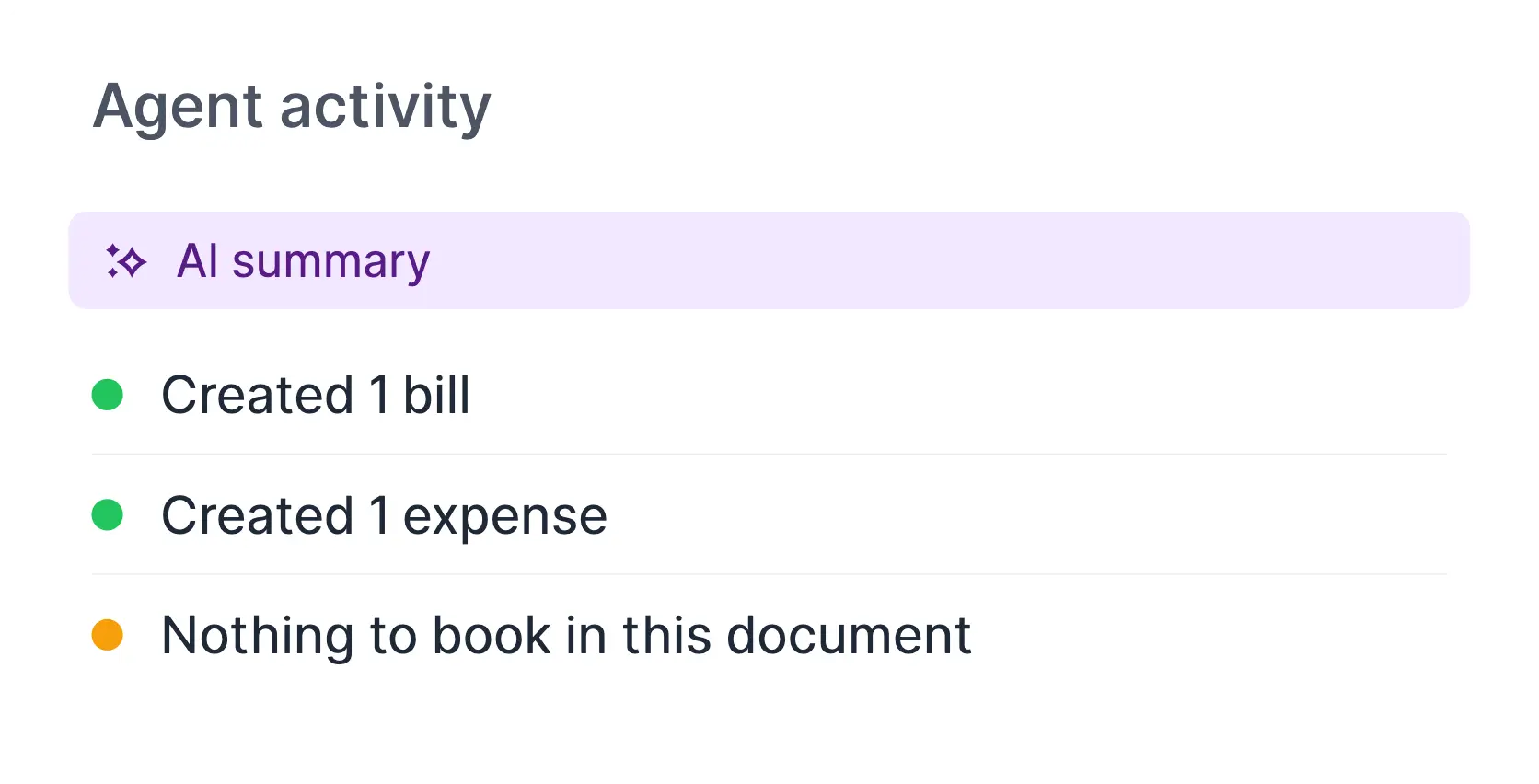
A summary of every outcome
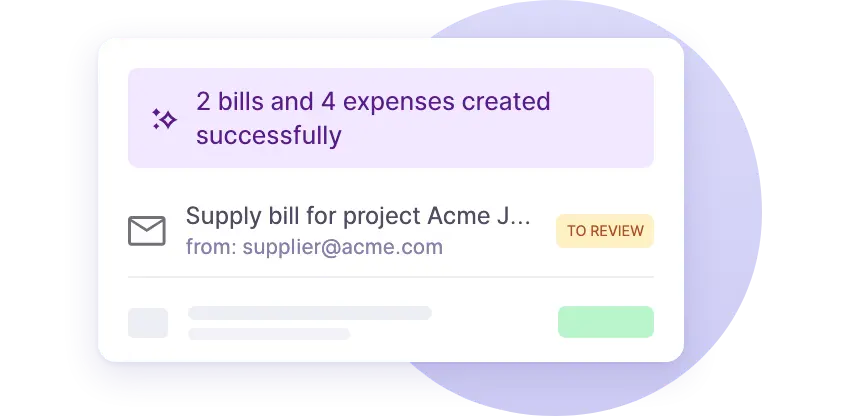
A short summary tells you what was booked, what was skipped and why. The sender gets the outcome back by email or WhatsApp.
FAQs
Frequently asked questions

No. Everything it books from the inbox is a draft bill, expense or invoice. You review and approve it before it affects your accounts.
Supplier bills and receipts as PDFs or images, by email or WhatsApp, or uploaded directly. The agent also reads the email body when it holds the details.
It stays in your Inbox for you to handle, with a note explaining why it was skipped, for example a duplicate, a document addressed to another company or missing details.
That is your choice. You can allow everyone, or only your organization plus the email addresses and domains you list. Everyone requires an attachment on the email.
Yes. It is off until you enable it in Inbox settings. Without it, you can still process any document with the Process with AI action.
The inbox agent is part of Wafeq AI, which is included in the Starter, Plus, Premium and Enterprise plans. The weekly AI allowance grows with the plan and is shared with Wafeq AI chat. The Basic Free plan does not include it.
Stop typing in what you can forward
Let the agent prepare your drafts while you keep the final say.