
AI-powered data extraction for invoices, bills and expenses
Upload a document or drop a batch of files. Wafeq reads the contact, dates, line items, tax and totals into a draft, and nothing is posted until you approve it.
Features
Review instead of retyping
The AI reads each document and prepares the entry for you.
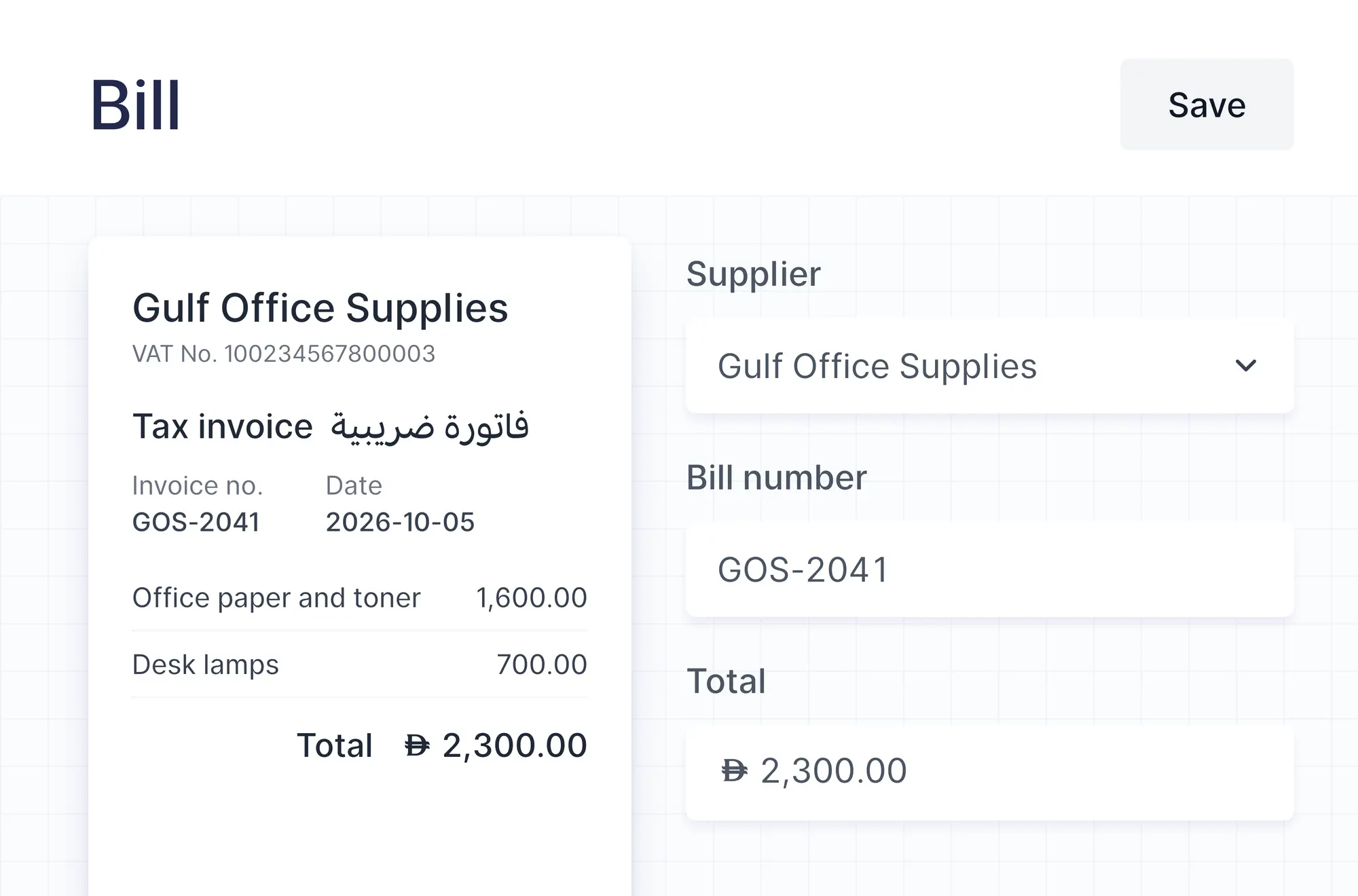
Every field, read from the file
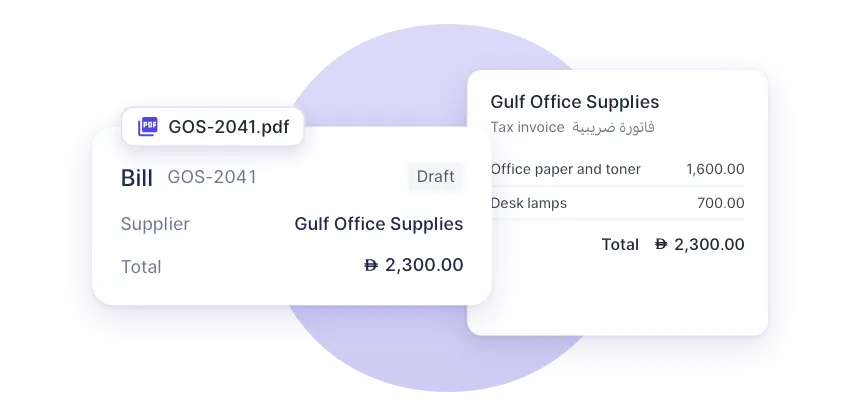
The contact, number, dates, currency, line items, tax and totals are filled in, and the original stays attached.
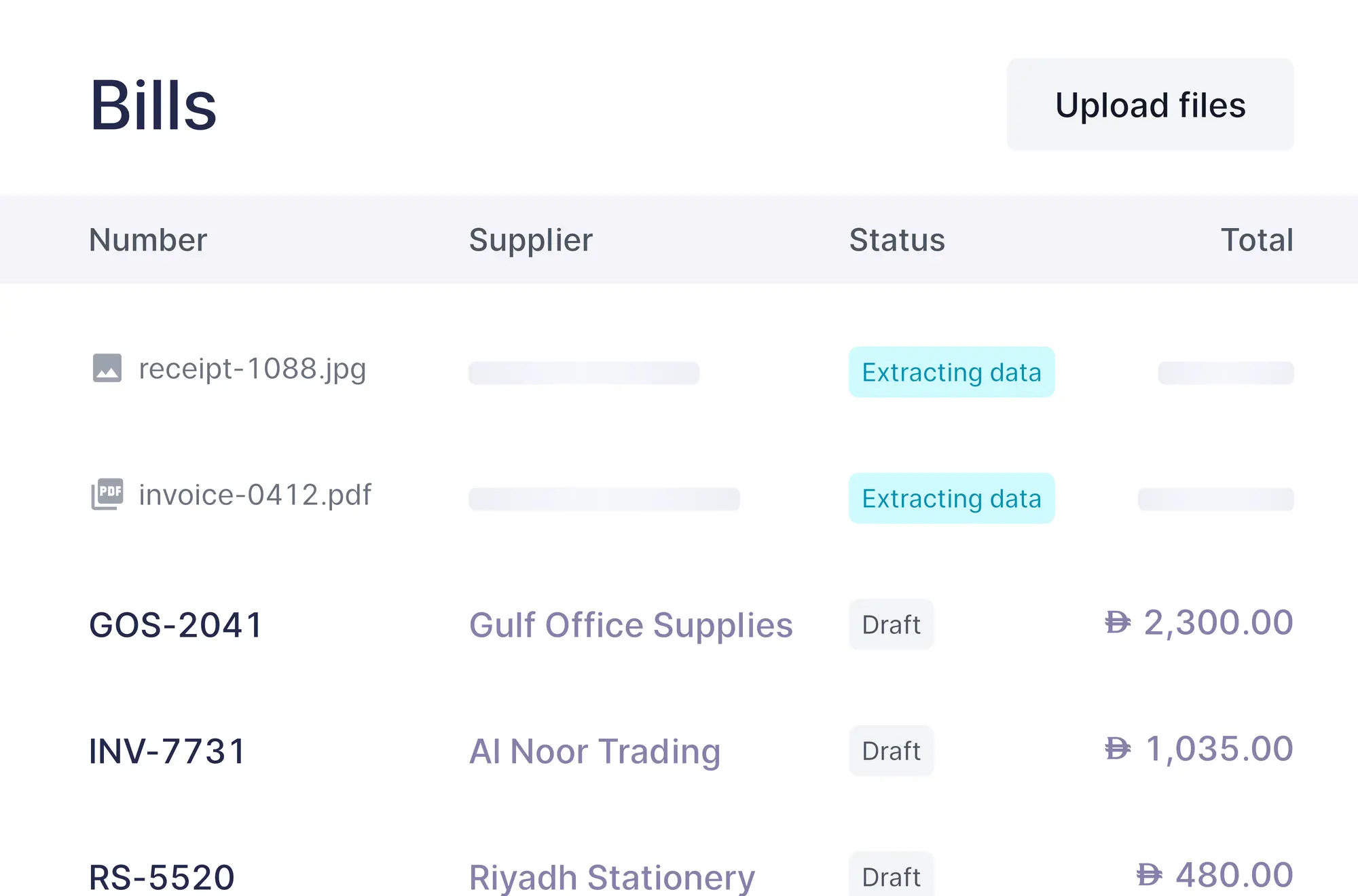
Up to 20 files at once
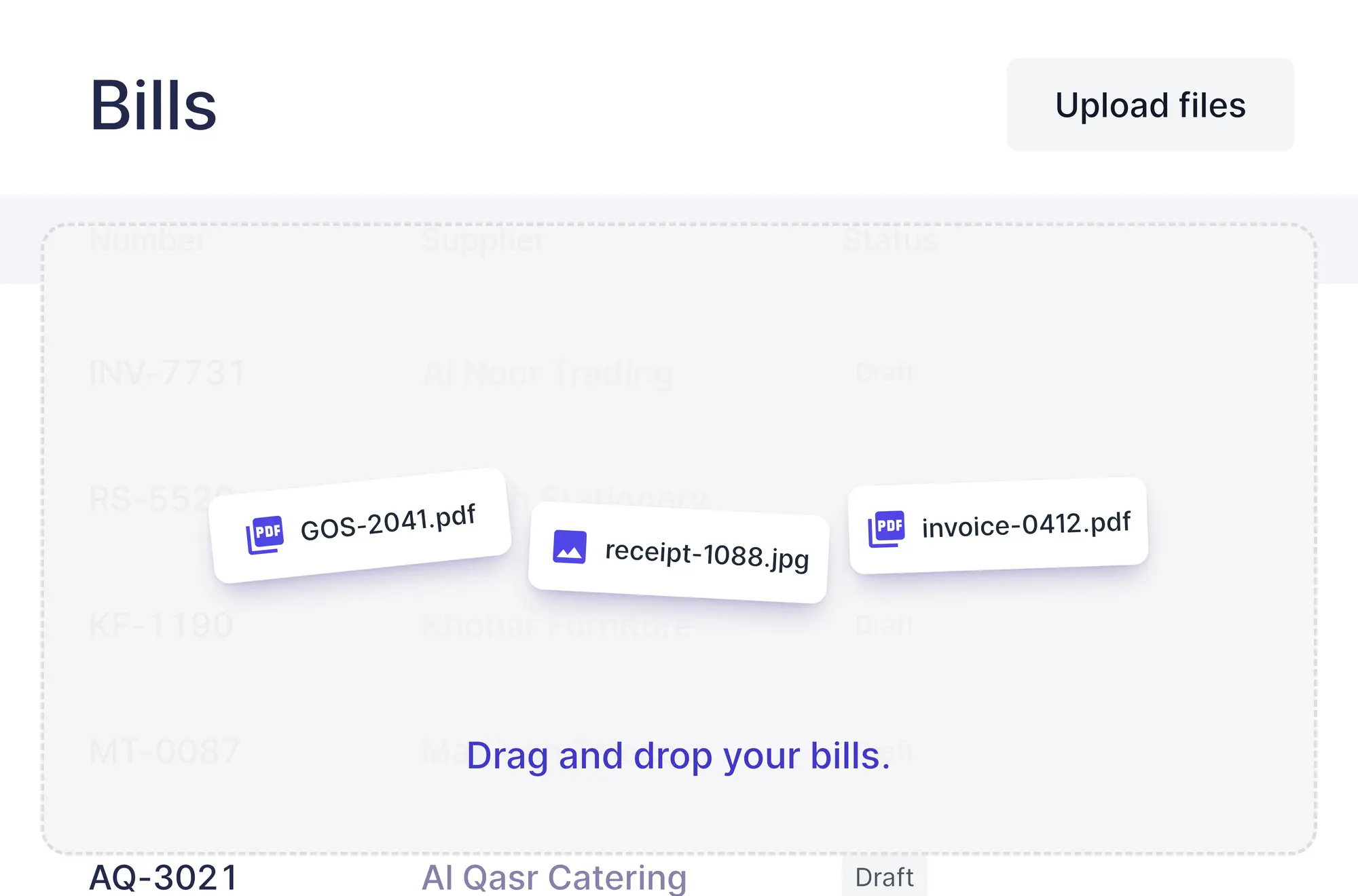
Drop a batch of bills on the list. Each file becomes its own draft while you keep working.
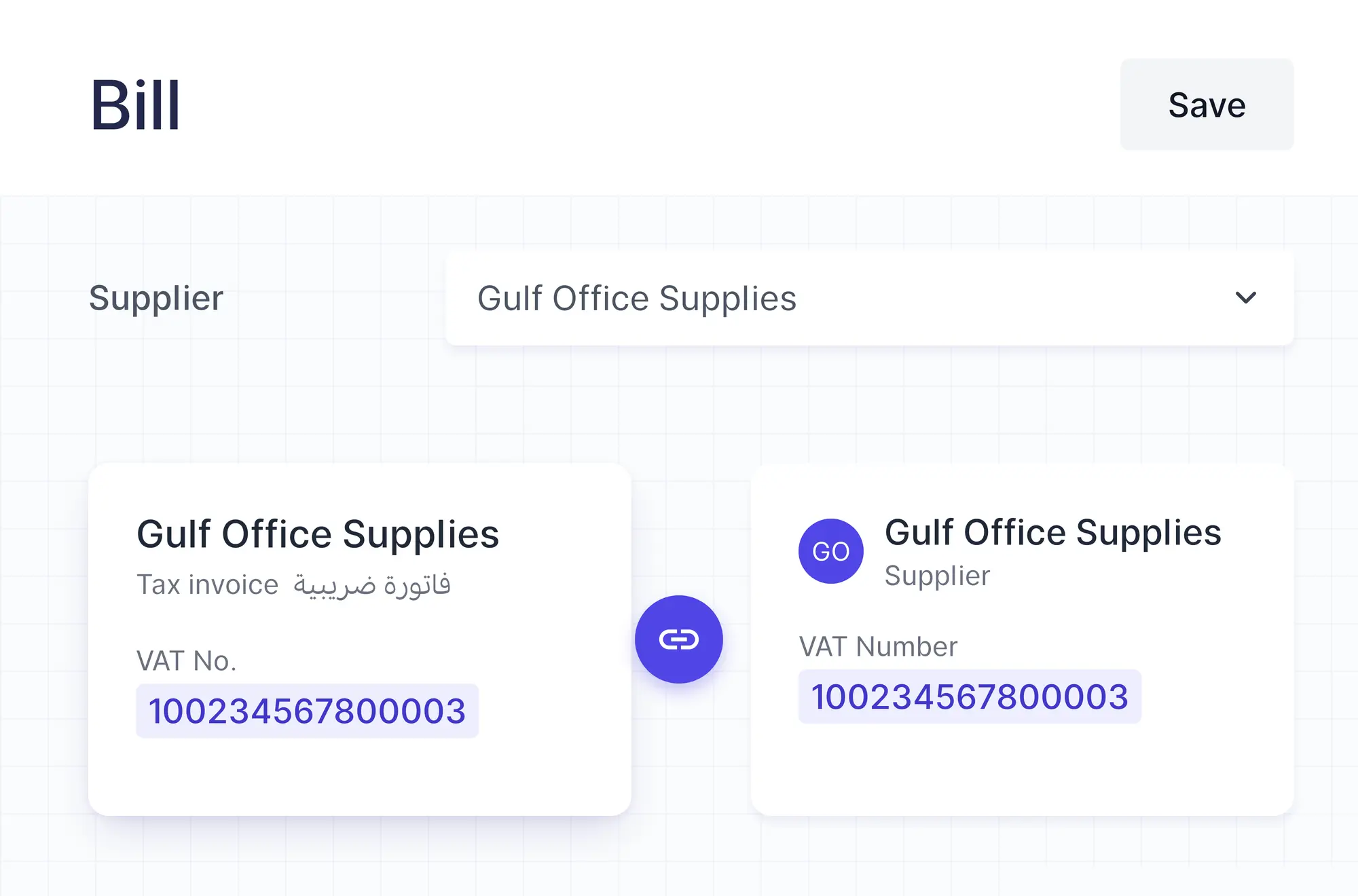
Matched to your suppliers
Wafeq finds the supplier in your contacts by VAT number, then by name.
How it works
From file to draft
Four steps, and the AI does the typing.
Upload or drop your files
Upload an invoice, a bill, a receipt photo or an e-invoice, or drop up to 20 files on the list.
AI reads each document
It extracts the contact, numbers, dates, line items, tax and totals.
Review the draft
Check the details next to the original file and fix anything it missed.
Approve it
Nothing reaches your books until you approve the draft.
Whole document
It reads the whole document
Not just the total: the AI picks up each line and the tax, in Arabic or English, from PDFs, photos and e-invoices.
- Line items, tax and totals
- Arabic and English documents
- PDFs, photos and e-invoice XML
Where it works
On invoices, bills and expenses
Upload in the screen you're already using.
Invoices
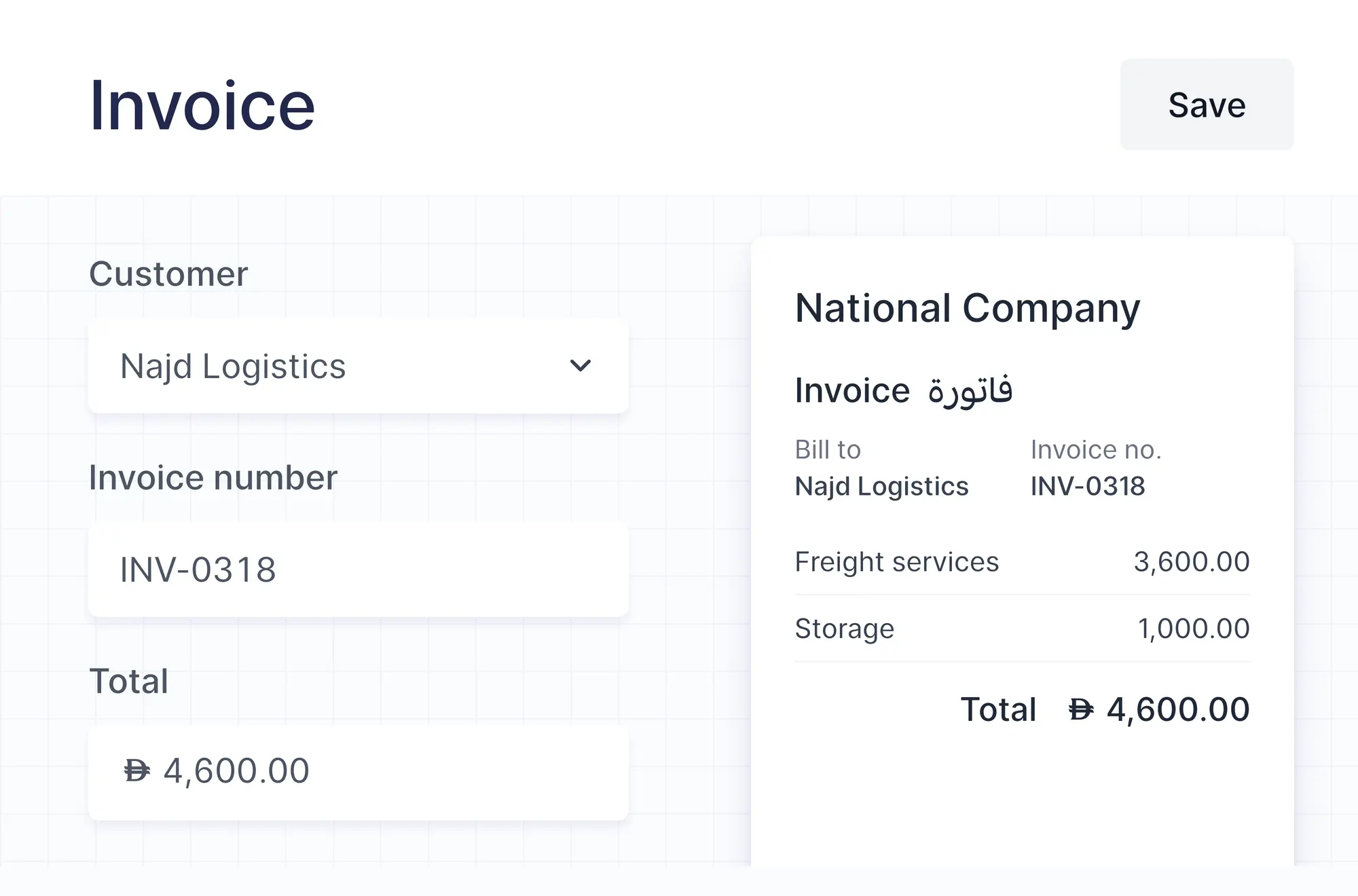
Upload an invoice you issued and the draft is filled in for you, ready to review.
Bills
Upload one bill, or drop a batch on the list to create a draft for each.
Expenses
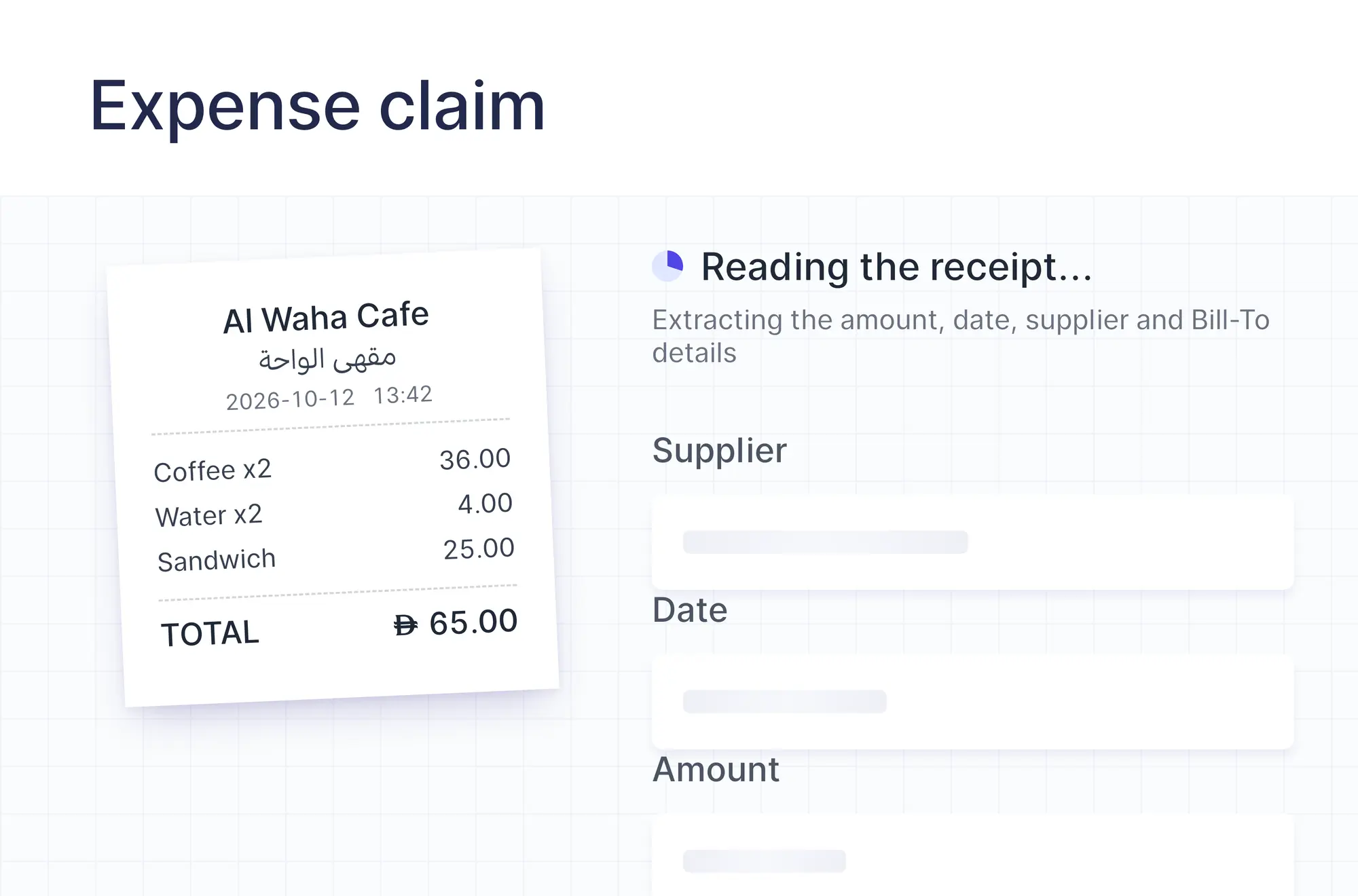
Upload a receipt to a cash expense, or add it to an expense report, and the details are read for you.
Also included
Built to keep your books clean
Checks that stop mistakes before they're booked.
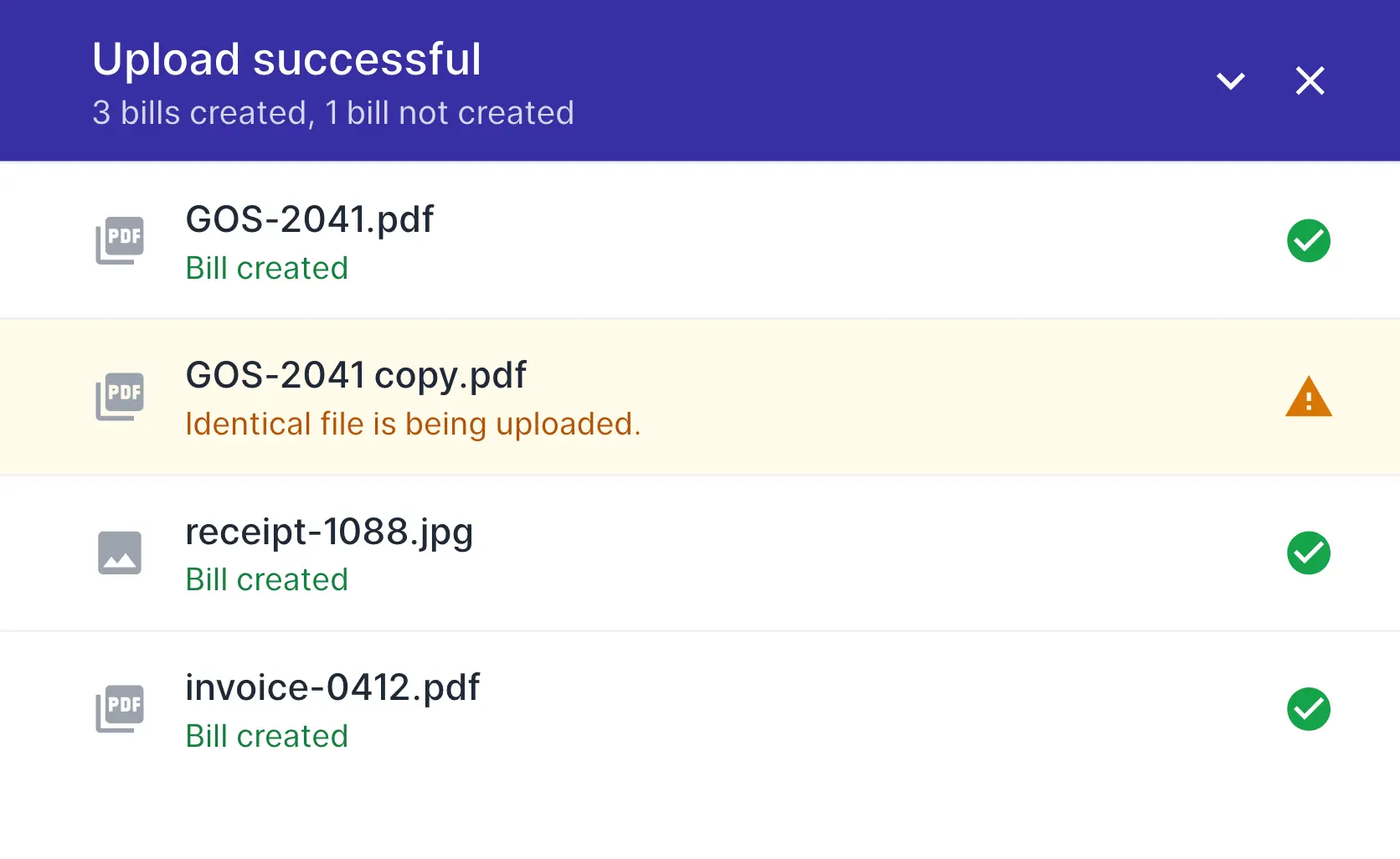
Duplicate files flagged
A file you already uploaded or booked is caught before it becomes a second bill.
Source file kept
The original stays attached to the draft, for review and audit.
Supplier match by VAT number
Bills land on the right contact, even when the names differ.
Works with the AI-powered inbox
Documents sent by email or WhatsApp are read for you too.
Additional features
Duplicates caught before they're booked
Upload the same file twice and Wafeq flags it. If a bill already exists for a document, the copy is skipped instead of creating a second bill.
FAQs
Frequently asked questions

PDFs, photos (JPG, PNG, HEIC, WebP and TIFF) and e-invoice XML files, up to 20 MB and 20 pages each.
No. Every uploaded document becomes a draft, and an expense claim waits for review. Nothing is posted until you approve it.
Yes. It reads Arabic, English and bilingual documents.
Edit it in the draft before you approve. If the supplier isn't in your contacts yet, choose or add it yourself.
Up to 20 files in one upload. Each one becomes its own draft.
Starter includes 20 AI scans a month, Plus 100, Premium 500 and Enterprise unlimited.
Review your documents, don't retype them
Let AI do the data entry and keep the original with every draft.